© 2011 LPKF AG HB V2.0/Dez-11 61
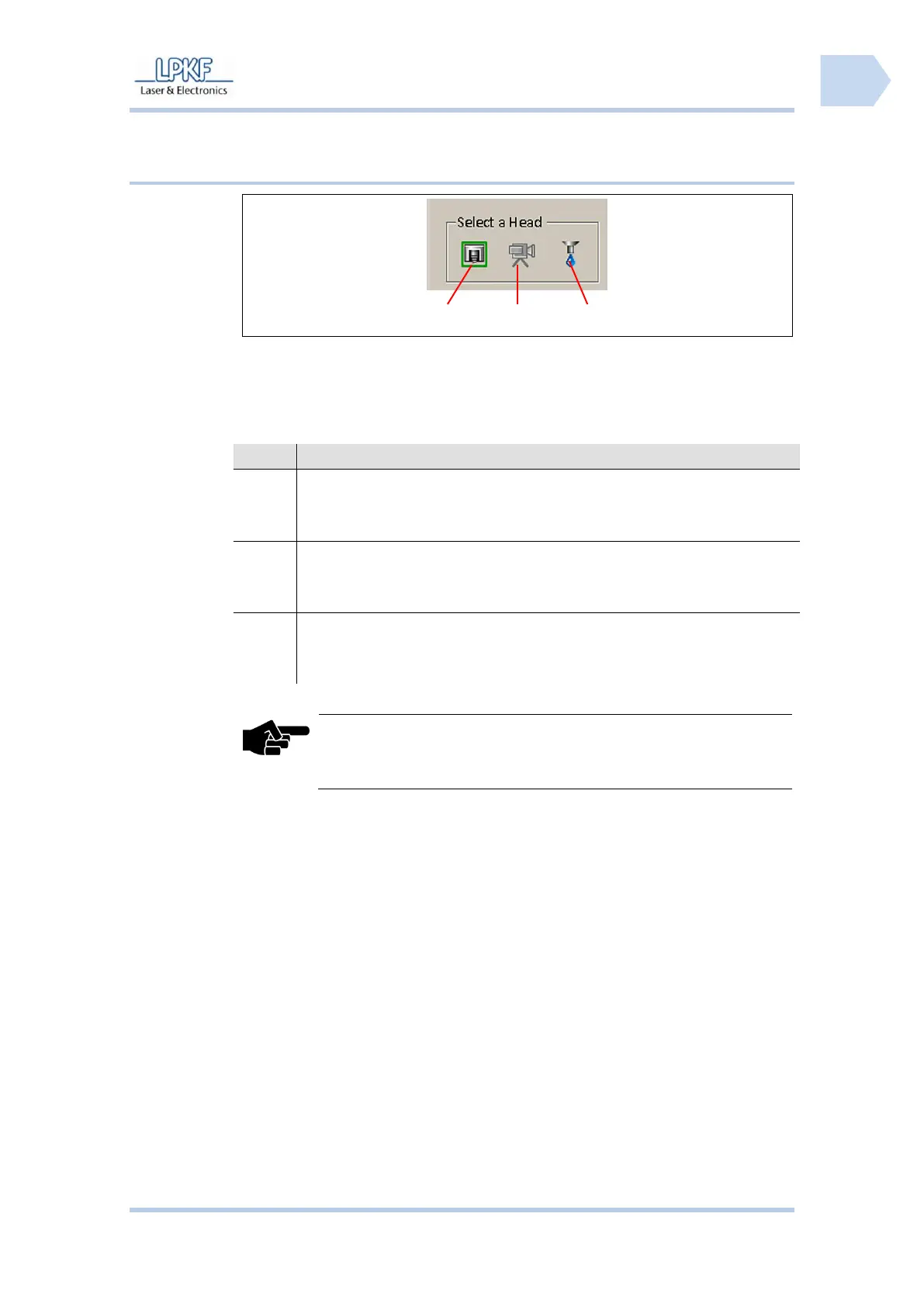
6.2.3.2 Select head
The individual buttons have the following functions:
Click on [Mill/drill head] to move the reticle (positioning indicator) of the
machining view onto the current mill/drill head position. The mill/drill
head will be repositioned accordingly.
Click on [Camera] to move the reticle (positioning indicator) of the
machining view onto the current camera position. The mill/drill head
will be repositioned accordingly.
Click on [Dispenser] to move the reticle (positioning indicator) oft he
machining view onto the dispenser position. The mill/drill head will be
repositioned accordingly.
The icons for camera and dispenser are deactivated when the
components are not installed (for example ProtoMat S43).



 To Next Page