54 HB V2.0/Dez-11 © 2011 LPKF AG
Pos: 20 /ED_Tec hnische_Doku mentation/2_Be dienungsanleit ung/Maschine/R P_Fräsbohrplotter/ ProtoMat_S _Serie/ProtoMat _S_Serie_IIG/K apitel_6_Be dienung/6_02_0 1_System_st arten @ 1\mo d_131833258 4755_2058.docx @ 37454 @ 23 @ 1
6.2 Start system
Always proceed in the same sequence when starting the system.
The dust extraction is connected to the circuit board plotter
via a control cable and it is operating automatically. The dust
extraction will be activated and deactivated by the circuit
board plotter.
■ System start
1. Check all connection cables and tubes.
➨ Exchange damaged cables or tubes at once.
2. Open the soundproof hood of the soundproof housing.
3. Switch on the circuit board plotter by setting the main switch to position 1
(ON).
4. Start the PC.
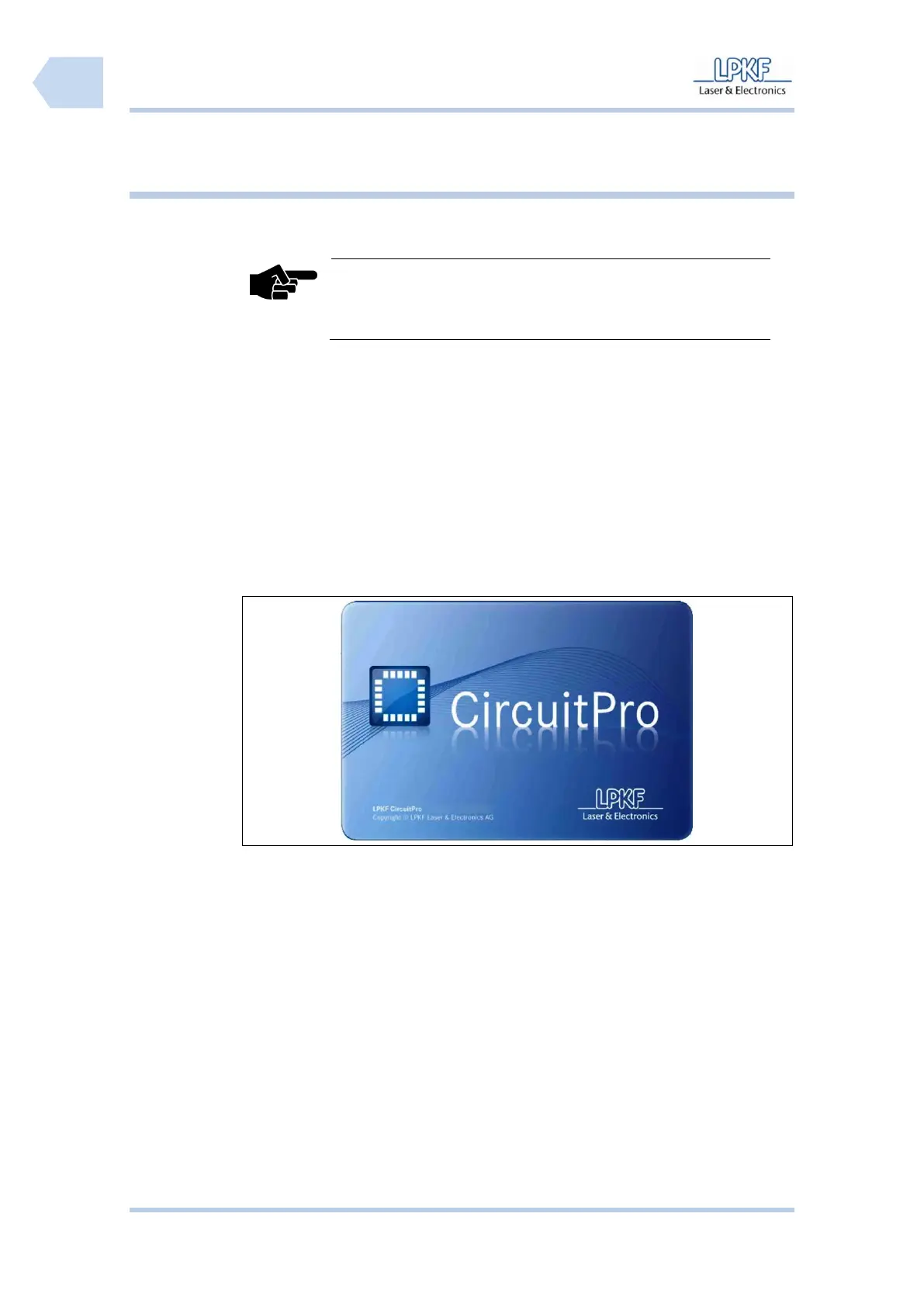
5. Start CircuitPro.
➨ The CircuitPro start-up logo is shown:
♦ CircuitPro starts and establish the connection to the circuit board plotter.



 To Next Page