66 HB V2.0/Dez-11 © 2011 LPKF AG
4. Click on the selection field \Tool position\ and select a tool number.
5. Click on [OK] to confirm the chosen tool position.
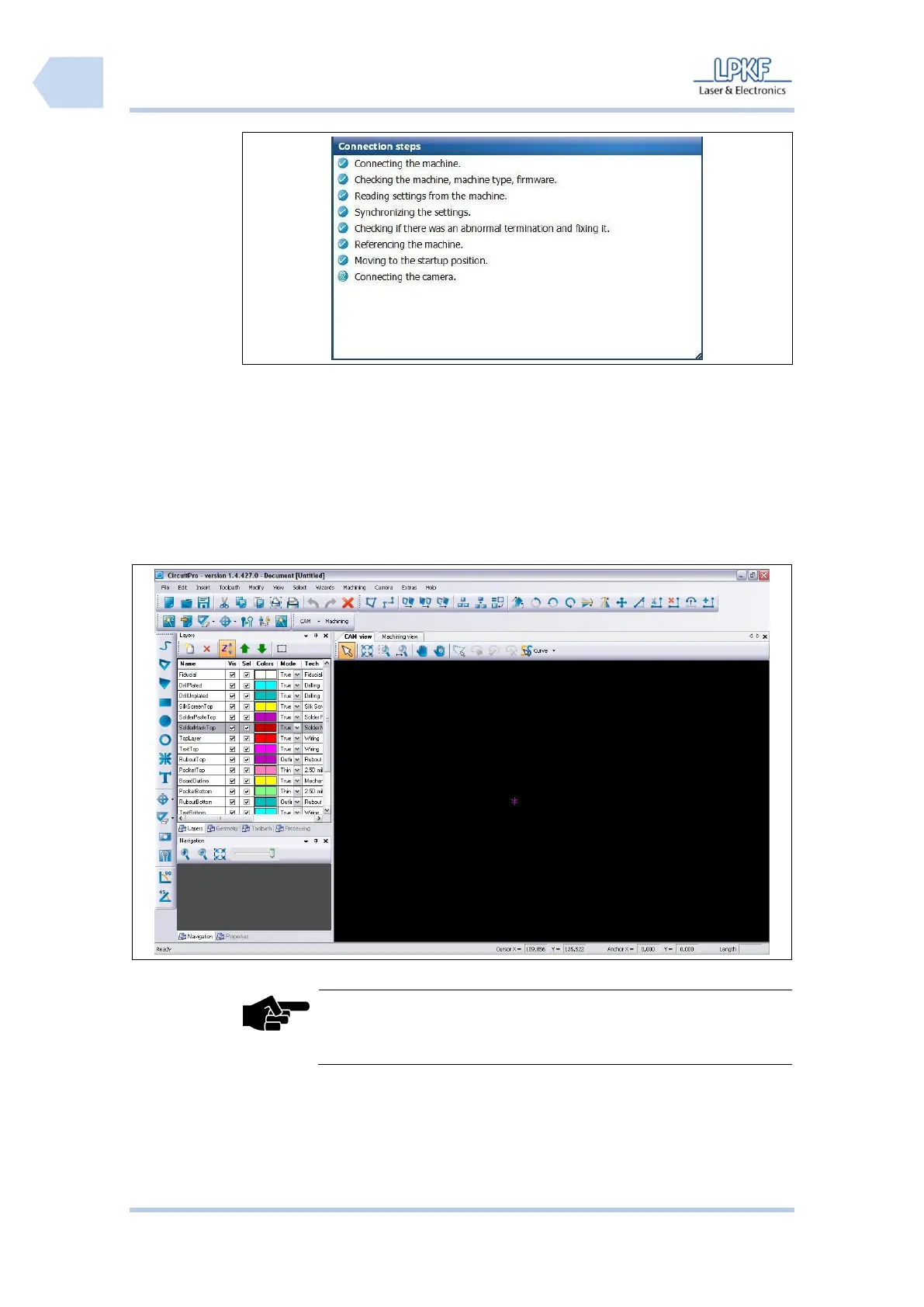
➨ After the circuit board plotter was detected and its data will be transmitted,
the CircuitPro user interface opens:
The tool magazine will be not displayed if a printed circuit board
plotter without automatically tool change mechanism is
connected.
♦ Now the circuit board plotter is ready for operation.
Pos: 24 /ED_Tec hnische_Doku mentation/2_Be dienungsanleit ung/Maschine/R P_Fräsbohrplotter/ ProtoMat_S _Serie/ProtoMat _S_Serie_IIG/K apitel_6_Be dienung/6_04_M aterial_auflege n @ 2\mod _131946113229 4_2058.docx @ 41092 @ 2 33 @ 1



 To Next Page