Operation
95
5
TRANSMISSION CREEPER OPERATION
(If Equipped)
Transmission creeper speeds can be used for
PTO type harvesting operations or other
applications where slower ground speeds are
desired.
To operate in creeper use the following
procedure.
STEP 1
If equipped with a Powershift transmission, Put
the Range and Forward/Neutral/Reverse levers
into NEUTRAL and start the engine.
If equipped with a Auto Speed transmission, Put
the Forward/Neutral/Reverse lever into
NEUTRAL and start the engine.
NOTE: If equipped with a Auto Speed
transmission, on starting the engine the
transmission will default to Gear 5.
STEP 2
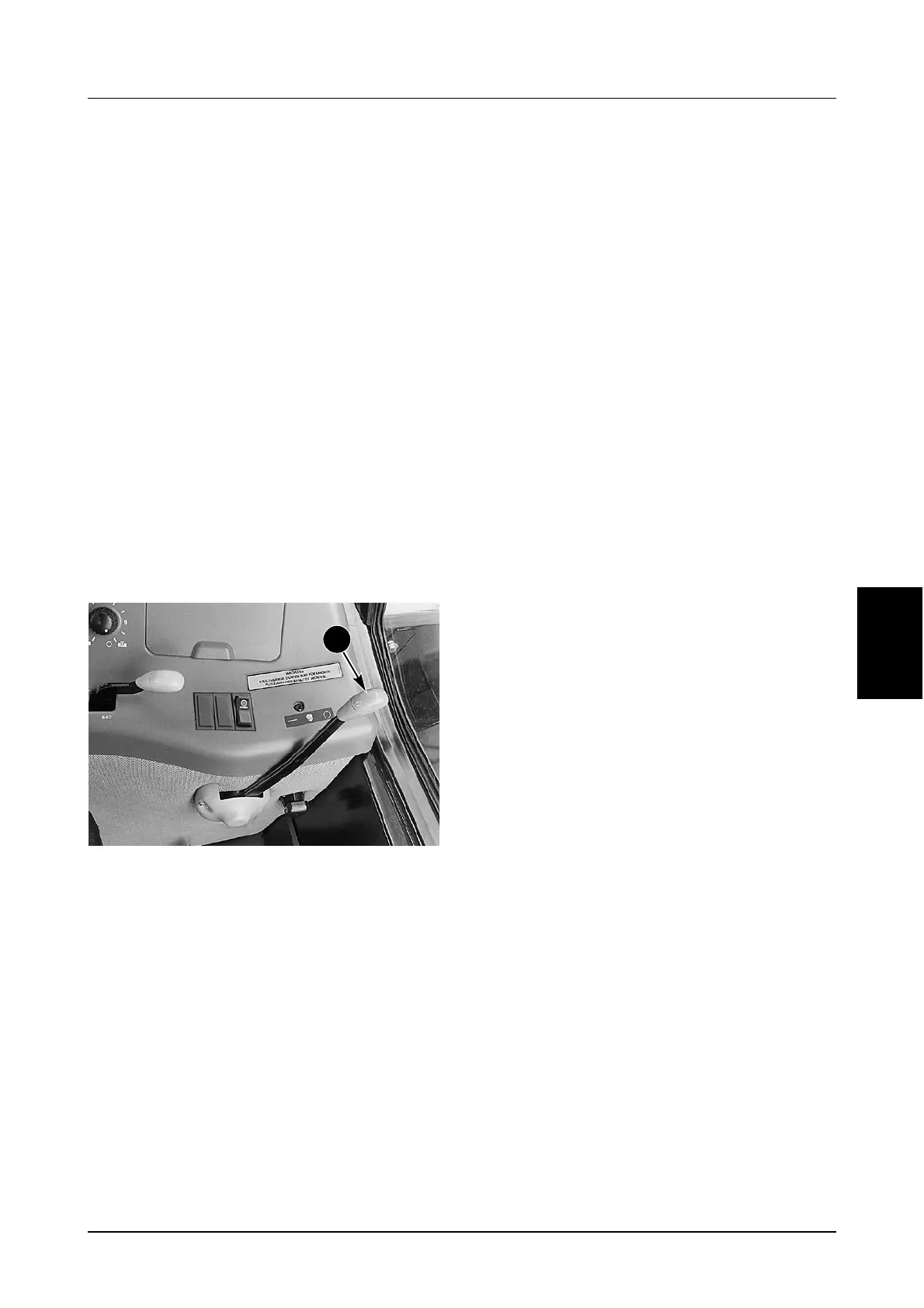
DR99G160
Push the clutch pedal fully down and move the
creeper lever (1) positively FORWARD to the
engaged position.
STEP 3
Keep the clutch pedal fully down and;
If equipped with a Powershift transmission, select
required range and powershift speed 1.
If equipped with a Auto Speed transmission,
select Gear 1.
NOTE: Ranges 3 and 4 (Powershift
Transmissions) or gears 9 to 16 (Auto Speed
Transmissions) should not be used with high
draft loads. Using creep with high draft loads
will cause gear damage.
STEP 4
Select FORWARD or REVERSE.
STEP 5
Disengage the park brake and release the clutch
pedal slowly. The tractor will start moving.
Adjust engine speed to obtain required travel
speed.
STEP 6
Change transmission gear/speed as in normal
transmission operation.
To disengage the creeper, reduce the engine
speed to slow idle, push the clutch pedal fully
down and move the creeper lever positively
REARWARD to the disengaged position.
NOTE: A small amount of gear clash may
occur when engaging and disengaging creep
speeds. Engagement effort will be high,
especially when changing from creep to direct
drive when the oil is cold.
1



 To Next Page