Operation
91
5
Selecting Speeds with Tractor
Moving
The powershift switch can be shifted to any
position when the tractor is moving. For smooth
speed changes, move the switch one speed at a
time in sequence 1,2 3,4.
If equipped with a digital instrument cluster the
powershift display will indicate which speed has
been selected.
IMPORTANT: To prevent excessive
deceleration of the tractor ALWAYS downshift
one speed at a time in sequence, 4, 3, 2, 1.
Shift Mode
DP96J384
Only use the shift mode selector in 4th range.
DO NOT USE THE SHIFT MODE SELECTOR IF
THE TRACTOR IS UNDER LOAD
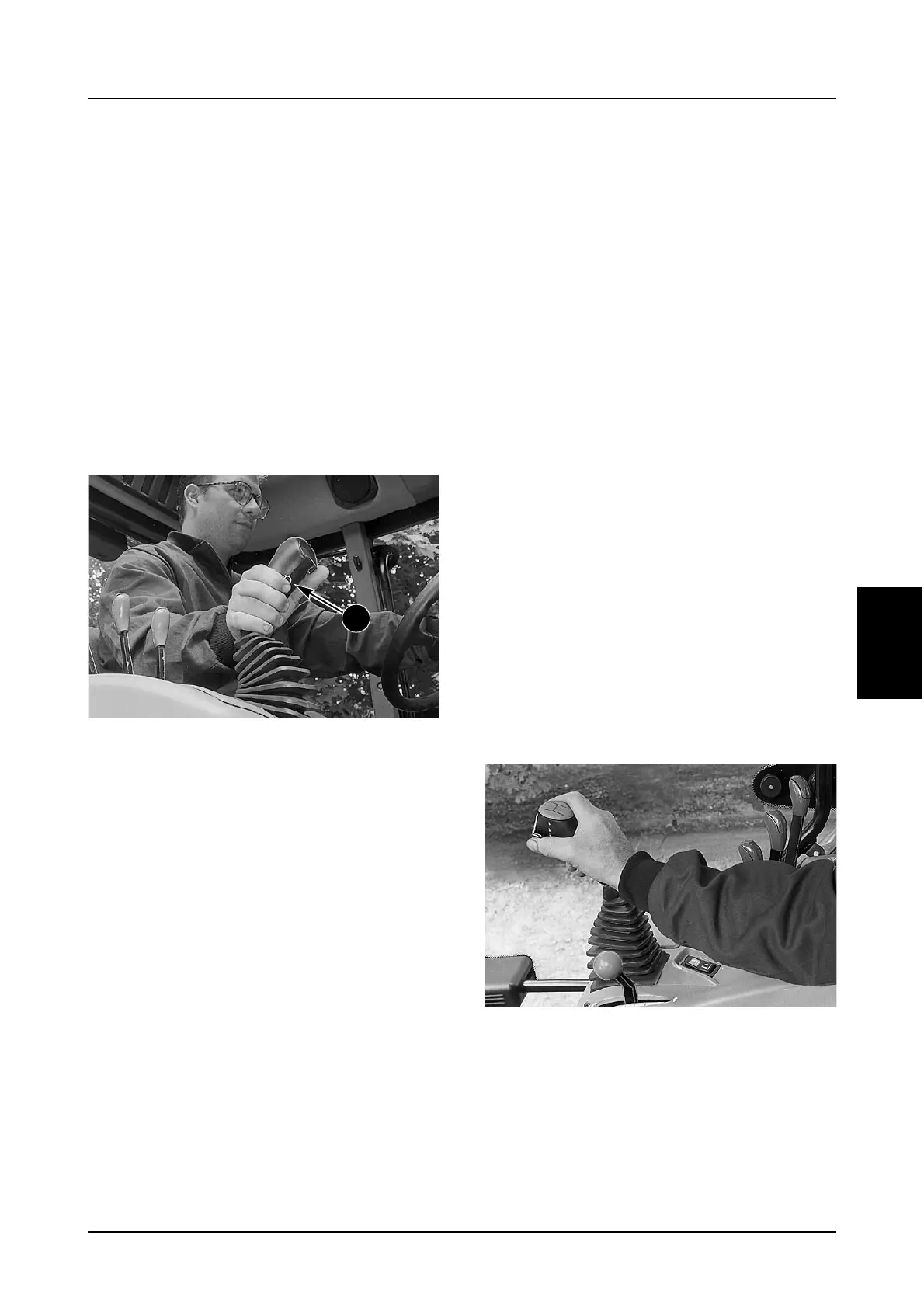
The shift mode selector button (2) can be used to
give a smoother shift operation.
To Operate; hold the button in while moving the
power shift switch to a new position.
Shuttle Shifting
When changing the direction of travel can be done
with or without using the clutch pedal.
Always slow the tractor speed to a minimum before
moving the FORWARD/NEUTRAL/REVERSE lever
to the desired direction of travel.
IMPORTANT: The transmission will not operate
if reverse is selected with the range lever
engaged in fourth. To reset the transmission,
push the clutch pedal fully down and move the
range lever to 1st, 2nd or 3rd range then move
the F/N/R lever to NEUTRAL then REVERSE.
Move the power shift switch through the speed
range to the desired speed selection.
Parking The Tractor
Stationary Tractor Operation
(Engine Running)
Before doing any PTO and/or HYDRAULIC
operation do the following:
STEP 1
Stop the tractor and put the forward/neutral/
reverse lever in NEUTRAL position.
STEP 2
DP96J337
Put the range lever in the NEUTRAL position.
2



 To Next Page