Operation
114
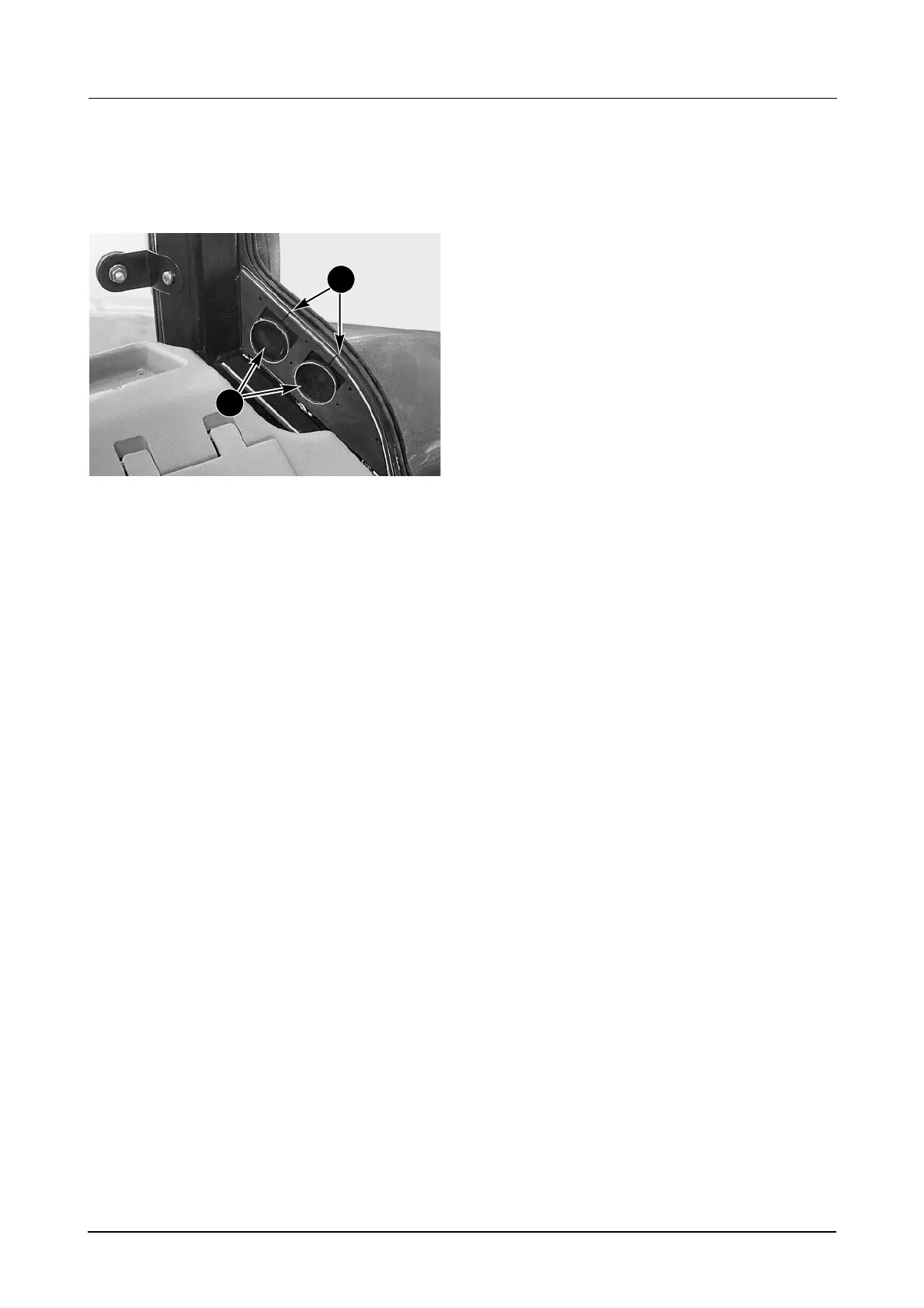
IMPLEMENT CABLE ACCESS
Access is provided for implement cables in the
right hand corner of the rear window.
DP97A152
To fit cables:
STEP 1
Open the rear window and remove the rubber
grommet by pulling upward.
STEP 2
Cut the grommet down (1) into the centre of the
circle area and then cut out the centre (2) to fit
the cable(s).
STEP 3
Fit the grommet over the cable(s) and install the
grommet and cable(s) into the slots in the cab.
STEP 4
Close the rear window.
There are also tapped holes provided in the cab
A, B and C posts, behind the plastic trim, for
mounting an implement monitor.
For full installation instructions and replacement
grommets see you dealer.
1
2



 To Next Page