Routine Maintenance
197
7
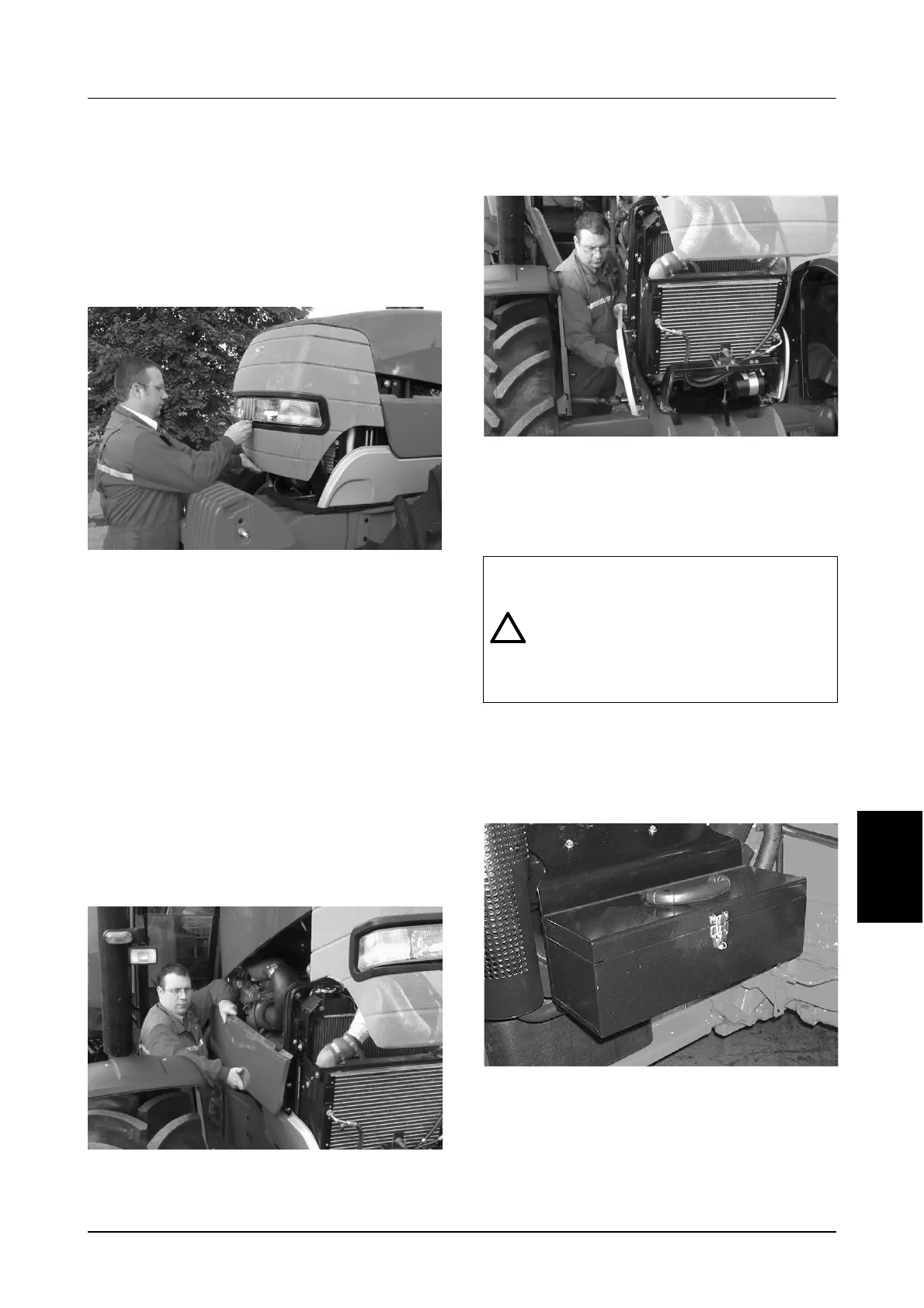
SERVICE ACCESS
Opening the Hood
STEP 1
Park the tractor on hard, level ground and apply
the park brake.
STEP 2
MD04H043
Release the hood and push the front upward
keeping clear until the hood is fully raised. The
gas strut will hold the hood in the upright position.
IMPORTANT: When opening the hood in windy
conditions, put the front of the tractor towards
the wind.
STEP 3
To close, pull hood down and push the front down
hard to close.
Side Panel Removal
STEP 1
Rasie the hood.
STEP 2
MD03A005
Large (Red) Side Panels: Lift the panels upwards
and outwards.
STEP 3
MD03A006
Small (Grey) Side Panels: Firstly remove the large
(red) panels (see Step 2).
Pull the top of the panel outward and then slide
the panel forward off the lower locating pins.
TOOL BOX
The tool box (if equipped) is located in front of the
cab on the right hand side.
MD04H044
The tool box can be removed by removing the
retaining pin, located at the centre back of the
tool box. Lift the tool box from the bottom
outwards and upwards.
WARNING: Replace all covers or guards
removed, close the hood and close any
service access doors after servicing or
cleaning this machine. NEVER operate the
machine with any covers or guards
removed or with the hood or service door
open.



 To Next Page