Instruments and Programming
59
4
CLOCK SETTINGS
To Change Display To Read 12 Or 24 Hours:
STEP 1
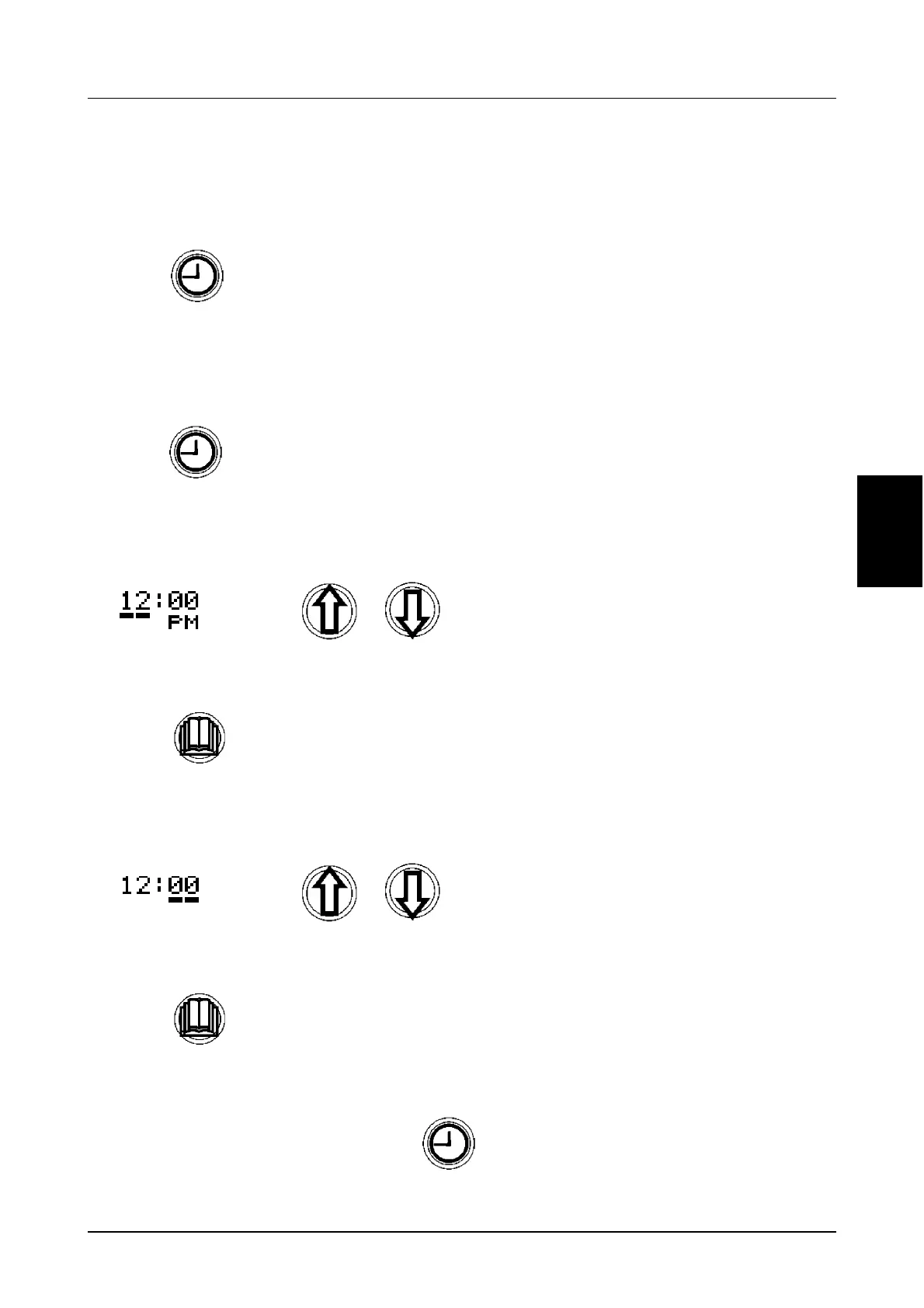
To Change The Time Setting:
STEP 1
STEP 2
Two horizontal lines will appear under the hour digits.
STEP 3
STEP 4
Two horizontal lines will now appear under the minute digits.
STEP 5
STEP 6
Press momentarily
Press and hold for 2 seconds.
Using change the HOUR accordingly.
Press momentarily to store new hours.
Using change the MINUTES accordingly.
Press momentarily to store new minutes.
To exit and store the new time setting, Press and hold for 2 seconds.



 To Next Page