Operating Controls
47
3
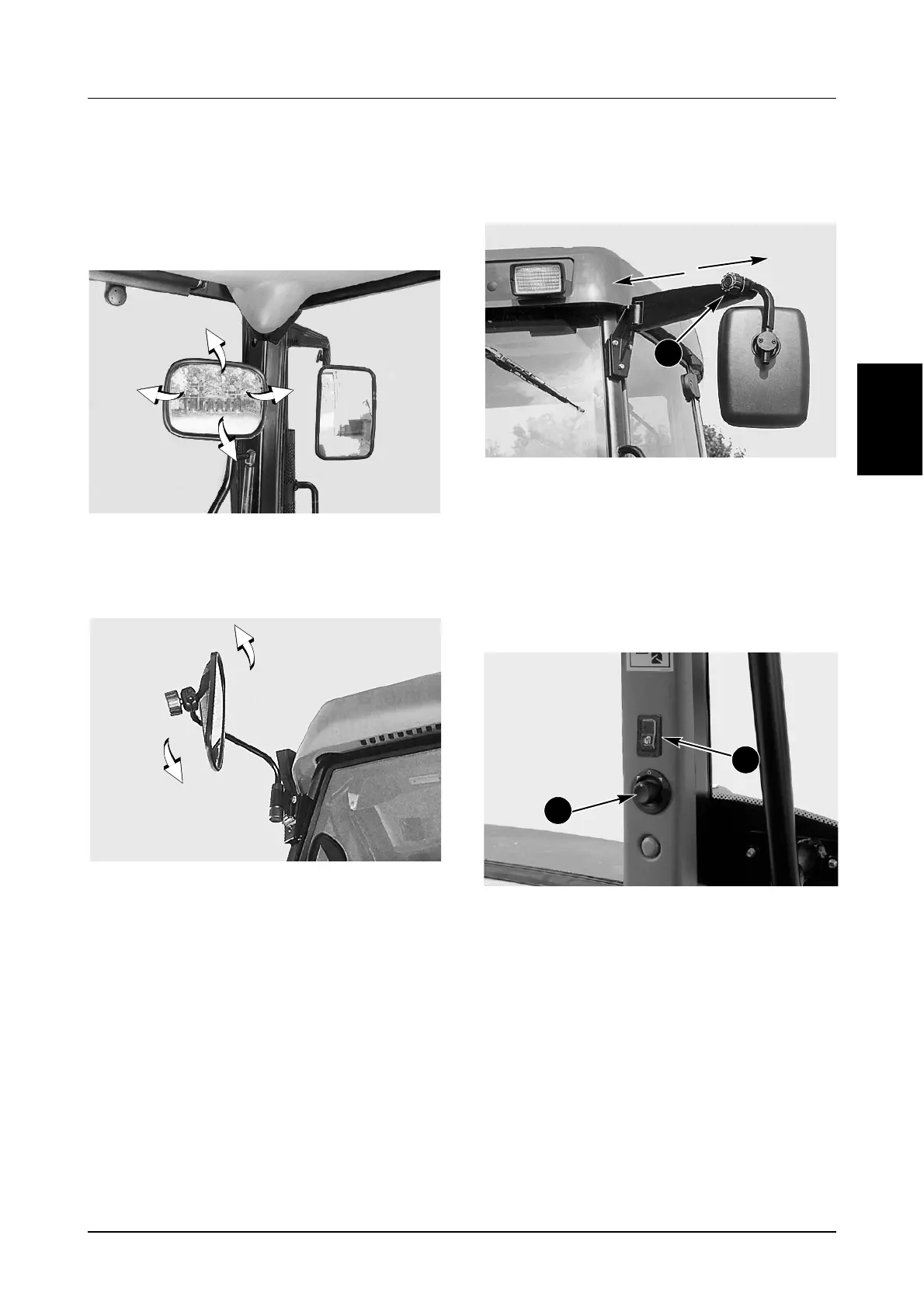
REAR VIEW MIRRORS
The mirrors give the operator a clear rear view for
distance and an immediate rear view to check
implements when working.
Internal Mirror
DP96J364
To adjust the mirror: hold firmly, tilt horizontally and
vertically as required.
Basic Mirrors
DS97K180
To adjust the mirror head: hold firmly, tilt
horizontally and vertically as required.
Extendable Mirrors
(If Equipped)
DP99J053
To alter the length: loosen the locking knob (1) and
move the mirror to the required position, then
tighten the locking knob.
To adjust mirror head: hold firmly, tilt horizontally
and vertically as required.
Power Adjust/Heated Mirrors
(If Equipped)
MD01H001
POWER ADJUST: Rotate the control knob (1)
clockwise to enable the Right Hand Mirror. Use the
control (as a joystick) to adjust mirror head as
required.
Rotate the control knob (1) counterclockwise to
enable the Left Hand Mirror. Use the control (as a
joystick) to adjust mirror head as required.
DEFROSTER (HEATER): Press the bottom of the
switch (2) to activate the heater. An indicator lamp
in the switch will illuminate to indicate the heater is
switched on. Press the top of the switch and the
heater and indicator lamp will go off.
IMPORTANT: Once the mirror is clear turn the heater
off. Never leave the heater on for more than 10
minutes. Failure to switch the heater off will result in
damage to the heater element.
1
1
2



 To Next Page