Instruments and Programming
62
Entering The Programming Mode
STEP 1
STEP 2
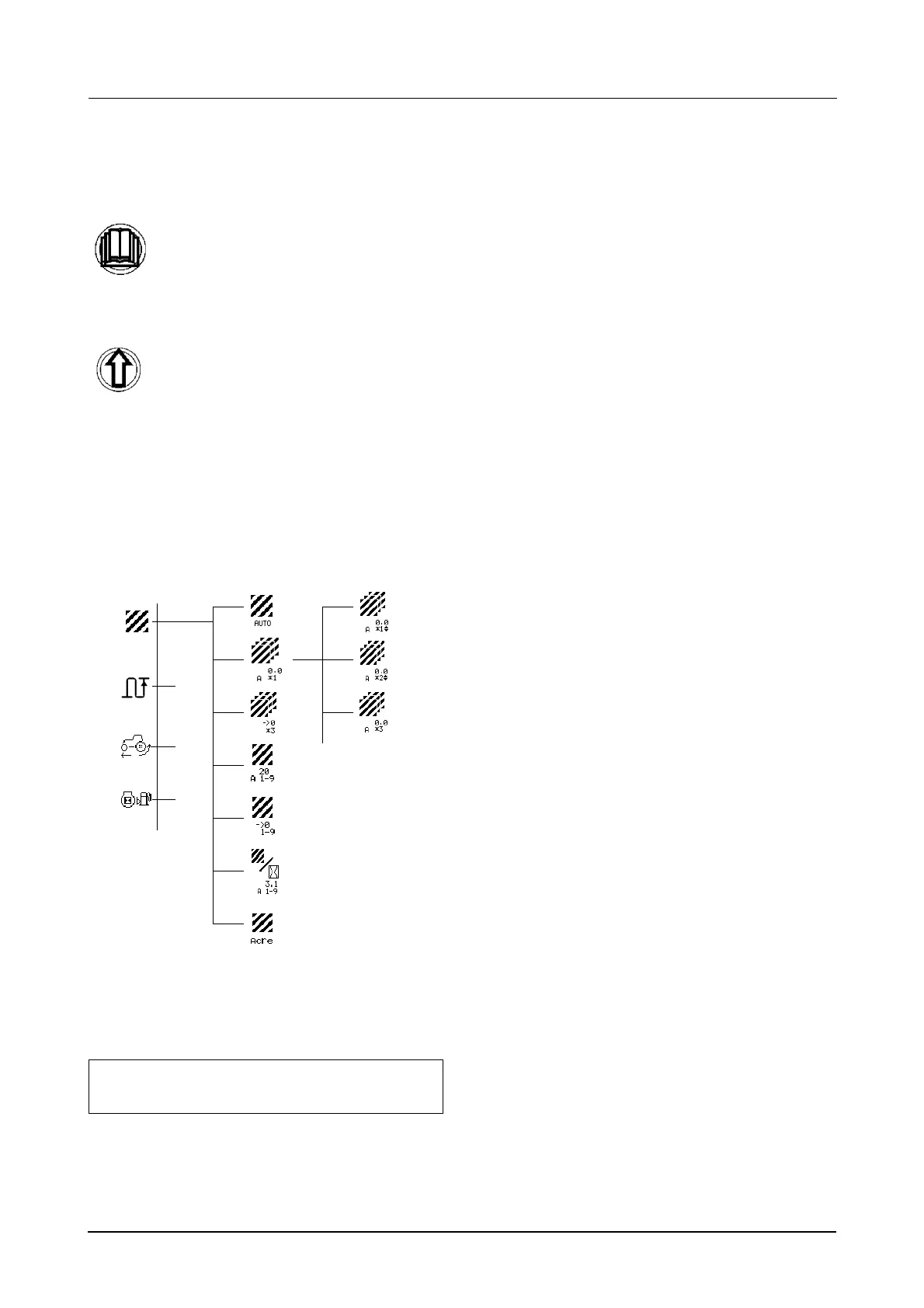
The programming structure consists of a number
main menus. Certain main menus are then
subsequently split into sub menus and sub sub
menus. An example of the programming
structure is shown below.
Exit the programming mode at any time by turning
the key switch to the OFF position. When the key
switch is turned to the on position the cluster will
return to its normal operating mode.
Press and hold the menu button for 2
seconds.
Use the UP button scroll through each
menu until you reach the required
display.
NOTE: The number of menus and the menu
order will vary depending on tractor model.
Main
Menu
Sub
Menu
etc.
Sub Sub
Menu
etc. (up to 9)



 To Next Page