Instruments and Programming
63
4
Area Function (Menu 1)
The area function can display the sub-total area
worked per field (up to a maximum of 9 fields), the
total area worked (the total of all fields worked) and
the area worked per hour.
NOTE: Prior to using the area function the
implement width must be programmed into the
cluster. See Programming Implement Width (Menu
5) on Page 77 for correct procedure.
NOTE: For trailed implements, a connector is
provided on the harness behind the seven terminal
auxiliary electrical socket, to connect an implement
position switch. This will turn the area function off
when not required. Refer to main manual for
further information with regard to the external
implement switch.
NOTE: You MUST first enter the main menu
before being able to view the sub menus, as
explained on Page 62.
To change the current area function
status (Menu1-1):
STEP 1
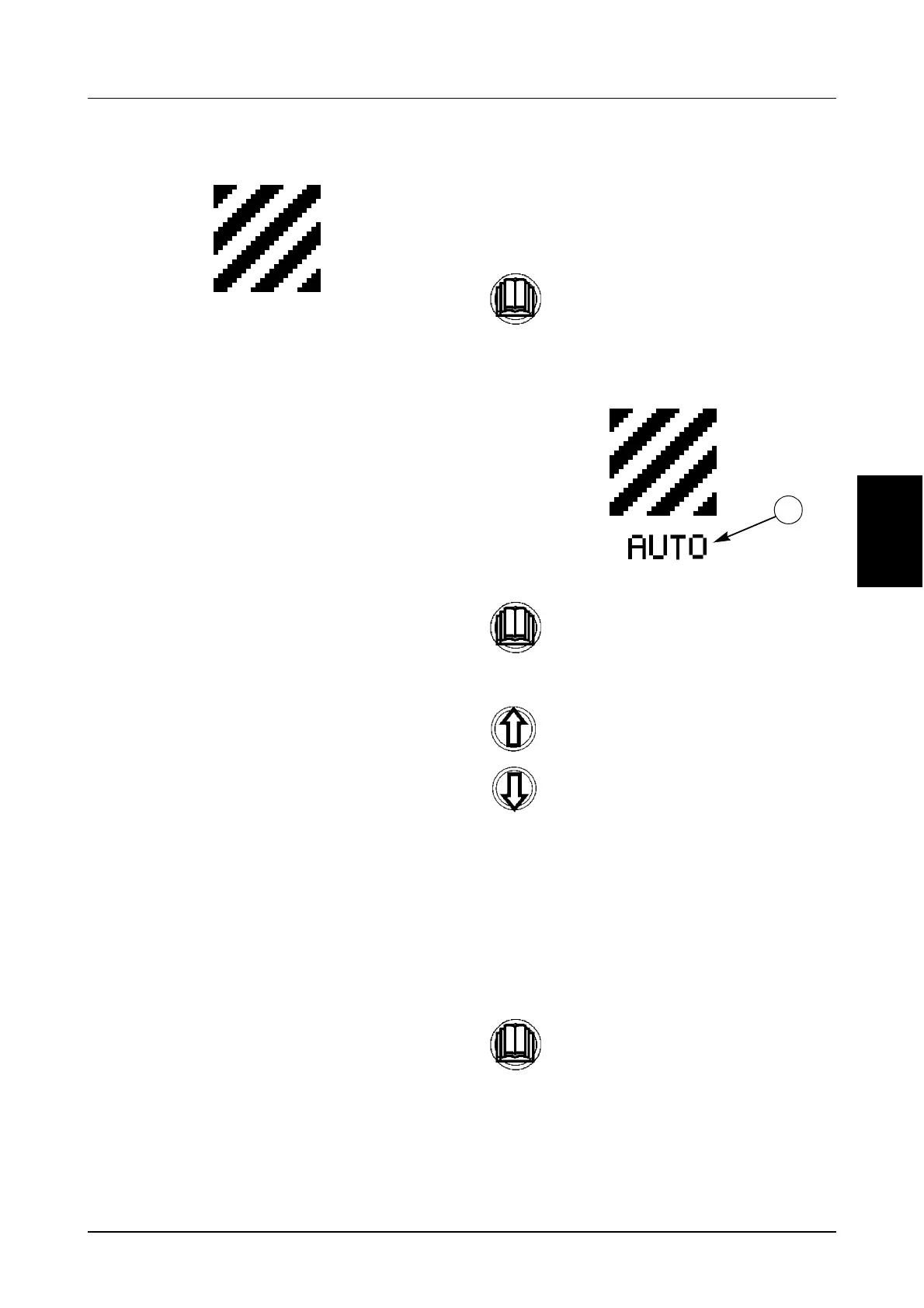
The current area function status (1) will be
displayed under the area icon.
STEP 2
STEP 3
Momentarily press the menu button to
enter the sub menu.
Momentarily press the menu button
again.
Use the UP and Down buttons to
change the status accordingly.
OFF = Area Function Off.
MAN (ON) = Area Function On.
AUTO = Auto Mode will only accumulate
the area worked when the implement is
in the lowered position (working). The
area count will turn on and off
automatically when using either the hitch
raise/lower switch, or an external
implement switch, which has been
connected into the wiring harness.
Momentarily press the menu button to
store the new setting and return to the
main menu.
1



 To Next Page