Instruments and Programming
64
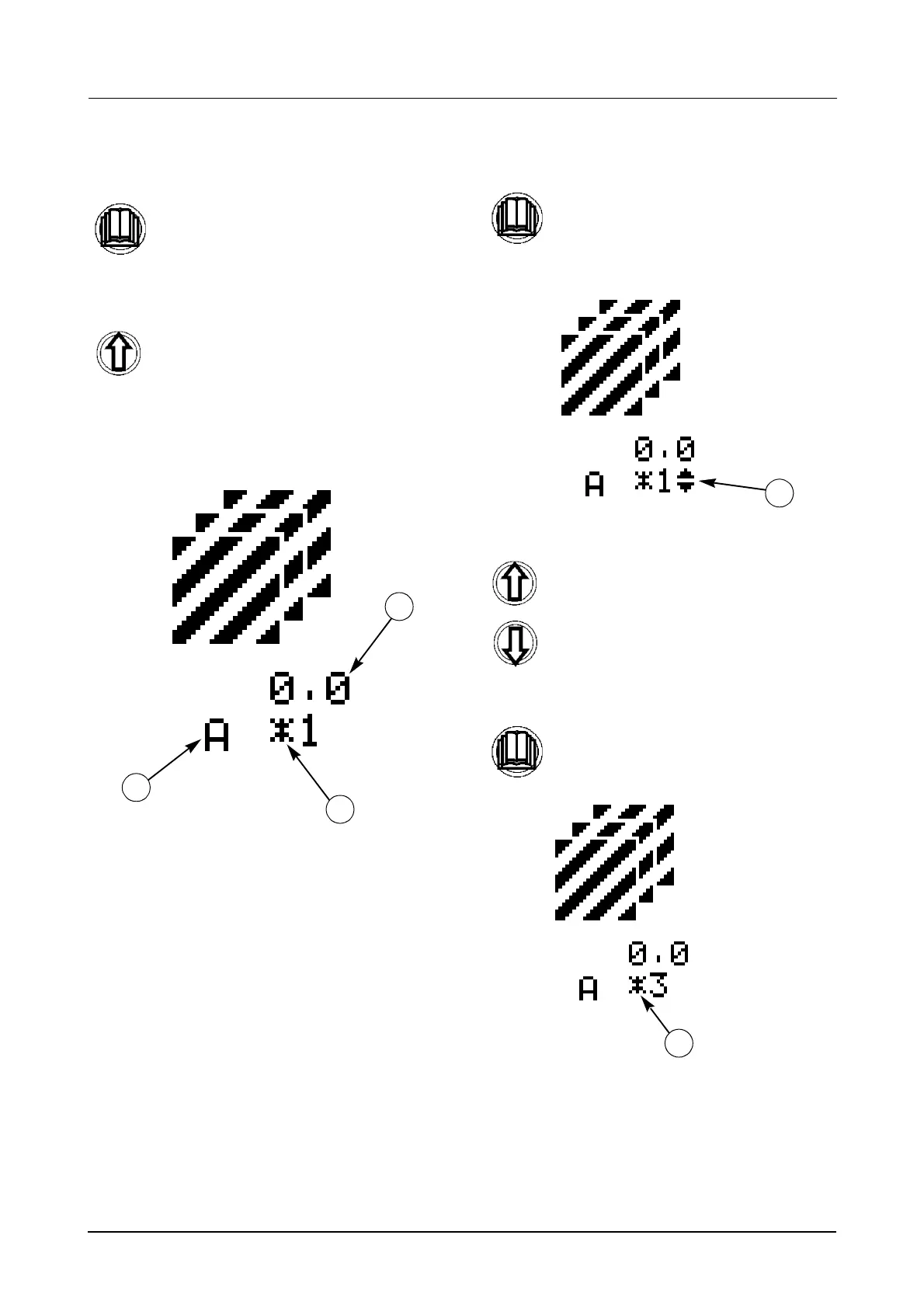
To select a specific field and view area worked with that field (Menu 1-2):
STEP 1
STEP 2
NOTE: The STAR (1) next to the field number
identifies which field is currently selected, (up
to a maximum of nine).
Once you have found the correct menu,
STEP 3
STEP 4
NOTE: The STAR (1) next to the field number
should appear to identify the new field has
been successfully selected.
Momentarily press the menu button to
enter the sub menu.
Use the UP button to scroll through the
sub menus until the field selection
menu is displayed, as shown below.
3. CURRENT FIELD SELECTED
4. UNIT OF MEASUREMENT
5. AREA COVERED
1
3
2
momentarily press the menu button
again to enter the sub sub menu. The
scroll up/down symbol (4) will appear
next to the current field selected.
Use the UP and Down buttons to scroll
through the sub sub menus until the
required field is found.
Momentarily press the menu button to
store the new field.
4
1



 To Next Page