Instruments and Programming
73
4
Entering The Programming Mode
STEP 1
STEP 2
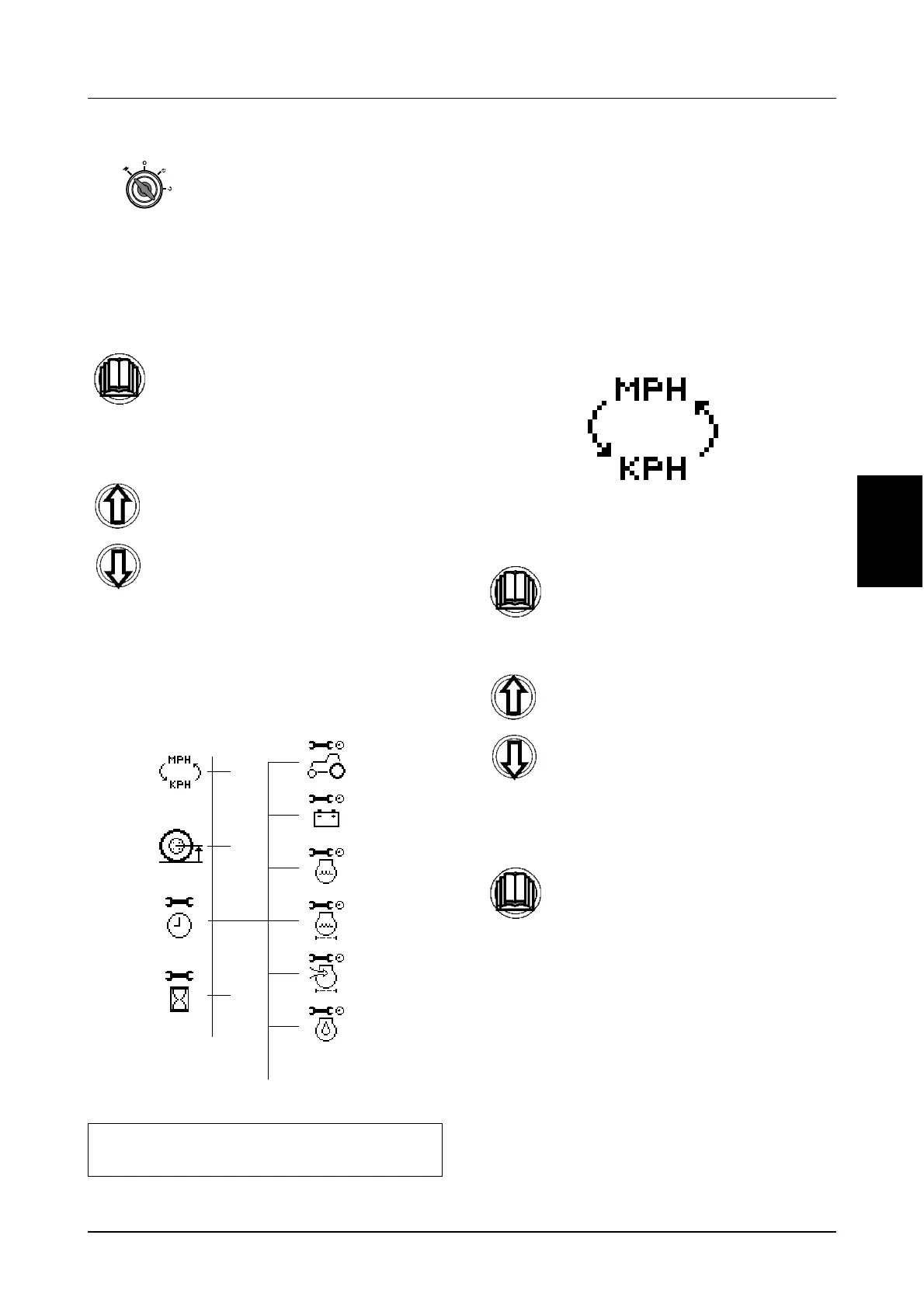
The programming structure consists of a number
main menus. Certain main menus are then
subsequently split into sub menus. An example
of the programming structure is shown below.
Programming MPH or km/h
(Menu 1)
STEP 1
STEP 2
2.
ACCESSORY MODE -
(One position counterclockwise from OFF)
Press and hold the menu button for 2
seconds.
Using the UP and Down buttons scroll
through each menu until you reach the
required display.
NOTE: The number of menus and the menu
order will vary depending on tractor model.
Main
Menu
Sub
Menu
etc.
etc.
Momentarily press the menu button to
enter the menu.
Use the UP and Down buttons to
change the setting accordingly.
Momentarily press the menu button to
store the new setting and return to the
main menu.



 To Next Page