Instruments and Programming
74
Programming Tyre Radius (Menu 2)
In order for the cluster to display the correct
ground speed, the correct tyre radius constant
must be programmed. This setting is normally
programmed into the cluster at the factory and
should not have to be changed. However if
different wheel/tyre equipment is installed then
the new tyre radius constant must be
programmed into the cluster.
Use the table below to the determine the correct
radius constant to be programmed into the
cluster.
The radius can differ depending on tyre
manufacturer, tyre wear, tyre pressures and
load. The tyre radius constants quoted in the
table will provide the correct tractor ground
speed, however the if a more accurate reading is
required then a dynamic calibration is
recommended. See page 71 for further
information.
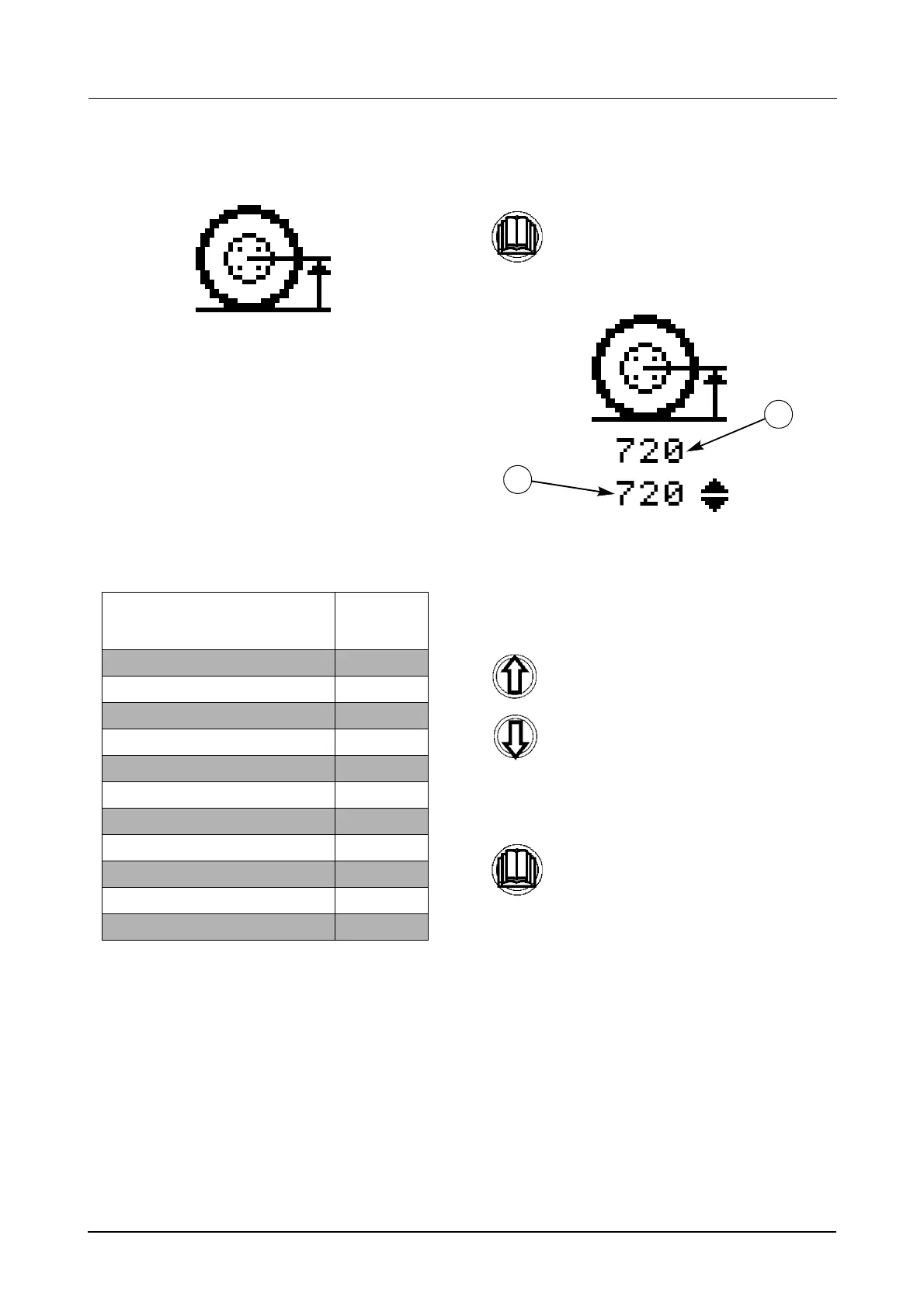
STEP 1
The current tyre radius constant (1) will be shown
under the icon and directly under that will be the
new constant to be programmed (2).
STEP 2
STEP 3
REAR TYRE SIZE
ROLLING
RADIUS
(mm)
16.9R38 795
18.4R38 820
20.8R38 855
18.4R42 870
20.8R42 918
480/70R38 795
520/70R38 820
580/70R38 855
600/65R38 820
650/65R38 855
650/65R42 905
Momentarily press the menu button to
enter the menu.
Use the UP and Down buttons to
change the constant accordingly.
Momentarily press the menu button to
store the new constant and return to
the main menu.
1
2



 To Next Page