Instruments and Programming
75
4
Programming the Service Intervals (Menu 3)
This menu allows the you to program numerous
service reminders. With each service item
programmed, once the relevant time has elapsed
the service indicator symbol will illuminate.
Within the Service Timers menu there are
numerous sub menus. Each menu allowing the
operator to program the relevant service interval.
These service intervals will normally be factory set
and will correspond with the Service Interval Quick
Reference Chart found in the Lubrication Section of
your operators manual, however they may be
changed as required.
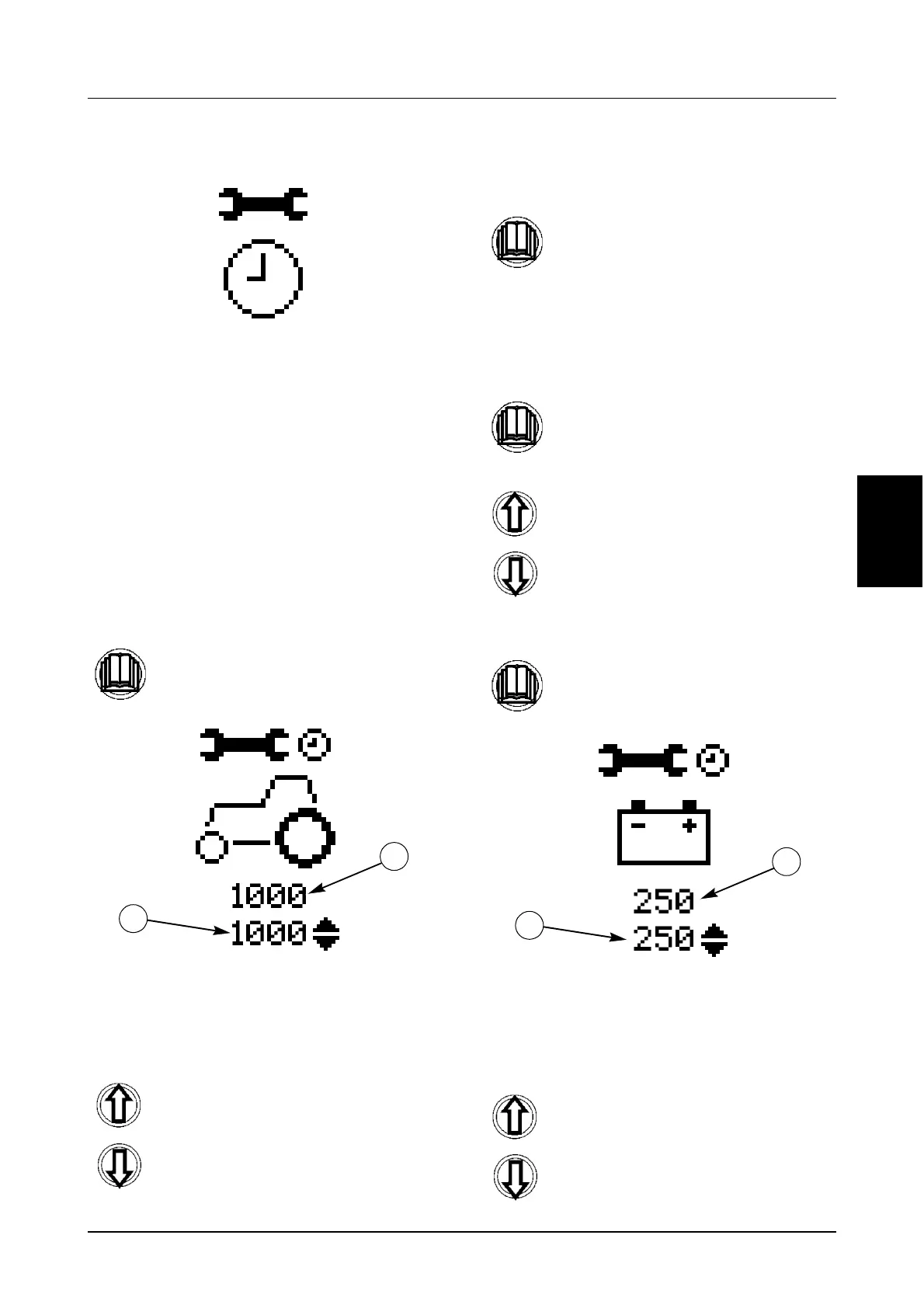
STEP 1
The current service interval (1) will be shown
under the icon and directly under that will be the
new interval to be programmed (2).
STEP 2
STEP 3
STEP 4
If you wish to change a further service interval
you will have to enter the menu again.
STEP 5
Once again the current service interval (1) will be
shown under the icon and directly under that will
be the new interval to be programmed (2).
STEP 6
Momentarily press the menu button to
enter the menu.
Use the UP and Down buttons to
change the service interval
accordingly.
1
2
Momentarily press the menu button to
store the new interval and return to the
main menu.
Momentarily press the menu button to
enter the menu.
Use the UP and Down buttons to
scroll through the menus until you
reach the required service.
Momentarily press the menu button.
Use the UP and Down buttons to
change the service interval
accordingly.
1
2



 To Next Page