Instruments and Programming
60
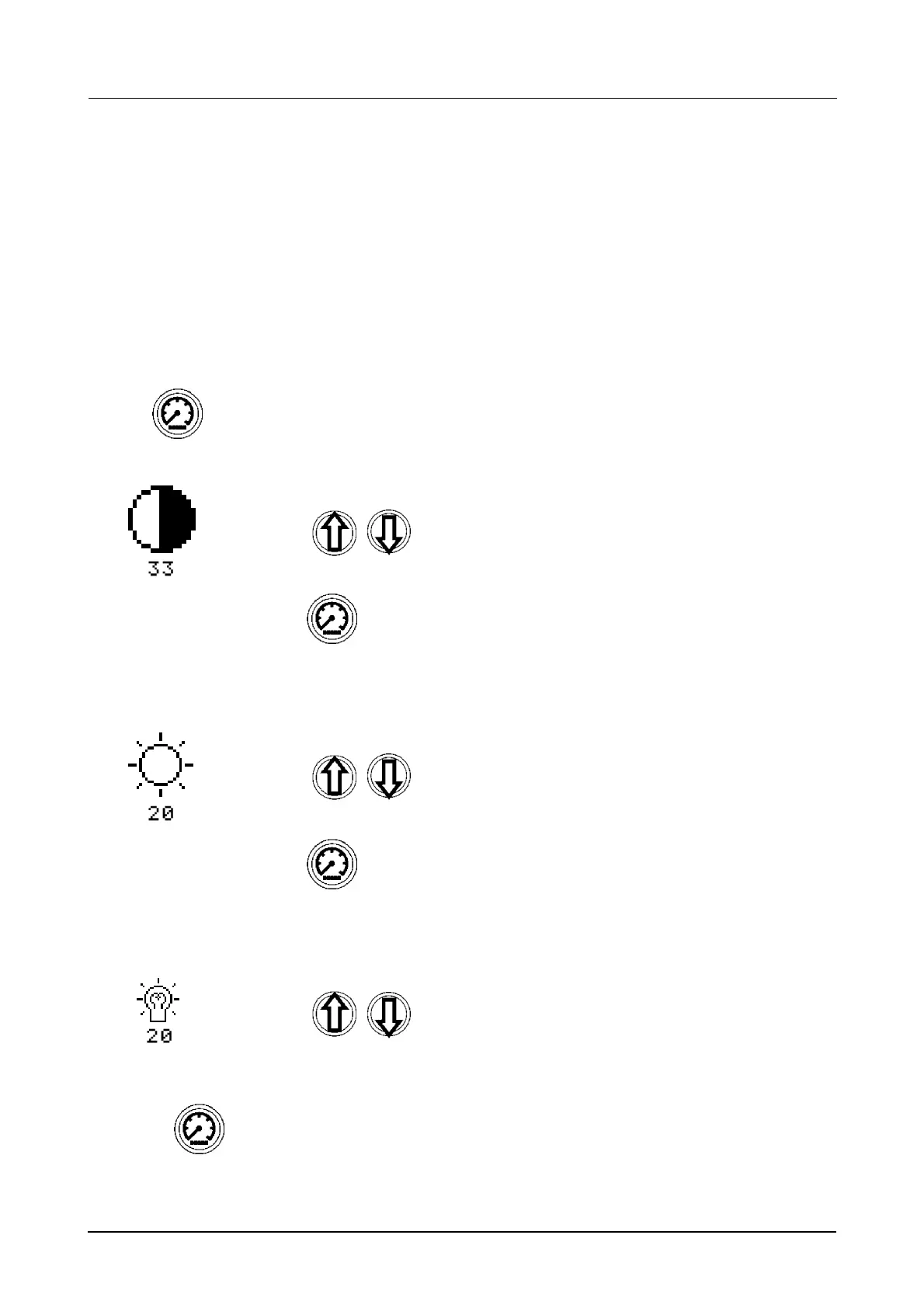
CLUSTER CONTRAST/BRIGHTNESS ADJUSTMENT
There are three separate adjustments that can be made on the cluster:
1. The contrast of the Universal Data Display.
2. The brightness of the Main Digital Display.
3. The intensity of the Indicator Lamps.
The settings can be adjusted for both day and night time settings. To change day-time setting simply
follow the procedure below. To change the night-time settings turn on your head lamps and then follow
the procedure below:
STEP 1
The current CONTRAST setting will be displayed:.
STEP 2
The current BRIGHTNESS setting will now be displayed:.
STEP 3
The current indicator lamp INTENSITY setting will now be displayed:.
STEP 4
Press and hold for 2 seconds.
Using change the contrast accordingly.
Press momentarily to store new contrast setting.
Using
change the brightness accordingly,
1 = 5% up to 20 = 100%.
Press momentarily to store new brightness setting.
Using change the intensity accordingly.
1 = LOW, 20 = HIGH.
Press and hold for 2 seconds to store all new settings and exit.



 To Next Page