Routine Maintenance
219
7
Change Fuel Filter
STEP 1
Clean the filter head, filter and engine area next
to the filter before removing the filter.
STEP 2
MD04C007
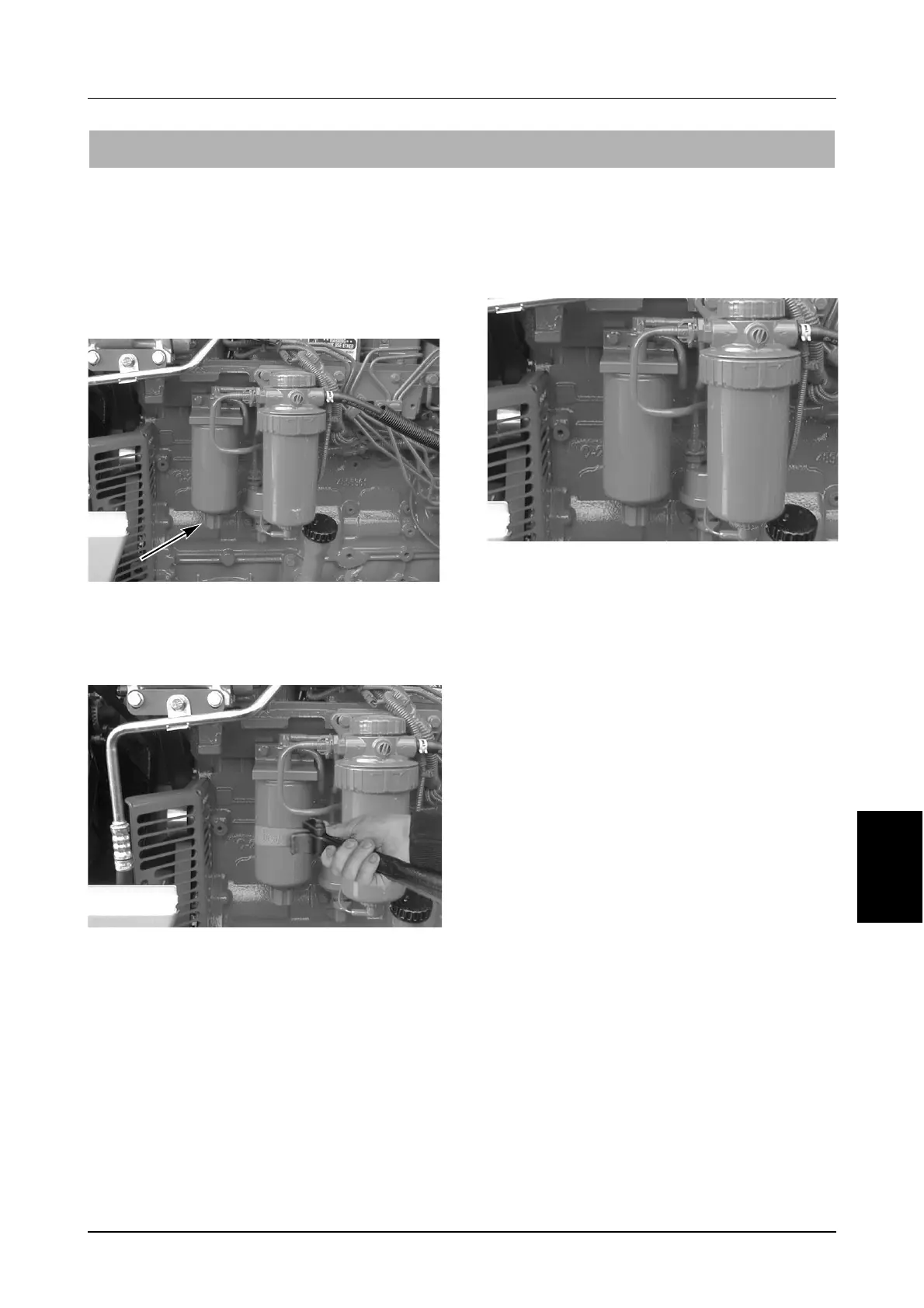
Loosen the drain plug on the bottom of the filter
to drain any water.
STEP 3
MD04C098
Using a filter wrench remove the filter.
IMPORTANT: Dispose of filter in accordance with
local regulations. DO NOT drain fuel onto the
ground, into a drain or into a container that can
leak. Be responsible for the environment.
STEP 4
Put clean oil or grease on the filter gasket of the
new filter canister before installing.
MD03B004
Install the filter by hand. Turn the filter until the
gasket contacts the filter head then turn a further
1/2 turn.
IMPORTANT: Only use McCormick approved
parts, these parts have been specifically
designed to provide superior engine
protection.
500 HOUR SERVICE



 To Next Page