Operation
153
5
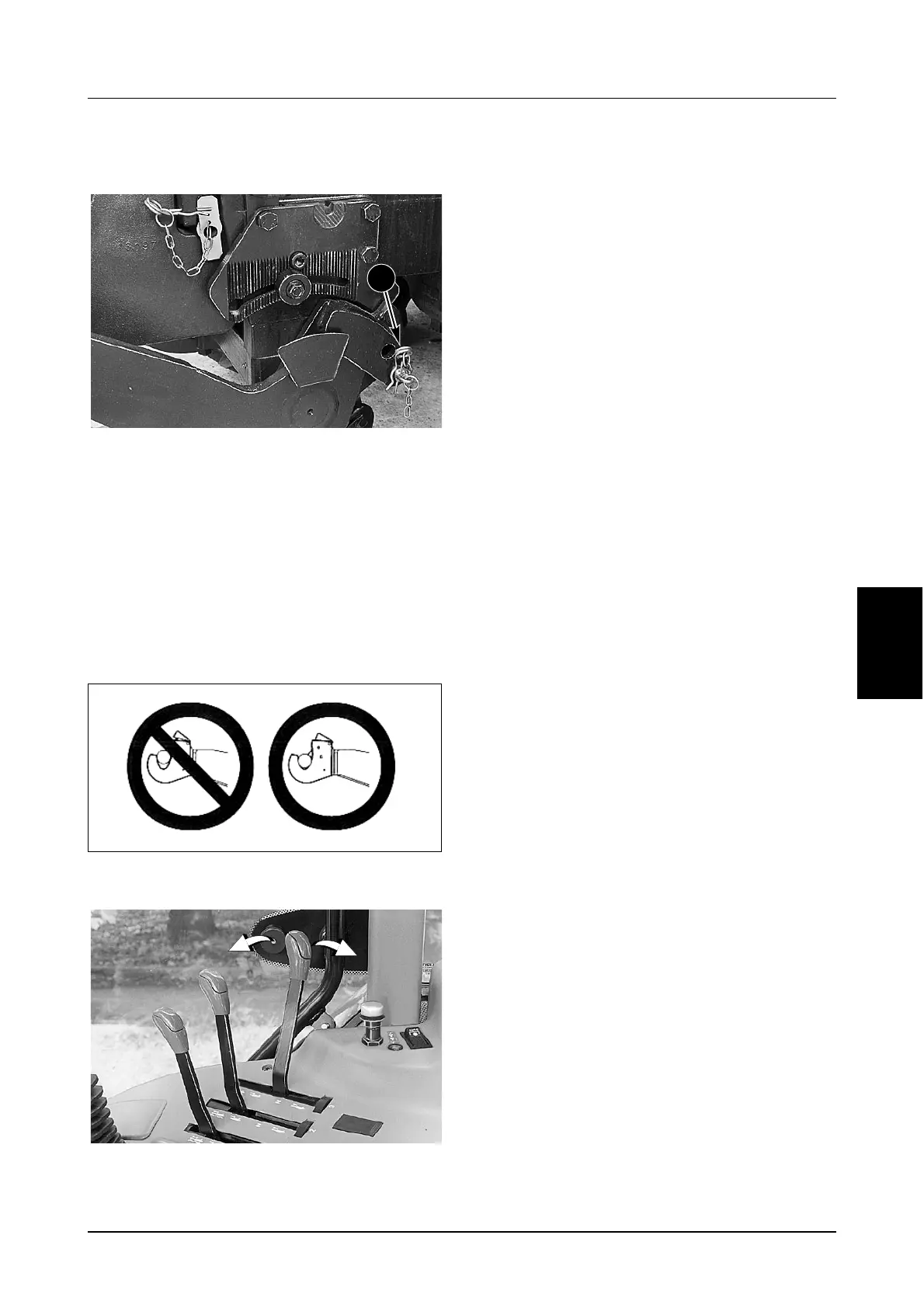
Hitch Operation
STEP 1
DP98E108
Lower the lower links and set for Rigid or Float
application, as required. (See page 150 for correct
setting).
STEP 2
Attach the implement to the hitch. Make sure the
correct category implement is attached. A category
indication is stamped on each lower link.
Make sure the claws on the front hitch engage with
the implement and the latches lock.
MH04N042
STEP 3
DR99G120
Move the relevant remote control to raise or lower
the hitch as required.
1



 To Next Page