www.mdcusa.com
Ph: 1-833-632-8721
©Copyri ght
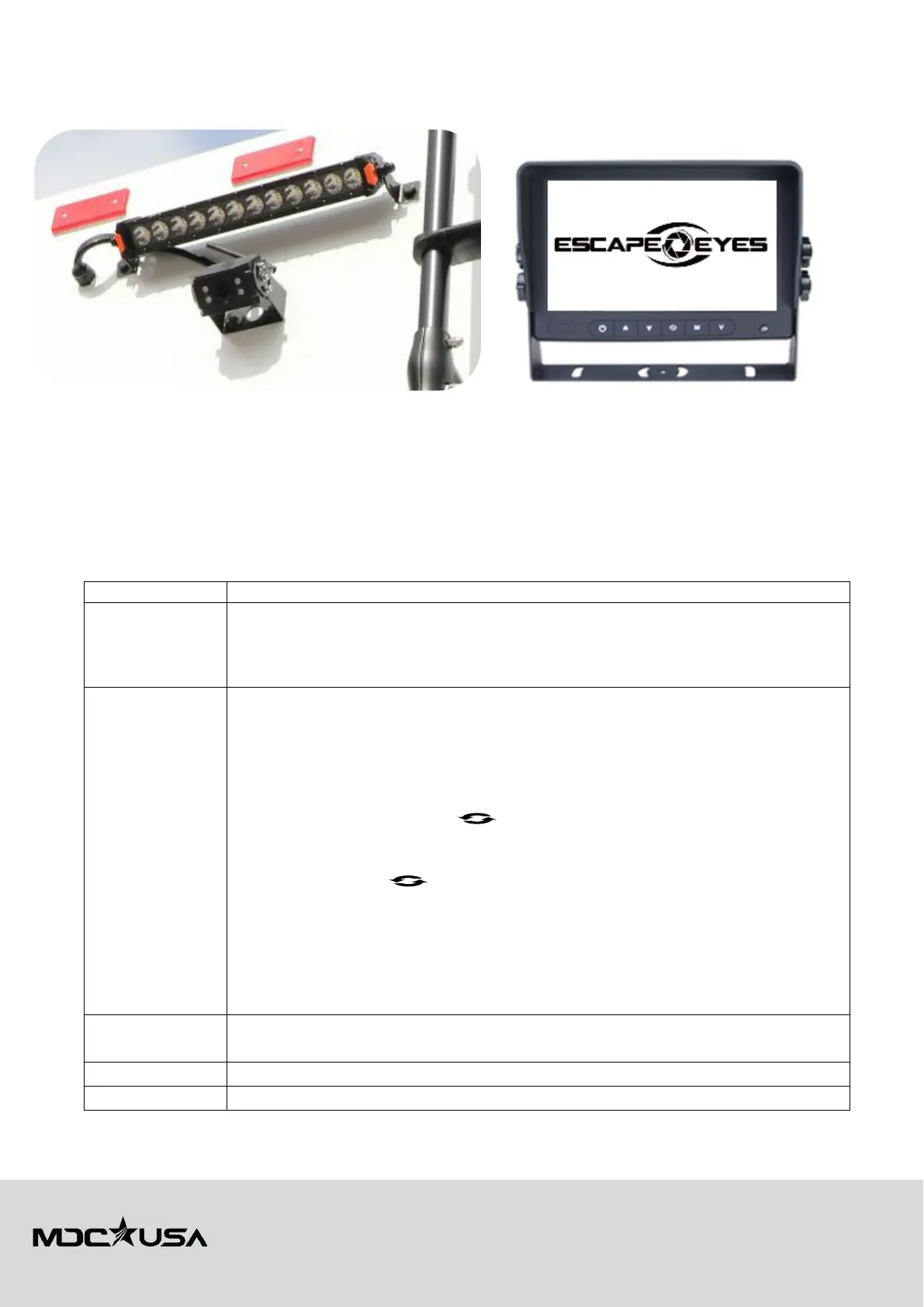
Wireless Rear-View Camera
A wireless rear-view camera has been factory fitted on the rear of your trailer. The unit is connected to your trailer's parking
light circuit, allowing the camera to be used when reversing. Activate the camera by turning your vehicle lights on.
To use the system:
1. Plug in the screen to any available 12V accessory socket in your vehicle.
2. Turn on your parking lights whilst connected via your RV’s trailer plug and the system will start up immediately
on power.
3. The screen and camera will synchronise automatically within 5-10 seconds.
The system can be used not only for additional assistance with reversing your caravan but can also assist in monitoring traffic
behind your caravan and assistance in manoeuvring such as lane changes.
Troubleshooting the Rear-View Camera
No Signal
Check whether the car charger (12V accessory socket) is plugged in and has power
Make sure only original car charger (12V accessory socket) that was supplied with the
monitor is being used
Check the camera and monitor are paired
No Picture
1. Check there is power going to the camera by making sure the caravan tail/
parking lights are ON
2. Check the monitor is paired to the camera.
a. Power on the monitor and camera.
b. Press the Menu button to enter the menu interface.
c. Press ▼/+ then to select and enter PAIRING.
d. Press ▲/– or ▼/+ buttons to select a channel (CH1, CH2, CH3, CH4) to
pair the camera to.
e. Press to confirm the channel and the pairing function will run for
10-seconds.
f. The picture will be displayed on screen once completed.
Note: If no picture displays after pairing, please re-try the pairing process but removing
power to the camera entering pairing mode and re-powering the camera within the 10-
second pairing window.
No Sound
Check whether the sound is turned off in the monitor settings
Sound will only work when the screen is in single Channel mode
Check brightness/contract settings are adjusted correctly
Turn off the power to the camera and monitor and re-power the system (Restart system)



 To Next Page