www.mdcusa.com
Ph: 1-833-632-8721
©Copyri ght
Truma Aventa Eco Air Conditioner System
The Truma Aventa Eco air conditioning system provides efficient
cooling, dehumidification, and air circulation for enhanced comfort
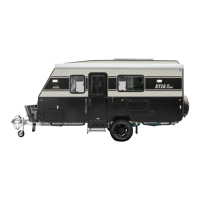
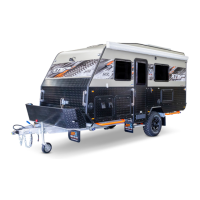
in your MDC XT12HR OGE trailer. The system operates via the
Truma CP Plus digital control panel and remote control, offering
multiple modes and adjustable fan speeds.
Safety Information
• Always switch OFF the A/C isolator switch and disconnect power before performing maintenance.
• Do not use the air conditioner in areas with flammable gases or liquids to avoid fire hazards.
• Never clean the unit with a pressure washer, steam cleaner, or hot water—use only a soft cloth with mild detergent.
• Ensure the air inlets and outlets are unobstructed to prevent overheating.
• Do not operate the Aventa Eco in cooling mode when the trailer is parked on a steep incline (above 8% or 4.5° tilt) to prevent
improper condensation drainage.
• Keep condensation drains clear to avoid water damage inside the vehicle.
• Use only AC power or the factory-installed Renogy power system when off-grid—unregulated power sources may damage
the unit.
Operating the Truma Aventa Eco
Powering On the System
Ensure the following conditions are met before turning on the Aventa Eco:
1. On-Grid Use: Verify that the trailer is connected to shore power.
2. Off-Grid Use: Ensure the Renogy Inverter Charger is ON and the battery bank has sufficient charge.
3. Ensure the A/C Isolator Switch is ON to enable the system.
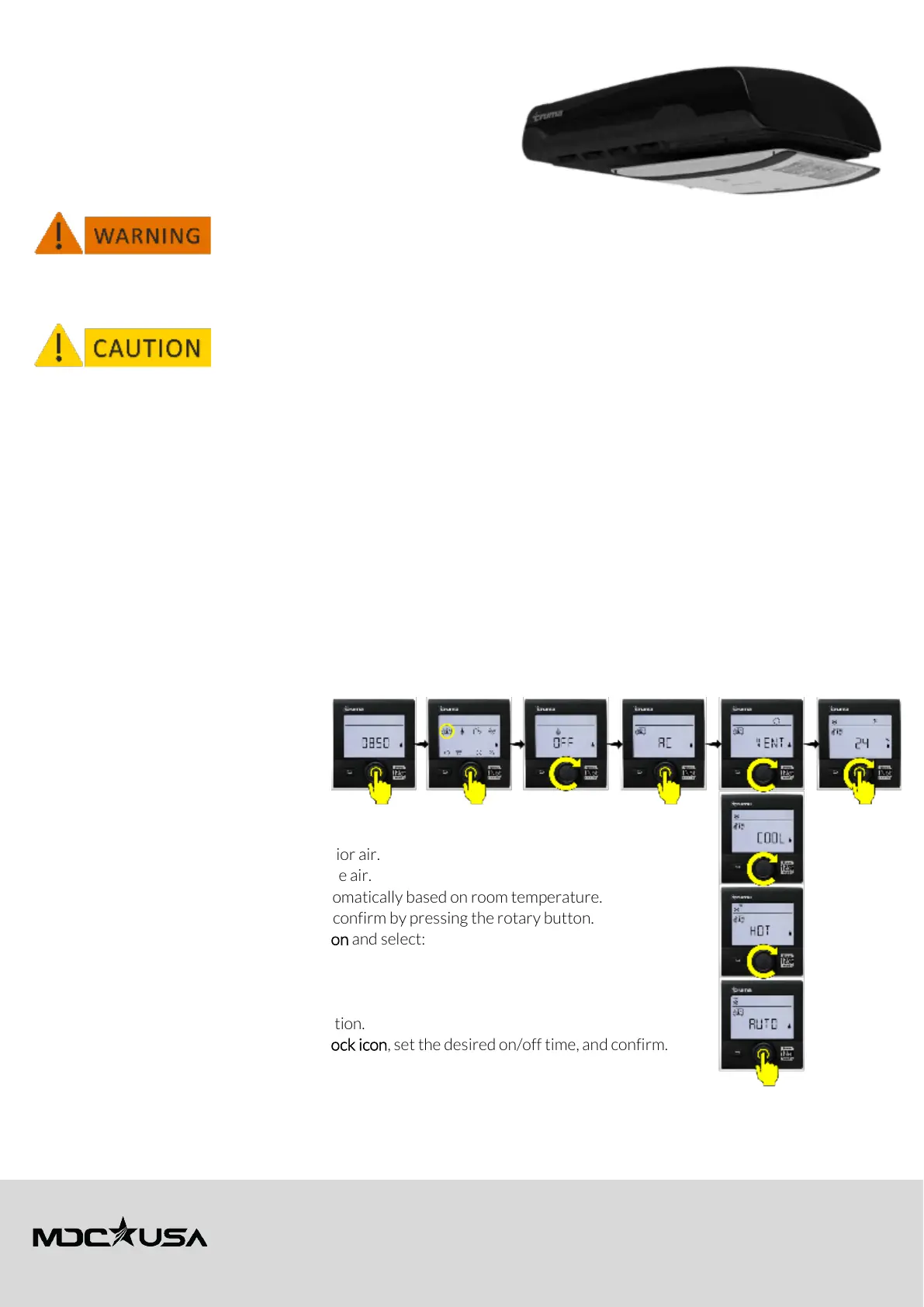
Operation via Truma CP Plus Control Panel
1. Turn on the CP Plus control panel
and select the
room temperature
icon.
2. Select AC Mode, then confirm by
pressing the
rotary push button.
3. Rotate the dial to choose from the
following modes:
a. VENT – Circulates and filters interior air.
b. COOL – Cools and dehumidifies the air.
c. AUTO – Adjusts the fan speed automatically based on room temperature.
4. Adjust the temperature as needed and confirm by pressing the rotary button.
5. To set fan speed, navigate to the Fan icon and select:
a. LOW – Low-speed fan.
b. MID – Medium-speed fan.
c. HIGH – High-speed fan.
d. NIGHT – Silent mode for quieter operation.
6. To use the timer function, select the Clock icon, set the desired on/off time, and confirm.
7. Turning Off the System:
a. Select OFF from the main menu.
b. The system will run a cool-down cycle before shutting down completely.



 To Next Page