www.mdcusa.com
Ph: 1-833-632-8721
©Copyri ght
Using the Hot Water
• Open any hot water faucet in the RV. The AquaGo system will automatically detect the water flow and begin heating water.
• Allow the water to run for a few moments to reach the desired temperature.
• Adjust the water temperature at the faucet by mixing hot and cold water as needed.
Safety Tips During Use
If you smell propane, shut off the system immediately, evacuate the area, and avoid any
sources of ignition. Contact a qualified technician to inspect the system.
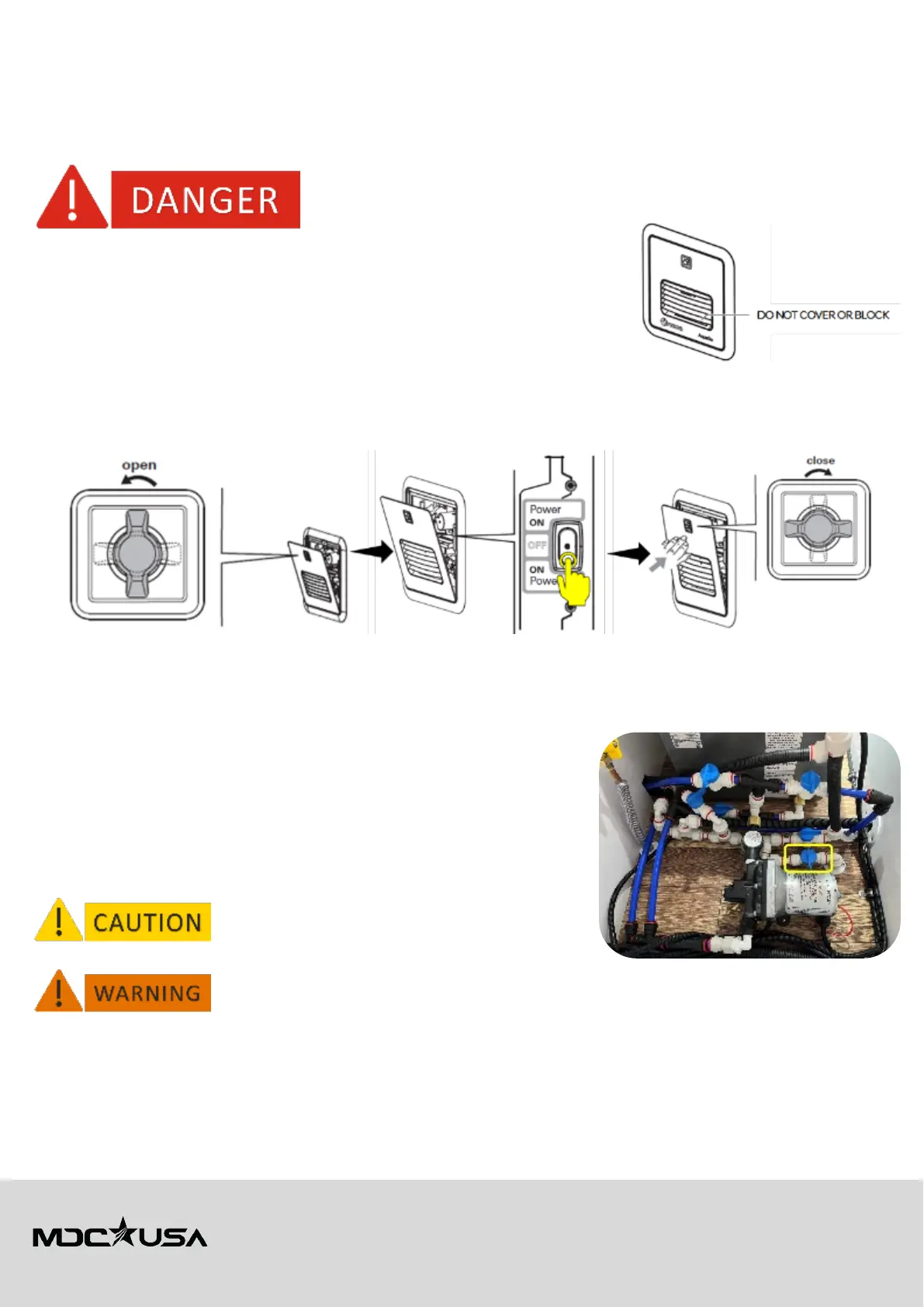
• Do not cover or block the external vent of the AquaGo unit, as it may cause
overheating or improper operation.
• Avoid running the system without water. This can damage the heat exchanger and void
the warranty.
Shutting Down the System
1. Close all hot water faucets to stop water flow. The AquaGo system will automatically shut down the burner when water
stops running.
2. Turn the appliance power switch to the OFF position if you will not be using the system for an extended period.
3. Shut off the propane supply to prevent unnecessary gas consumption.
Maintenance and Cleaning
Proper maintenance of your Truma AquaGo water heater ensures optimal performance, safety, and longevity. Below are
detailed instructions for key maintenance tasks, including important safety notices.
Draining the System
1. Turn off the AquaGo system and disconnect the propane and water supply.
2. Open the drain valve located at the bottom of the unit to release any water
remaining in the system.
3. Ensure all faucets inside the RV are open to allow air into the system for
thorough drainage.
4. Once the water has fully drained, close the faucets and securely tighten the
drain valve.
Always ensure the system is fully drained before freezing
temperatures to prevent damage to internal
components.
Ensure the unit is completely cool before attempting to drain the system to avoid burns.



 To Next Page