102
With the menu item, “General settings“, you can
specify whether or not the data are to be saved in
the non-volatile memory of the TV set when trans-
mission parameters are changed.
This update function applies to stations which use
different transmission parameters at different times
of the day, such as when they transmit regional
programs.
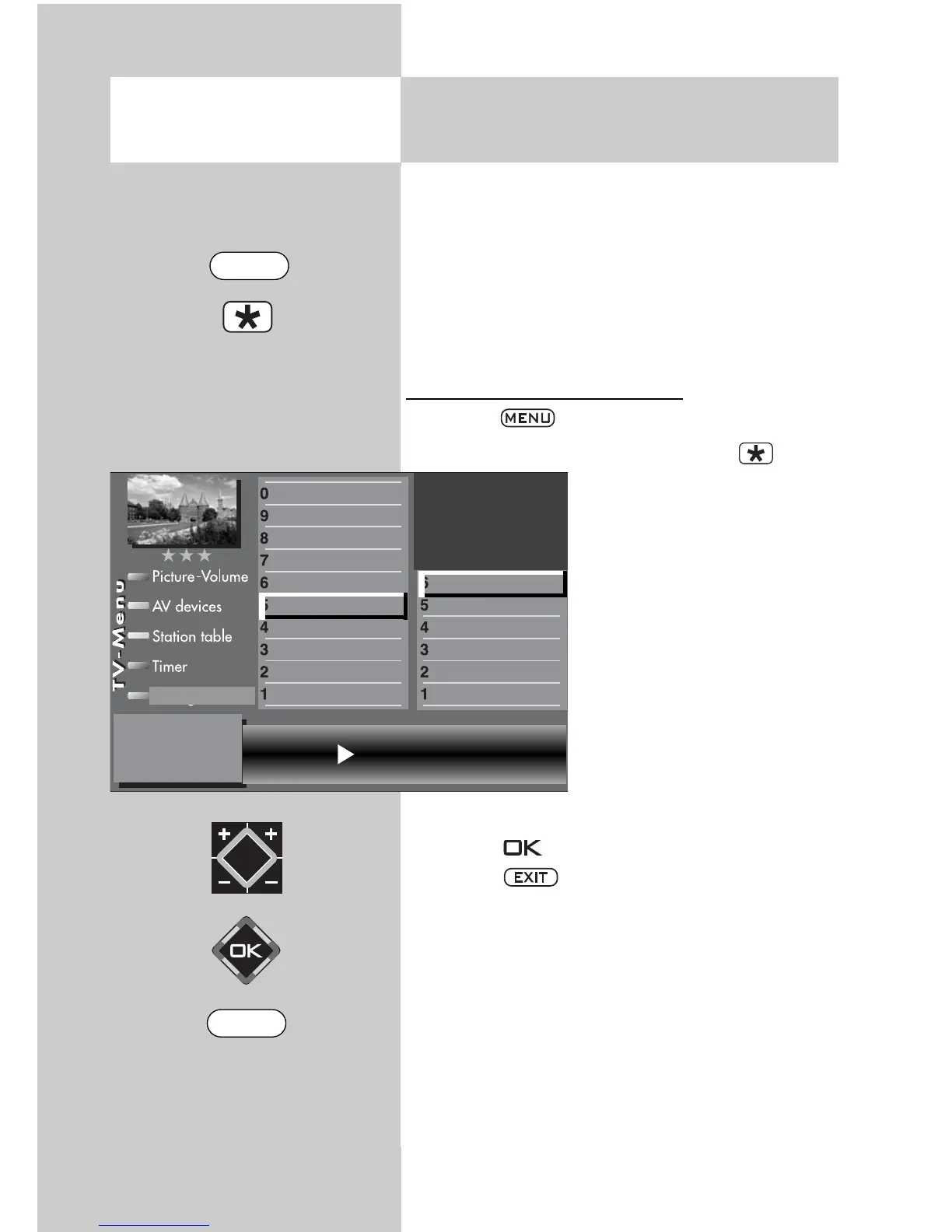
Setting the data update function
•
Press the key to open the TV menu.
• Press the red key to
open the menu “Configura-
tion“.
• Press the appropriate nume-
ric key (in this example
to
select “DVB-S“.
• The cursor is located on the
line “Arial facility“.
• Press the appropriate nume-
ric key (in this example
to
select “General settings“.
• In the setting window, use
the V-/V+
key to set “Update
data“ to “On“.
• Press the key to confirm the new setting.
• Press the key to close the TV menu.
20.6 Setting the stations
Updating the data
2)
Opening the menu
Update data on
General settings
Manual search
Automatic search
Hot Bird 13°
Astra 19,2°
Arial facility
Function for F2
Function for F1
EURO sockets
DVB-C
2)
DVB-T
2)
DVB-S
2)
Analog-TV
2)
Country
Language
Operating
Configuration
2) Possible only on sets equipped with this
function.
EXIT
MENU



 To Next Page