74
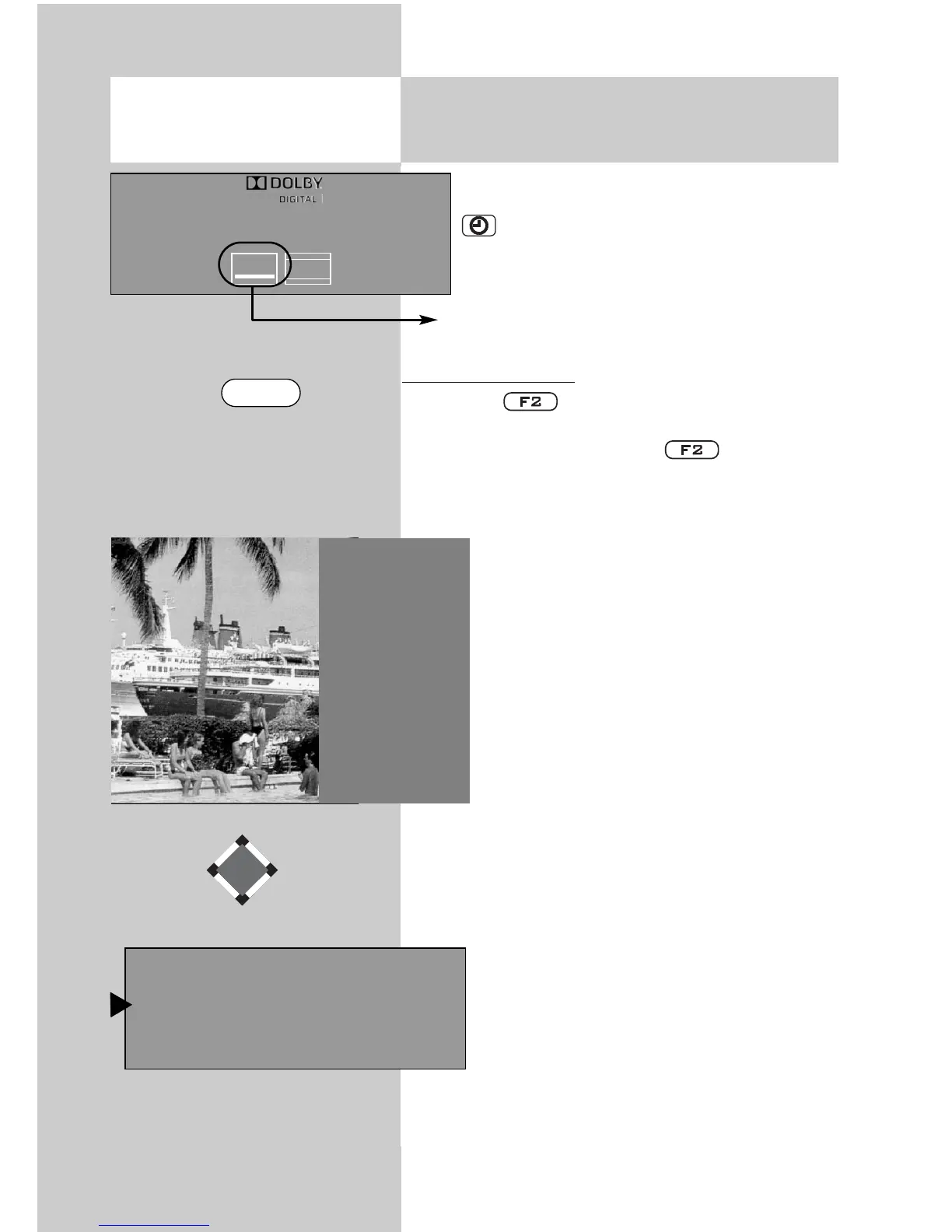
If a TV program has subtitles, they can be
displayed by pressing the green button.
.
A program marked in this manner comes
with subtitles.
Displaying subtitles:
• Press key briefly - the programmed func-
tion (see Chapter 17. “Programming function
keys“) is executed. Press key for approx.
3 seconds - the max. possible selection is dis-
played.
• Use the numeric key
to call up the
“Subtitles“ function.
• Use the cursor control keys
t
o make
a selection if this is offered by the station
or the program
.
The station or program is exclusive-
ly responsible for offering and
displaying subtitles
.
☞
Opening the menu
16. Special Functions
Subtitle displayed
5)
Special fuctions 2
2
Language of progr.
3
Subtitle
9 Timer overview
0 Direct recording
Pr 2 Stereo
ZDF
16.02.10 20:25:35
b
16:9
μ
1 OFF
2 German
3 English
5) Can only be selected for DVB stations.
F2



 To Next Page