46
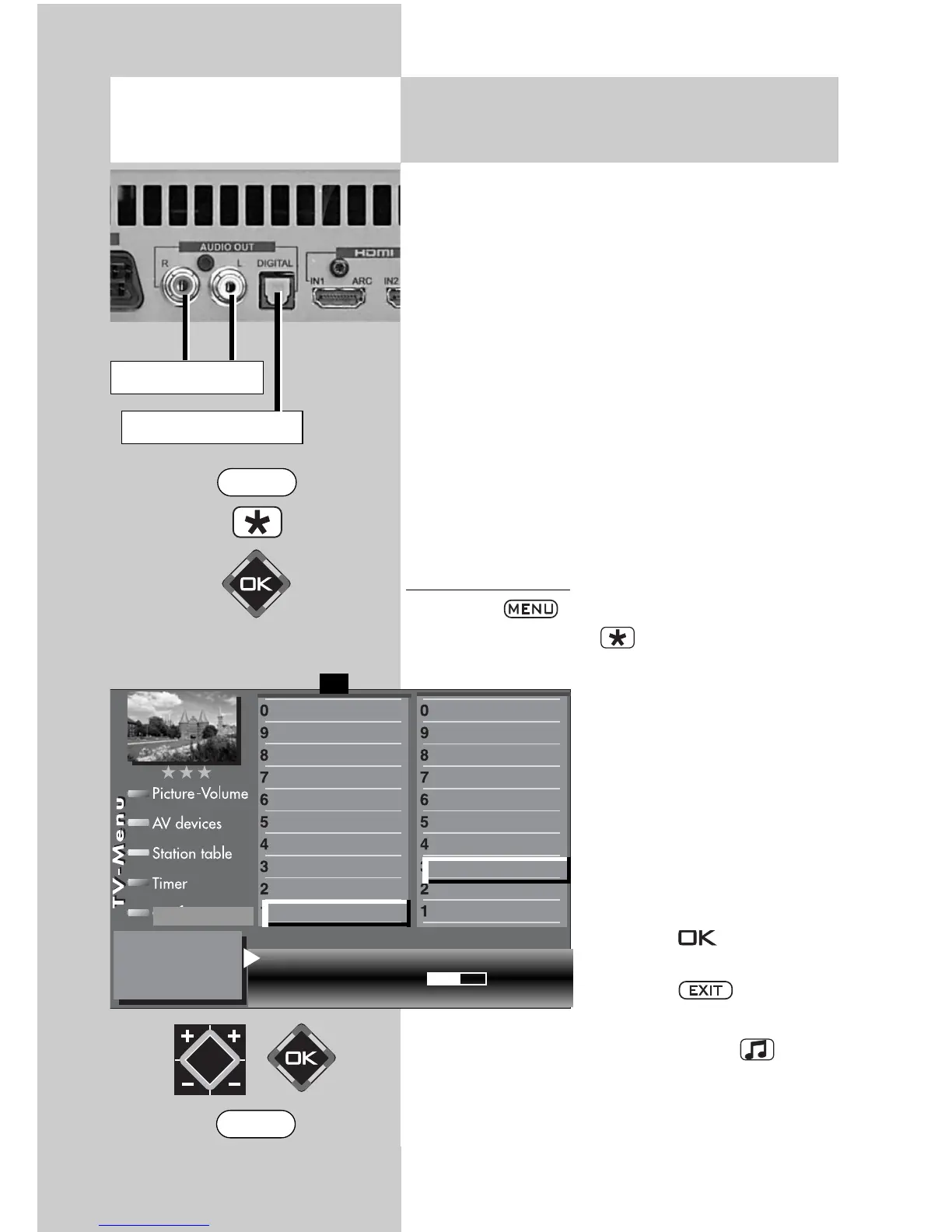
On the back of the TV set, there are audio sockets
(see picture and page 116 of the user’s guide)
with which you can connect an AV device to the
TV set.
Settings in the “Hi-fi output” and “Sound
settings” menu options are then only
necessary if the TV set will be connected to
an AV device, for example a hi-fi receiver,
radio headphones, Surround decoder etc.
The “Hi-fi output” and “Sound settings” menu
options are linked to each other. The link is descri-
bed on pages 48-50.
The sound can be output via a RCA cable or an
optical audio cable (“Toslink”, available in an
accessories shop).
HiFi output settings
• Press the key to open the TV menu.
• Press the red button to open the “Configu-
ration” menu.
• Use the cursor control key
to access “Init. prog.
position”.
• Select the menu option “hi-
fi output” with the assigned
numeric key. In the exam-
ple it is
• Set the desired parameters
in the settings window with
the
V-/V+
key
.
• Press the button to
save the new settings.
• Press the key to clo-
se the TV menu.
For normal TV mode, the yellow button and
the
V-/V+
key can be used to set “Speaker on”.
☞
12.4 Sound Settings
HiFi-output
Opening the menu
HiFi output constant
Output level 50%
Function for F2
Function for F1
EURO sockets
DVB-C
2)
DVB-T
2)
DVB-S
2)
Analog-TV
Country
Language
Operating
F1
➔
Configuration
2) Possible only on sets equipped with
this function.
Cinch socket
optical socket
Subtitle
Data Logic adjustment
CI dialogue via
EPG settings
Display configuration
2)
Operating
Sound settings
HiFi output
2)
Time shift
2)
Init. prog.position
EXIT
MENU



 To Next Page