76
18. EPG
EPG (Electronic Program Guide) is an electronic
TV guide covering all major channels.
So-called DVB-SI data is transmitted with the TV
picture in the TV signal (DVB-S or DVB-C).
DVB-SI (Digital Video Broadcasting-Service Infor-
mation) is a service provided by different broad-
casters. Program details are broadcast digitally by
each broadcaster exclusively for those programs it
offers.
Factory EPG settings:
• EPG On
• DVB-SI selection TV
• Prog. selection in the channel table all free
slots*
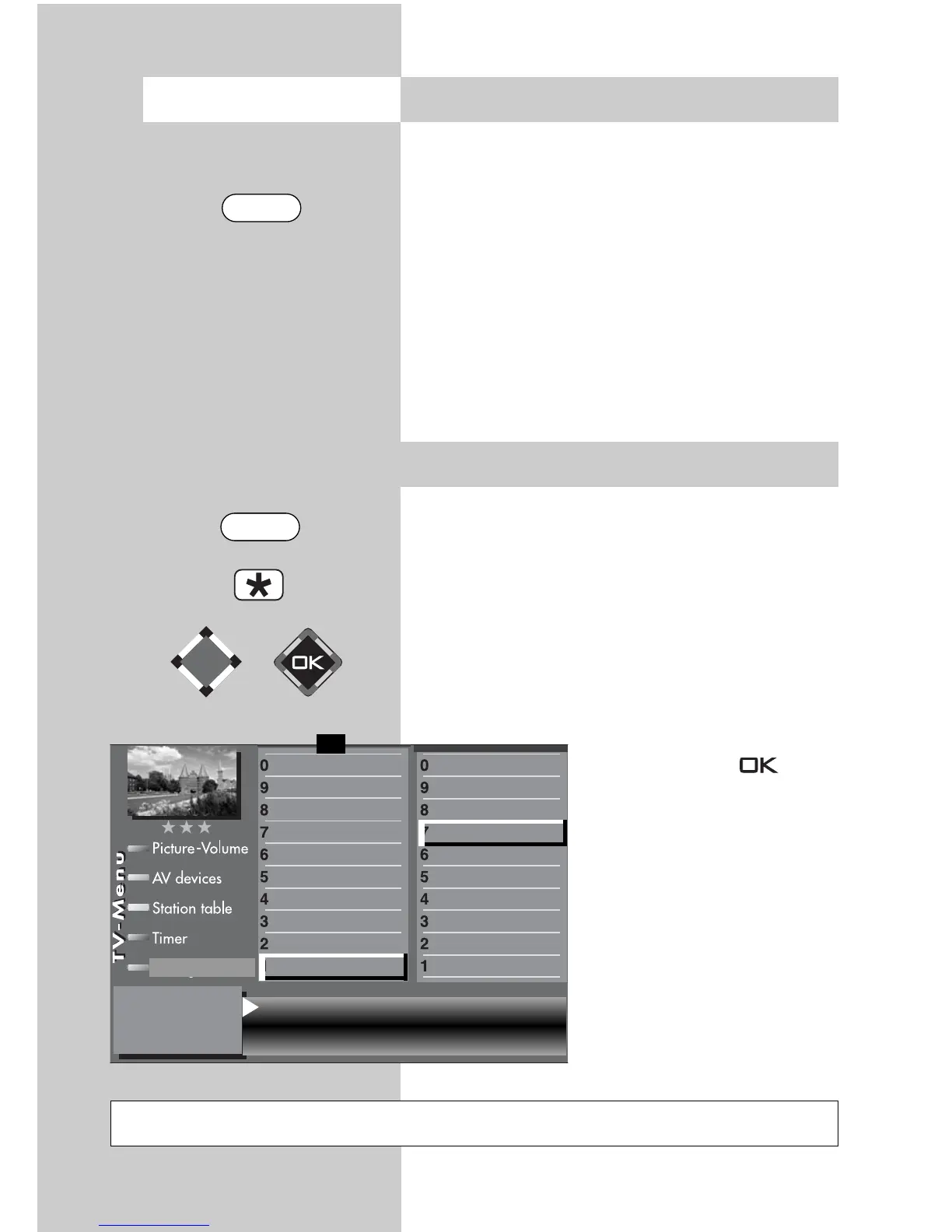
*) In the menu, “retain” is displayed, i.e. when
you make an adjustment, this change is display-
ed in plain text after it is con-
firmed by selecting in the
menu. “Retain” is then dis-
played in the menu as an indi-
cation that the previously con-
firmed setting has been
retained.
18.1
Activating the EPG
Not possible with a set top box
EPG NextView & DVB-SI Pr selection in stationtable
retain
DVB-SI selection TV
Subtitle
Data Logic adjustment
CI dialogue via
EPG settings
Display configuration
2)
Operating
Sound settings
HiFi output
2)
Time shift
Init. prog.position
Function for F2
Function for F1
EURO sockets
DVB-C
DVB-T
DVB-S
Analog-TV
Country
Language
Operating
Configuration
F1
➔
Opening the menu
EPG
MENU



 To Next Page