42
12.1 Sound Settings for
Programs via TV Menu
Opening the menu
Some of the menu items are not available
in a 2 ** menu.
Volume correction
Various TV stations broadcast their programs with
different sound volumes. This volume difference
can be minimised by correcting the volume. This
adjustment remains active even if the standard
sound values are recalled.
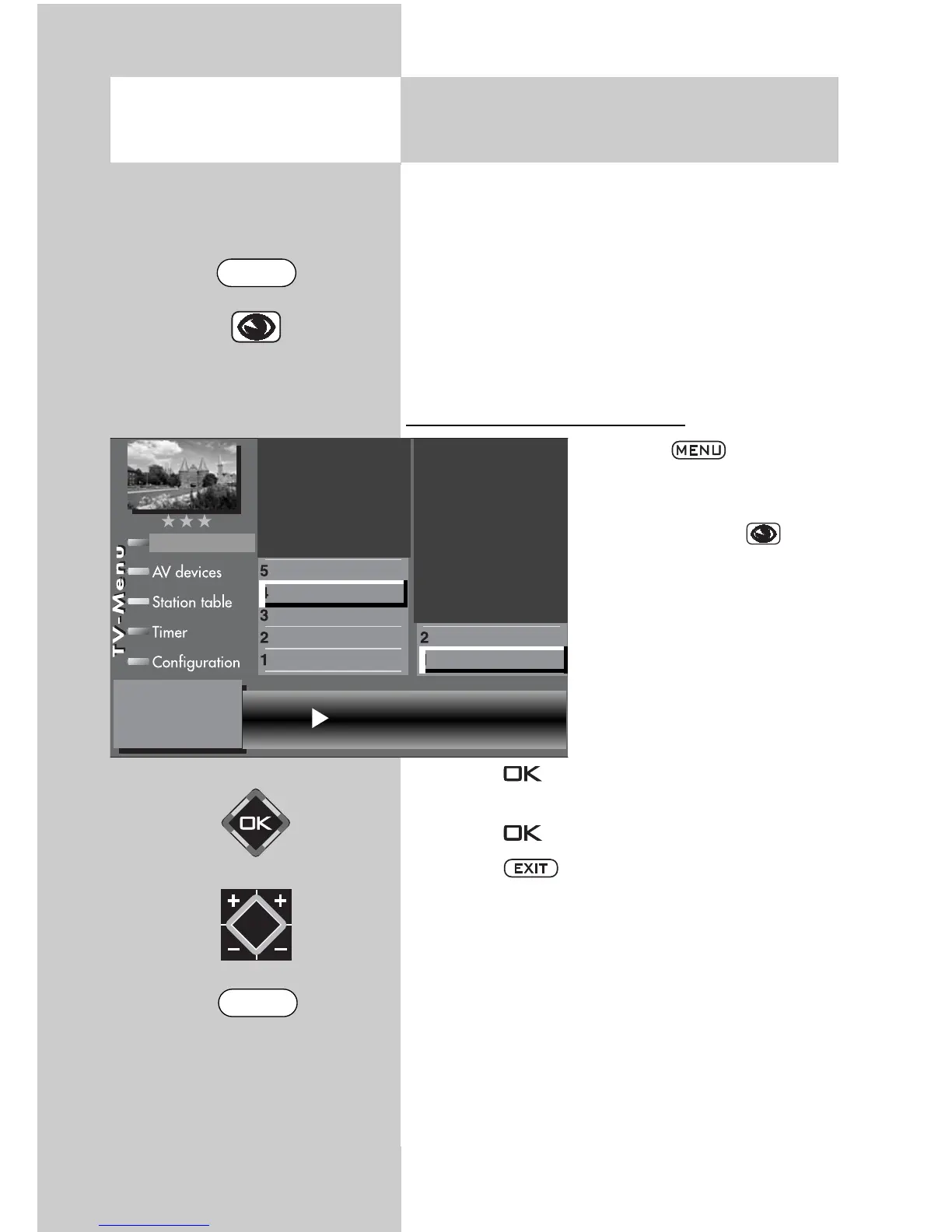
Adjusting the volume correction:
• Press the key.
The TV menu appears on
the screen.
• Press the blue key . The
menu “Picture and sound“
and the menu item “General
picture settings“ are
pre-selected.
• Use the corresponding
numeric key (in the exam-
ple: ) to select “Sound
settings for Pr.“.
• Press the key and then, in the setting win-
dow, use the V-/V+ key to change the setting.
• Press the key to save the new settings.
• Press the key to close the TV menu.
Individual sound settings can also be made
in the station table.
☞
☞
Volume correction -15
Tone settings
Volume correction
Picture-Volume
Picture profile adjustment
Sound set,.prog.posn
Sound settings, gen.
Pict.set.,prog.posn.
Picture settings, gen.
EXIT
MENU



 To Next Page