121
The signal type always refers to the input
and output of the AV device.
Some AV devices may use a composite video sig-
nal (FBAS) for recording and playback operations
and an RGB signal for displaying their menus.
It is not possible to make a general statement in
this respect. The operating instructions of the AV
device concerned may provide some indication.
If you connect such an AV device with the signal
type “composite video“ (FBAS) and recordings are
played back correctly, but you cannot see the
menu of the AV device, you must change the sig-
nal type in the menu “AV devices“ to “RGB“.
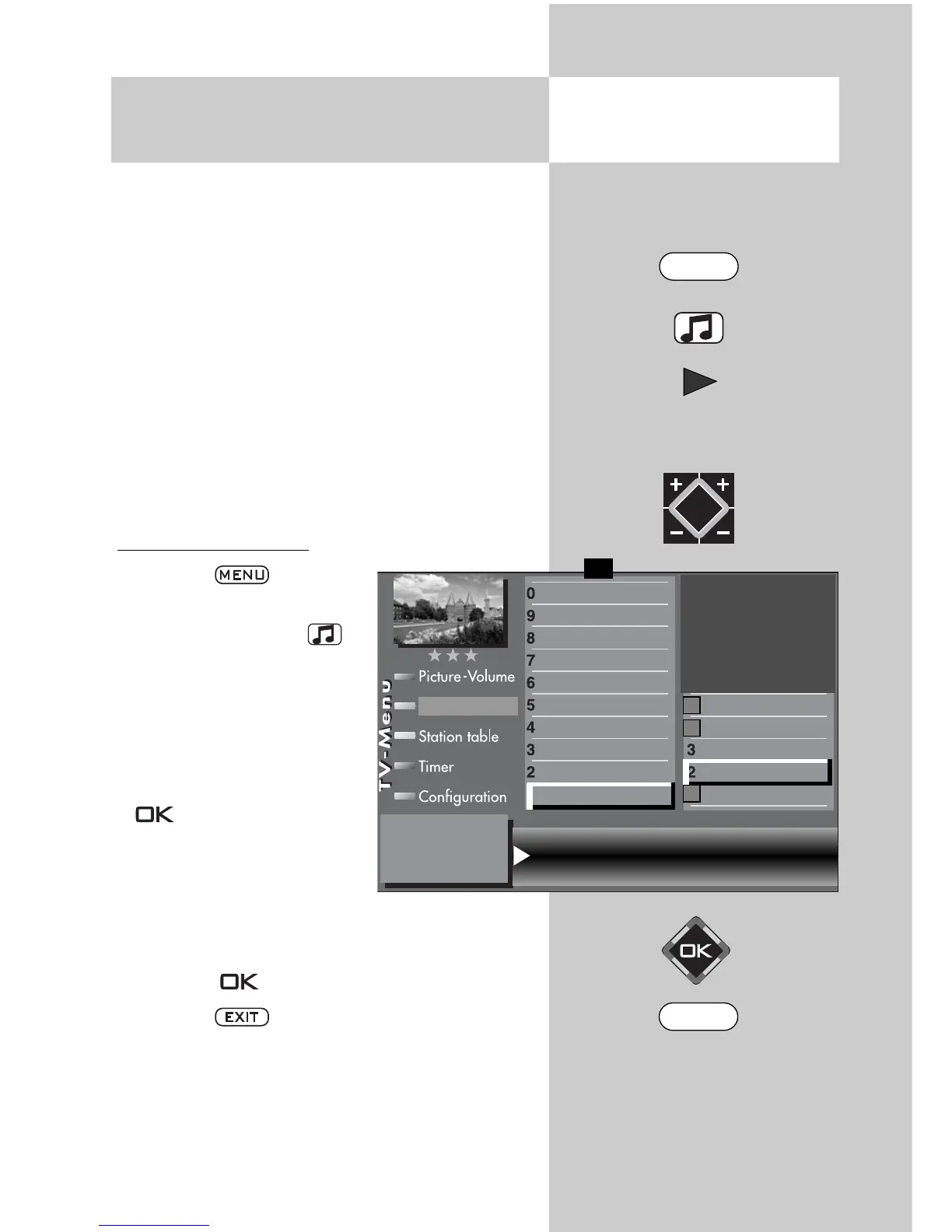
Setting the signal type
• Press the key to
open the TV menu.
• Press the yellow key to
open the menu “AV devi-
ces“.
• Use the cursor control key
to select the AV device
whose signal type you wish
to change and press the
key.
• Press numeric key
, use
the cursor control key to
select “ Signal OUT“, and
use the V-/V+ key to change the setting to
“RGB“.
• Press the key to confirm your selection.
• Press the key to close the TV menu.
Caution ! This may cause an existing con-
nection diagram to be modified. If so, you
must reconnect the AV devices accordingly.
☞
☞
30.2 Registering AV Devices
Setting signal types RGB
Opening the menu
Signal OUT RGB Signal IN CVBS
DataLogic
TV-SPDIF input
2)
Name
Signal types
connect
Front HDMI
AV-Receiver
Other device 1
Other device 1
PC
Satellite / set top
DVD Player 2
DVD Player 1
DVD/Videorec.2
DVD/Videorec.1
F1
➔
✗
AV devices
2)
Possible only on sets equipped with this function.
MENU
EXIT



 To Next Page