132
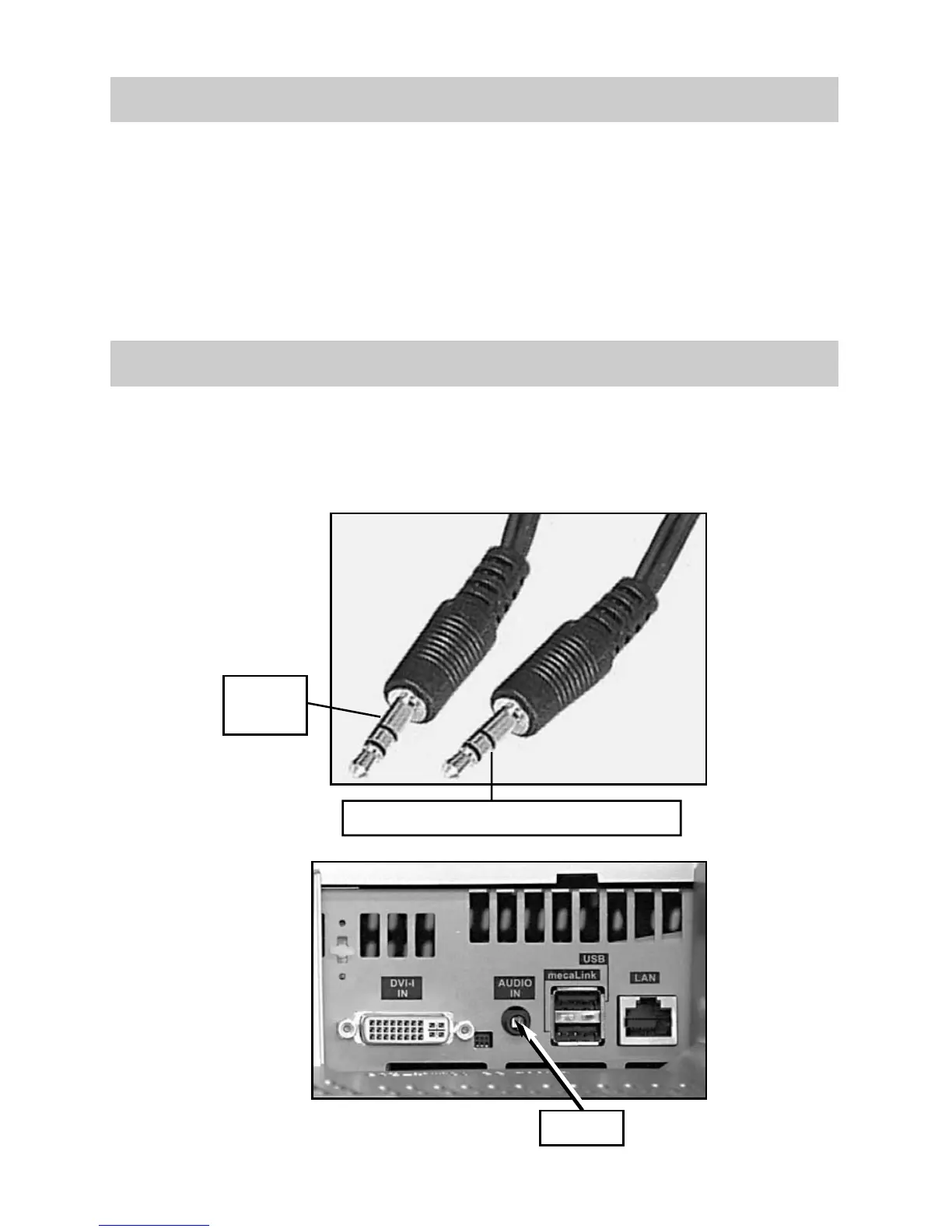
33.1 Connecting a PC: sound from the speakers of TV
33. Connecting a PC: PC [HDMI] ➜ TV set [HDMI]
Use a commercial audio cable with 3.5 mm stereo jack plugs to 3.5 mm stereo jack
plugs to connect the Audio Line output of the sound card to the Audio-In input of the
TV.
If the graphics card of your PC has an HDMI output, then you can also use it to con-
nect to the TV. To do this, proceed as described in this chapter (connect PC
l (PC [DVI-
D]
➜
TV set
[DVI-D]
and in the menu AV - PC - Signal Types - Signal OUT, select the
HDMI setting.
In this setting, sound is also transmitted via the HDMI cable but it must sup-
port the HDMI output of the graphics card of your PC.
☞
Audio-In
of TV
Speaker output of PC sound card
Audio-In



 To Next Page