87
20.1 Setting Stations
Analogue TV
Terrestrial station search
The terrestrial station search automatically sear-
ches the entire range of available reception fre-
quencies for stations. All stations which are found
are placed in the station table which is displayed
at the end of the search operation. If you are not
satisfied with the order in which the stations are
displayed, you can move them to other positions
or delete unwanted stations
(see Section 22., “Sorting stations“.
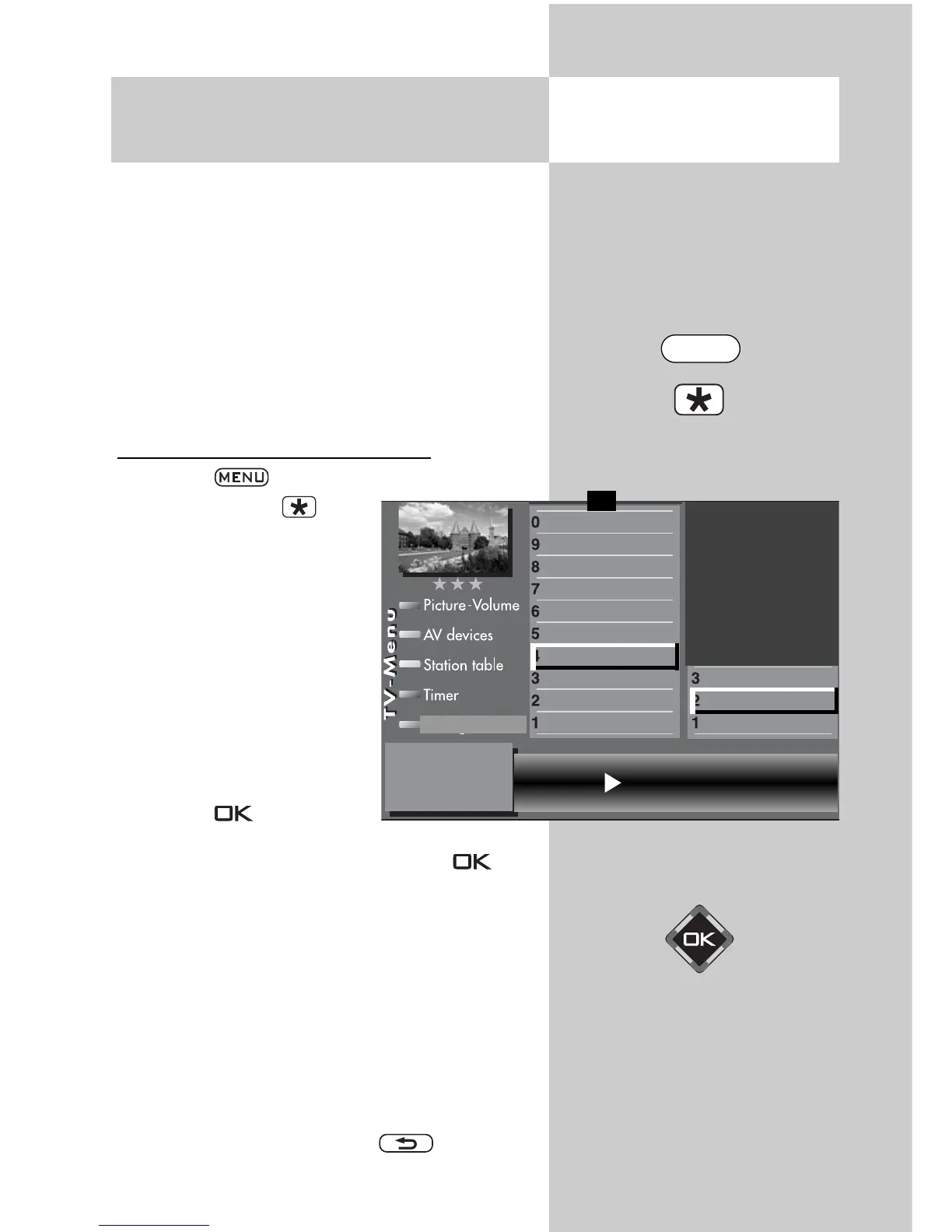
Executing a terrestrial station search
• Press the key to open the TV menu.
• Press the red key to
open the menu “Configura-
tion“.
• Use the corresponding
numeric key (in the exam-
ple:
) to select
“Analogue TV“.
• Use the corresponding
numeric key (in the exam-
ple: ) to select
“Terr. station search“.
• Press the key and, in
the setting window, confirm the menu item
“Start station search“ by pressing the key.
• The TV set starts to search for available stations.
A station table with the newly found stations is
displayed on the left half of the screen. If a sta-
tion table already existed before the search, the
newly found stations are automatically appen-
ded after the last existing station.
• After completion of the search, all stations which
have been found are sorted.
• You can delete any unwanted stations from the
station table by selecting them with the cursor
control key and pressing the key.
Opening the menu
Start stadion search
DataLogic
Analogue station search
Search settings
Function for F2
Function for F1
EURO sockets
DVB-C
2)
DVB-T
2)
DVB-S
2)
Analog-TV
2)
Country
Language
Operating
Configuration
F1
➔
The number of subjects and sections depends on the
selected scope of operation. Depending on the confi-
guration of the TV set, the various menu items may be
displayed in a different order and numbered different-
ly.
2) Possible only on sets equipped with this function.
MENU



 To Next Page