122
The signal type always refers to the input
and output of the AV device.
AV devices equipped with a DVI or HDMI socket
can be connected to the LCD TV with the aid of a
DVI or HDMI cable, respectively.
The connected device must be registered in the
menu “AV devices“ with “Signal OUT“ set to
“DVI“ or “HDMI“, as applicable. Connection via a
DVI or HDMI interface permits digital transfer of
the picture signal from the device to the TV set.
The sound signal must be connected with an addi-
tional Cinch or optical (Toslink) audio cable.
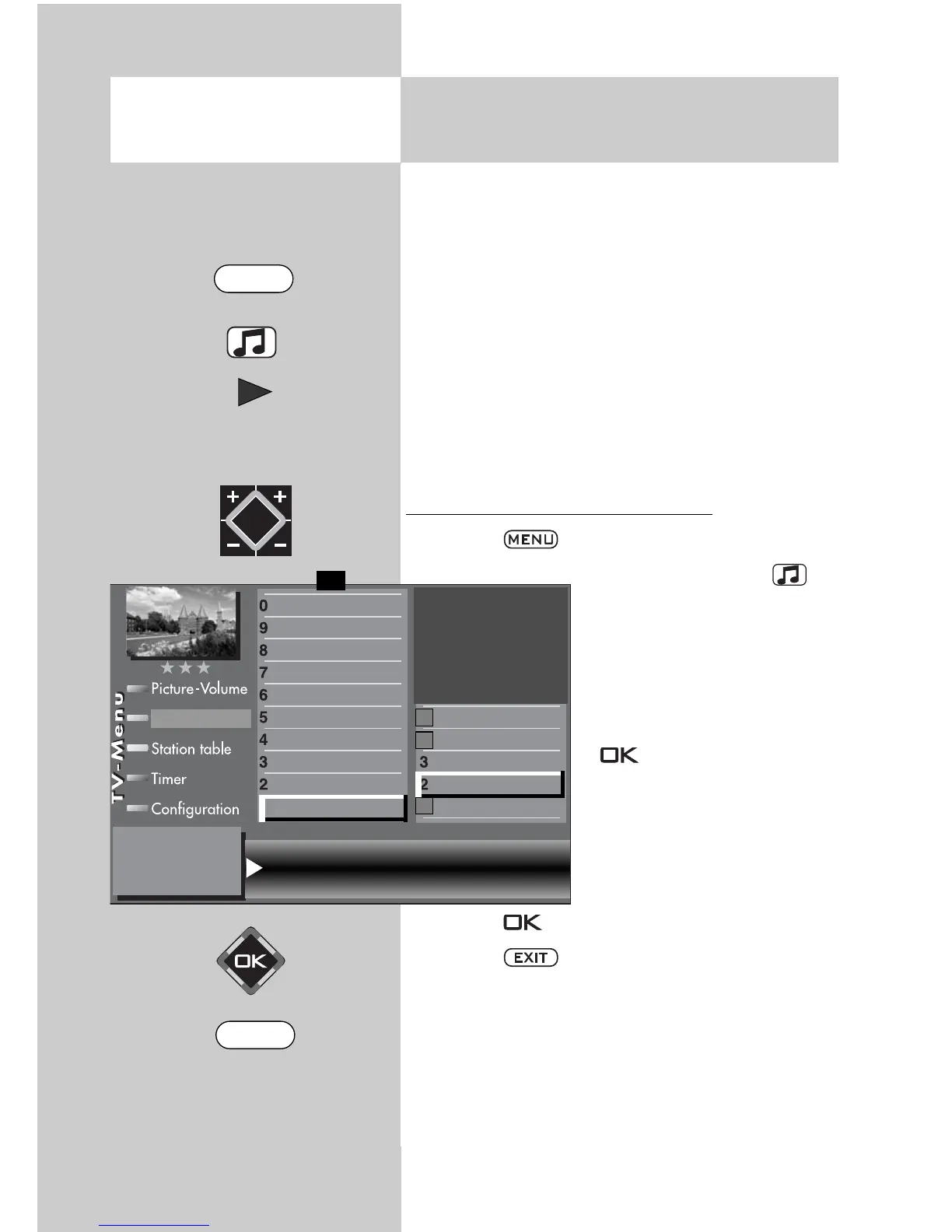
Setting the signal type DVI or HDMI
• Press the key to open the TV menu.
• Press the yellow key to
open the menu “AV devi-
ces“.
• Use the cursor control key
to select the AV device
whose signal type you wish
to change and press the
key.
• Press numeric key
, use
the cursor control key to
select “ Signal OUT“, and
use the V-/V+ key to chan-
ge the setting to “ RGB“.
• Press the key to confirm your selection.
• Press the key to close the TV menu.
Caution ! This may cause an existing con-
nection diagram to be modified. If so, you
must reconnect the AV devices accordingly.
☞
☞
30.2 Registering AV Devices
Setting signal types DVI/HDMI
Opening the menu
Signal OUT HDMI Signal IN no Signal
DataLogic
TV-SPDIF input
2)
Name
Signal types
connect
F1
➔
✗
AV devices
2)
Possible only on sets equipped with this function.
Front HDMI
AV-Receiver
Other device 1
Other device 1
PC
Satellite / set top
DVD Player 2
DVD Player 1
DVD/Videorec.2
DVD/Videorec.1
MENU
EXIT



 To Next Page