91
For a manual station search, you must know the
channel number or the frequency of the station
you wish to find.
Executing the manual search
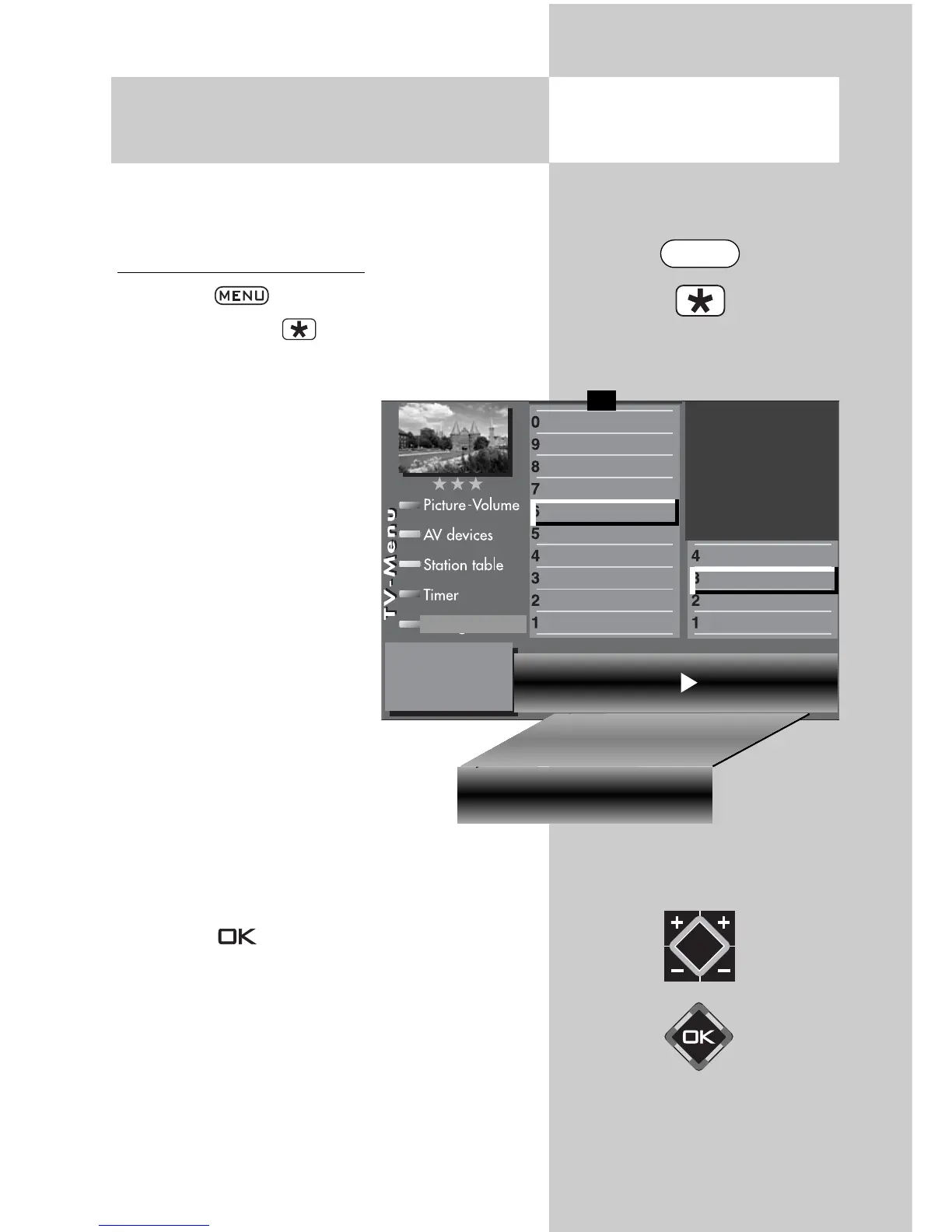
• Press the key to open the TV menu.
• Press the red key to open the menu “Confi-
guration“.
• Use the corresponding
numeric key (in the exam-
ple: ) to select “ DVB-T“.
• In the setting window
“Antenna“, you can switch
the supply voltage for an
antenna on or off with the V-
/V+ key (see also page 89).
• Make a selection with the
assigned numeric key (in the
example
)
, “Manual
search”.
• Enter the channel number or
frequency in the setting win-
dow with the numeric keys. If additional
data of a program is known, then
select the “Mod- parameter” menu
item and change the setting to
“manual” using the V-/V+ key. Addi-
tional data can now be entered.
• After entering the program data with the cursor
control key, select “Start program search”.
• Press key and confirm the question about
the station search with the corresponding nume-
ric key:
free-to-air programs
3)
all programs
3)
free + CICAM programs
3)
.
After pressing the corresponding numeric key
the program search begins.
20.2 Setting Stations
Manual DVB-T station search
2
)
Opening the menu
Channel 05 Frequency
177.500 Mhz
Mod.-Parameter
auto. Start station search
General settings
Manual search
Automatic search
Antenna
Function for F2
Function for F1
EURO sockets
DVB-C
2)
DVB-T
2)
DVB-S
2)
Analog-TV
2)
Country
Language
Operating
Configuration
F1
➔
Transmission 8k Mode Modulation64 QAM
Mod. Parameter manuell
Guard Intervall 1/8
Code rate 3/4 Start station search
2) Possible only on sets equipped with this function.
3) See glossary for an explanation.
MENU



 To Next Page