51
12.7 Connecting Headphones
For the Axio pro, Linus and Sirius, the
headphones connector is located behind
a flap. See page 115. Press ••• to open
the flap.
The headphones connector is located
behind a flap on the left side for the
Axio pro and Linea. See page 115.
Press I I I in order to open the flap.
The headphones connector is located
behind a flap on the right side of the Pri-
mus. See page 115.
Radio headphones can also be connec-
ted to the AUDIO OUT sockets on the
back of the TV set. Also see page 116.
The sound settings for the radio head-
phones should then be set as described
on page 50.
We recommend headphones with impe-
dance that is not less than 32 Ohm.
For headphones with less impedance
(approx. 8 Ohm), the dynamic range is
smaller.
The headphones volume can be saved as
a default value (see Chapter 12.)
Setting the volume too high
when using headphones or ear-
phones can result in damage to
the ears - including the complete
loss of hearing.
When receiving a dual-language pro-
gram, you can switch between the two
sound channels.
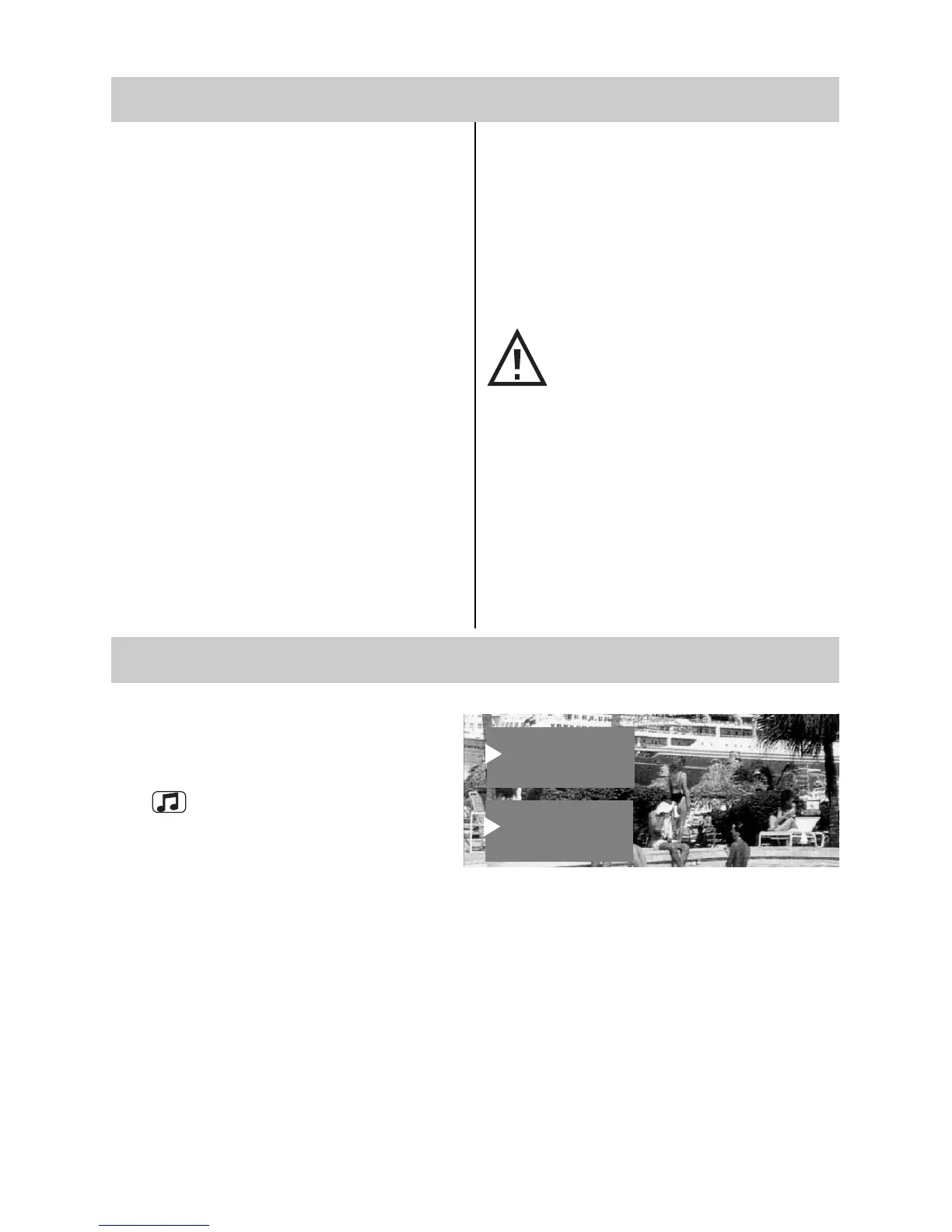
In TV mode, press and hold the yellow
key until the sound function “Sound
mode“ is selected.
Then use the V-/V+ key to select Sound
1 or Sound 2.
12.8 Sound 1, Sound 2
Headphone volume
Headphone Ton 2
Headphone volume
Sound via
Sound mode Ton 2
Balance



 To Next Page