72
Various programs are transmitted with several
audio channels (e.g. multilingual or ).
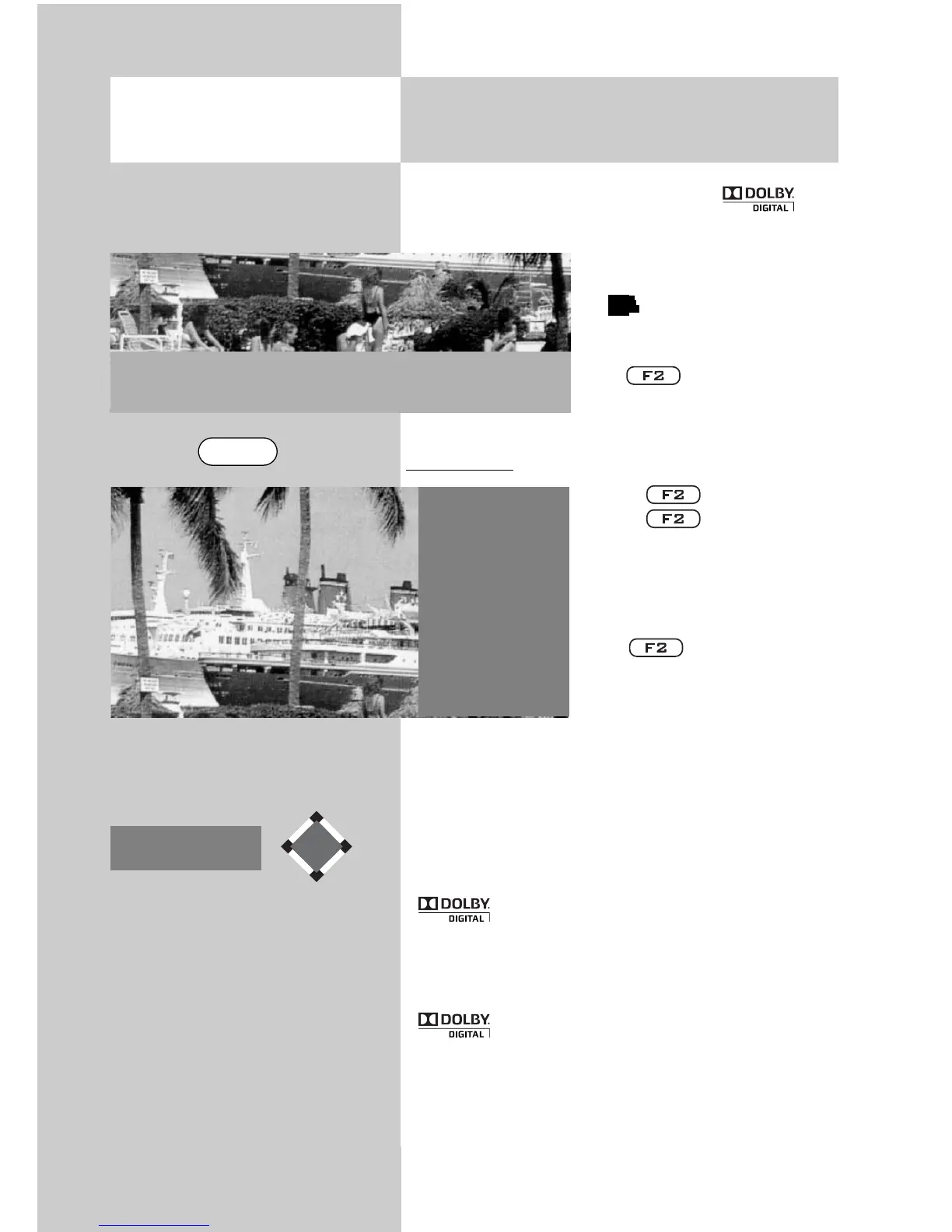
If you are receiving a multilingual program the
information box on the bot-
tom left of the screen features
the logo.
Press to see the list of
available languages.
Open menu:
• Press .
Press briefly to run
the function programmed
for the key (see Chapter
17. “Programming function
keys“).
Press for approx. 3
seconds and the max. possi-
ble selection is displayed.
• Press numeric key
and
select the “Program langua-
ge“ function.
• Select a language with the cursor control key
.
Symbol in grey:
Other audio options e.g. dd = “Dolby digital“ are
available but are not selected.
Symbol in white:
One of the audio options has been selected.
Pr 30 Stereo
arte
05.04.07
b
b
16. Special Functions
Audio/language selection
Opening the menu
Special fuctions 2
2
Language of progr.
4 Photo Viewer
5 File manager
9 Timer overview
0 Direct recording
1 German
2
France
F2



 To Next Page