24
10.2 AV Playback
MPEG noise reduction
Opening the menu
In AV mode, when playing back digitally encoded
films, system-related digital picture faults that can
be seen as a rectangular pattern (formation of tiny
blocks) in moving areas can be reduced with the
help of MPEG noise reduction.
The rectangular pattern (formation of tiny blocks)
can be corrected in the “MPEG Noise Reduction”
menu option.
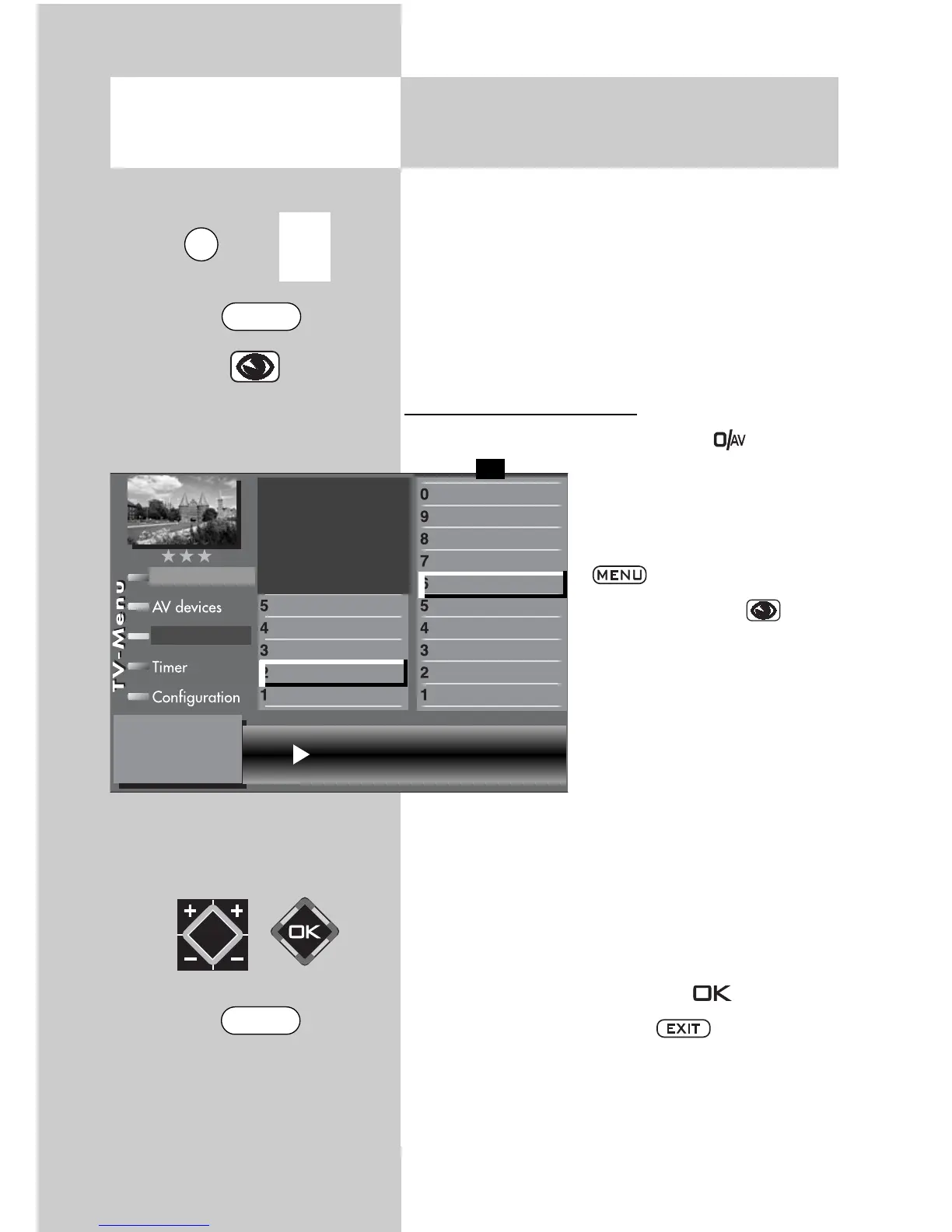
Set MPEG noise reduction:
• Select the AV level by pressing the button
and using the numeric buttons
to select the AV device that is
to provide the picture..
• Select the TV menu with the
button.
• Press the blue key .The
menu “Picture and sound“
and the menu item “Picture
settings, gen.“ is pre-selec-
ted.
• Use the corresponding
numeric button (in the exam-
ple
) to select the menu
item “Pict. set., prog.posn.”.
• Use the corresponding numeric button (in the
example:
to select the menu item “MPEG noi-
se reduction”.
• Set the “MPEG noise reduction” with
the V-/V+ button.
• Save the setting by pressing the button.
• Clear the TV menu with the button.
3) See glossary for an explanation.
7) Available only for analogue stations!
MPEG noise reduction medium
Picture format
Colour standard
3)7)
Colour offset
3)7)
Noise reduction
3)
MPEG noise reduction
Picture sharpness
Picture profile
Colour intensity
Contrast
Brightness
Picture profile adjustmen
)
Sound set,.prog.posn
Sound settings, gen.
Pict.set.,prog.posn.
Picture settings, gen.
Picture-Volume
F1
➔
Station table
EXIT
0/
AV
MENU



 To Next Page