95
Each DVB-S receiver must be assigned a sub-
scriber number (SCR no.) and the associated sub-
scriber frequency (SCR freq.) from the frequency
bank (see channel router or its user’s guide)
Each subscriber number and subscriber fre-
quency may only be assigned once.
The DVB-S receiver in the TV set requests the data
for the desired program from the channel router.
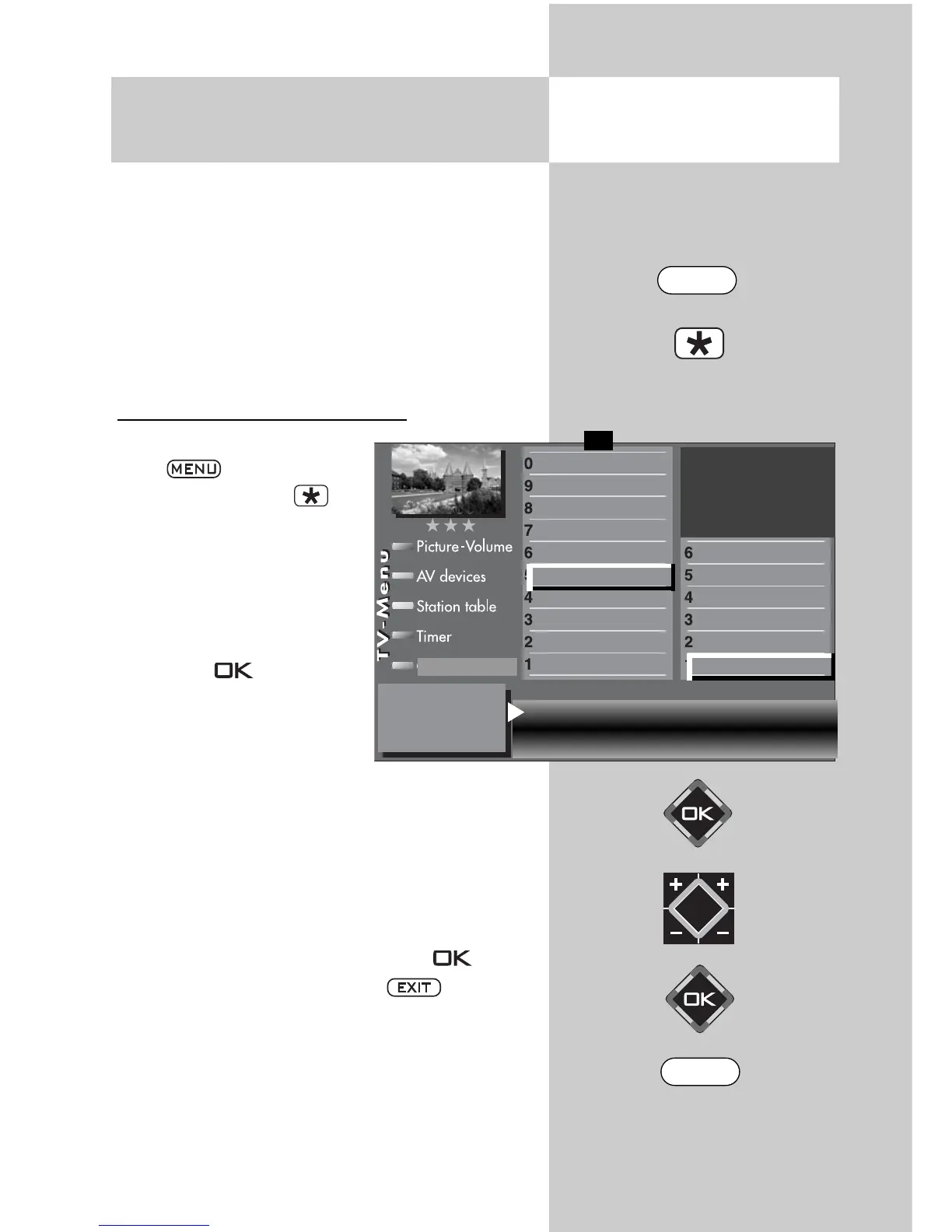
Setting the SCR no. and SCR freq.
• Call up the TV menu with
the button
•
Use the red button to
open the “Configuration”
menu.
• Select the menu option
“DVB-S” with the assigned
numeric buttons. In the
example it is
.
• Press the button and
the “Arial facility” setup
window opens.
• Use the cursor control but-
tons to select
“Antenna” and then the V-/V+ button to select
“Unicable”.
• Use the cursor control buttons to select the SCR
data for each receiver.
• Enter the required data with the
numeric buttons.
• Confirm the setting by pressing the button.
• Clear the “TV menu” with the button.
☞
20.4 Set-up of satellite system
Unicable
2)
Opening the menu
Antenna Unicable Power compensation off
SCR1 no. 1
SCR1 freq. 1284 MHz
General settings
Manual search
Automatic search
Hot Bird 13°
Astra 19,2°
Arial facility
Function for F2
Function for F1
EURO sockets
DVB-C
2)
DVB-T
2)
DVB-S
2)
Analog-TV
2)
Country
Language
Operating
F1
➔
Configuration
2) Possible only on sets equipped with this
function.
EXIT
MENU



 To Next Page