The menu items “On time“ and “Off time“ are
not available in a 2 ** menu.
In the menu item “Timer control“, you can program a
switch-on time, a switch-off time and a sleep timer
(switch off after ...).
The switch-on time is the time at which the TV set is to
be switched on automatically.
The switch-off time is the time at which the TV set is to
be switched off automatically.
The sleep timer (switch off
after...) switches off the TV set
after a programd delay
(which can be set in steps of
15 minutes).
Setting the on time and of
f
time
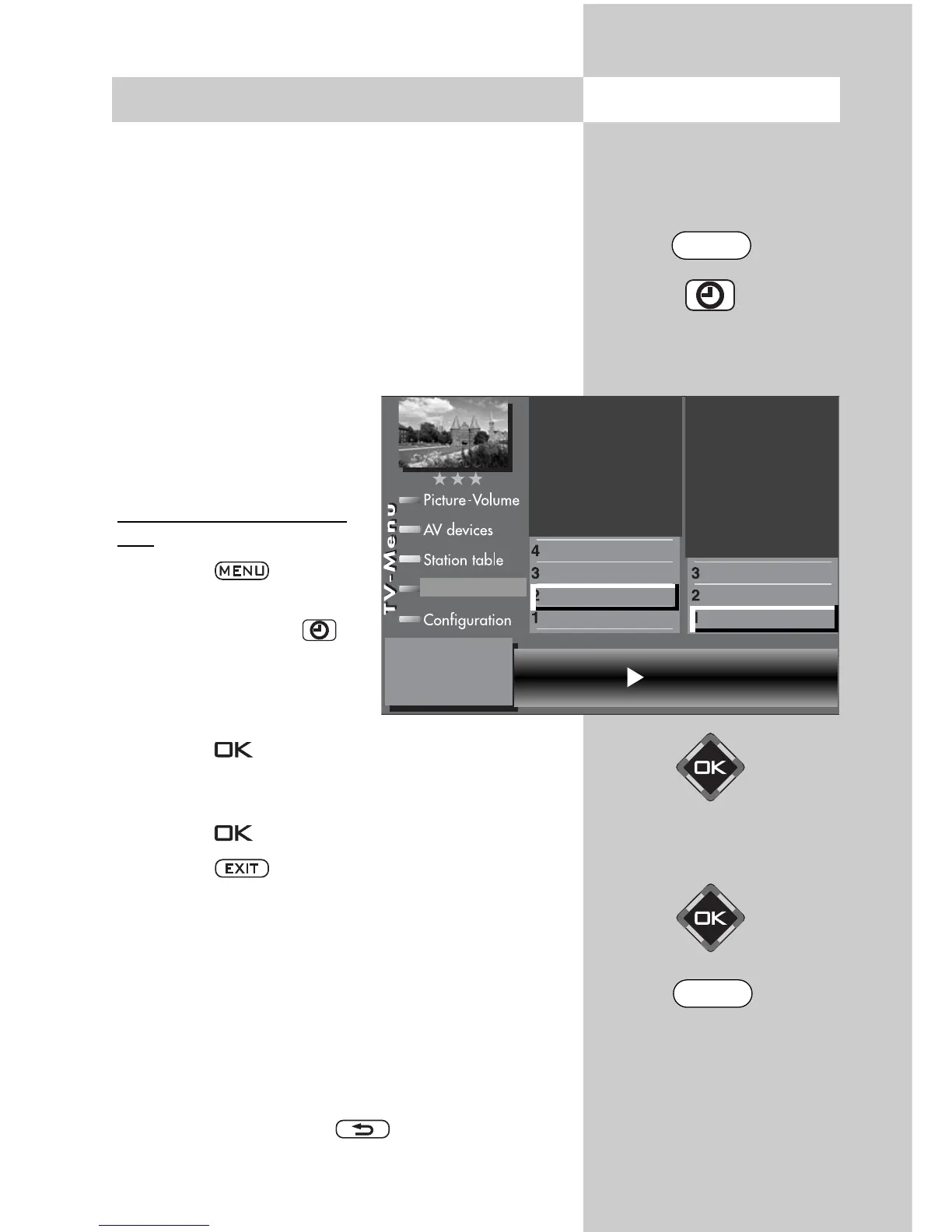
• Press the key to open
the TV menu.
• Press the green key to
open the “Timer“ menu.
• Press the numeric key
to
select “Timer control“.
• Press the key and then, in the setting window,
enter the desired time (four digits) with the numeric
keys.
• Press the key to save the setting.
• Press the key to close the TV menu.
At the programmed on time, the TV set is switched on
from the standby state (red LED lights). You must con-
firm this automatic action by pressing any key on the
remote control. If this is not done, the TV set will switch
back to the standby state after 10 minutes. This ensu-
res that the TV set does not stay on if you are not at
home.
If you do not want to have the TV set switch itself on
each day, you must clear the on and off times in the
menu by pressing the key.
☞
☞
15. Timer Control
Opening the menu
The number of subjects and sections
depends on the selected scope of opera-
tion. Depending on the configuration of the
TV set, the various menu items may be dis-
played in a different order and numbered
differently.
Time --:--
Switch off after...
Switch-off time
Switch-on time
Recording control
Timer setting
Timer control
Childlock
Timer settings
55
. . . .
EXIT
MENU



 To Next Page