52
Opening the menu 13. Automatic zoom
The menu item “Automatic zoom“ is not
available in a 2 ** menu.
When the automatic zoom function is active, pro-
grams in a “widescreen“ format (such as pro-
grams in 16:9) are expanded to fill as much of the
screen as possible.
If the function is inactive, the programs are dis-
played in their original format.
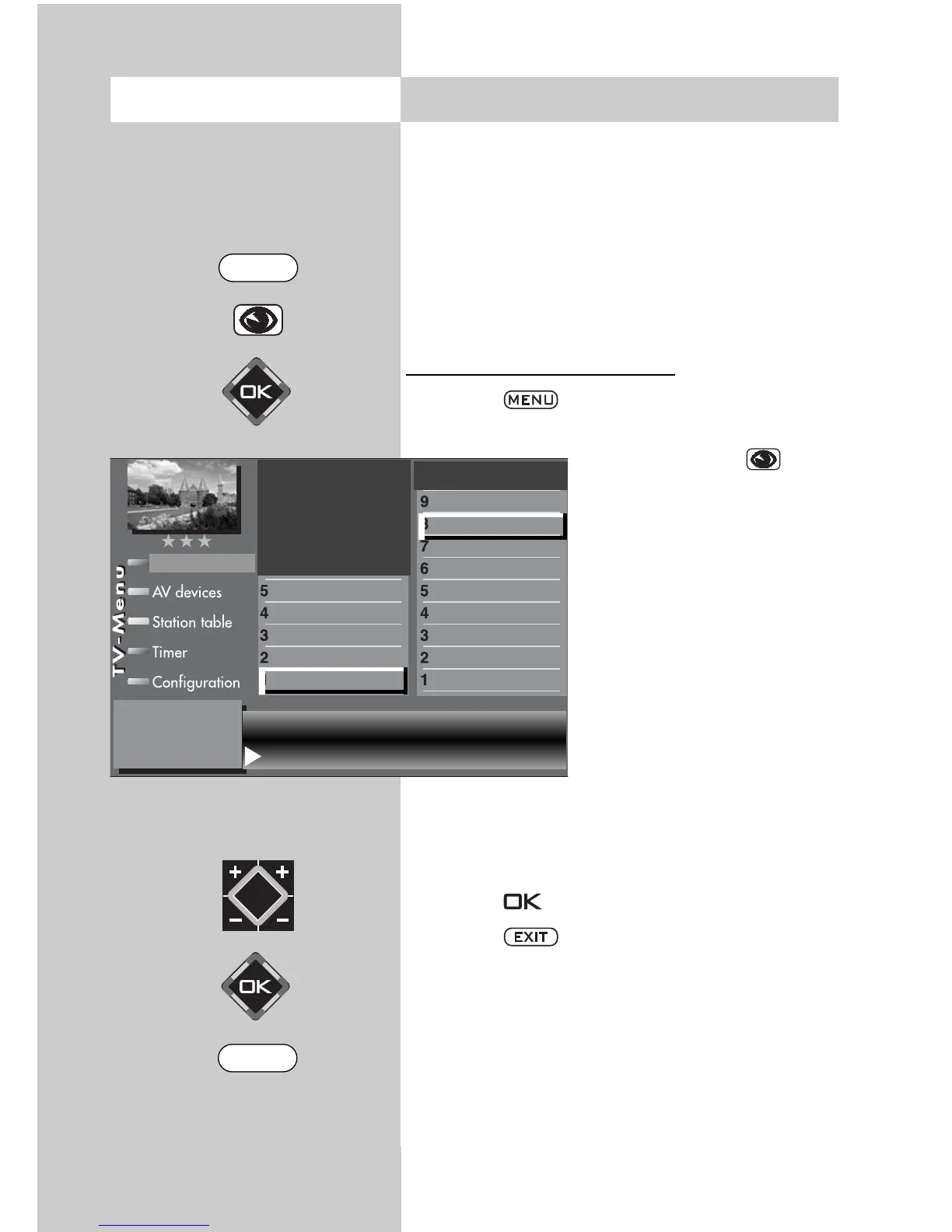
Activating the automatic zoom
2)
• Press the key. The TV menu appears on
the screen.
• Press the blue key .
The menu “Picture and
sound“ and the menu item
“General picture settings“
are pre-selected.
• Use the cursor control key
to select the menu item
“Brightness“.
• Use the corresponding
numeric key (in the exam-
ple: ) to select the func-
tion “Zoom/Panorama“.
• Use the cursor control key
to select the menu item
“Automatic zoom“.
• Use the V-/V+ key to change the setting.
• Press the key to save the new setting.
• Press the key to close the TV menu.
☞
Zoom value 0 Panorama Yes
Picture pos., vert. 0% Pan. mode
Non-linear
Automatic zoom on
Picture profile selection
Zoom/Panorama
Noise reduction
3)
Picture sharpness
Colour impr.
Colour intensity
Power options
Contrast
Brightness
Picture-Volume
Picture profile adjustment
2)
Sound set,.prog.posn
Sound settings, gen.
Pict.set.,prog.posn.
Picture settings, gen.
EXIT
MENU



 To Next Page