28
11. General Picture Settings
Some of the menu items are not available
in a 2 ** menu.
The picture settings brightness, contrast, colour
intensity, sharpness and noise reduction can be set
generally for all program positions and saved as
standard values which can be recalled at any
time by pressing the key.
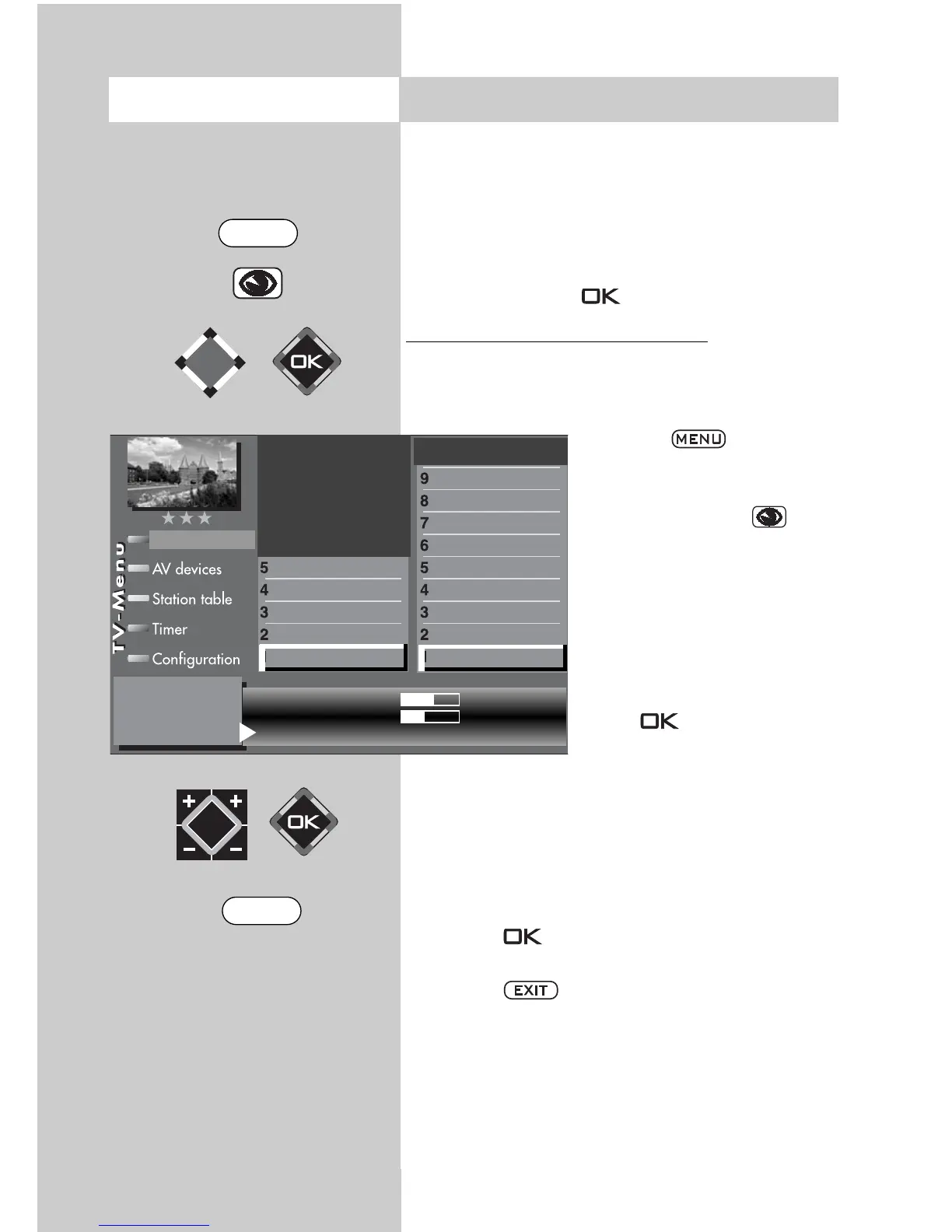
Opening the picture settings menu:
This example describes how the brightness is
adjusted. The other picture settings can be adjus-
ted in a similar manner.
• Press the key.
The TV menu appears on
the screen.
• Press the blue key .
The menu “Picture and
sound“ and the menu item
“General picture settings“
are pre-selected.
• Use the cursor control key
to select the menu item
“Brightness“.
• Press
button
.
• In the setting window, use
the V-/V+ key to change the
setting.
• Use the cursor control key to select the third
line “Save as standard values“.
• If you wish to save the new setting, use the
V-/V+ key to select “Yes“.
• Press the key to save the changed setting
as a standard value.
• Press the key to close the TV menu.
If the standard values do not provide a satisfac-
tory picture in some program positions, you can
make settings for these positions which differ
from the standard values. See the next sections.
11.1 and 11.2.
☞
☞
Opening the menu
Brightness
61
Standard value
50
Use as default value: Yes
Picture profile selection
Zoom/Panorama
Noise reduction
Picture sharpness
Colour impr.
Colour intensity
Power options
Contrast
Brightness
Picture-Volume
Picture profile adjustment
Sound set,.prog.posn
Sound settings, gen.
Pict.set.,prog.posn.
Picture settings, gen.
The number of subjects and sections depends
on the selected scope of operation. Depending
on the configuration of the TV set, the various
menu items may be displayed in a different
order and numbered differently.
MENU
EXIT



 To Next Page