68
Opening the menu
If you wish to record the program you are current-
ly watching, you can start a direct (one-touch)
recording to make the current program available
to a recording device connected to the EURO
sockets.
Star
ting a direct recording:
• Press the key.
If you press briefly, the function pro-
grammed for F2 (see Section 17. “Programming
the Function keys“) is executed.
If you hold down for about two seconds,
all possible selections are displayed.
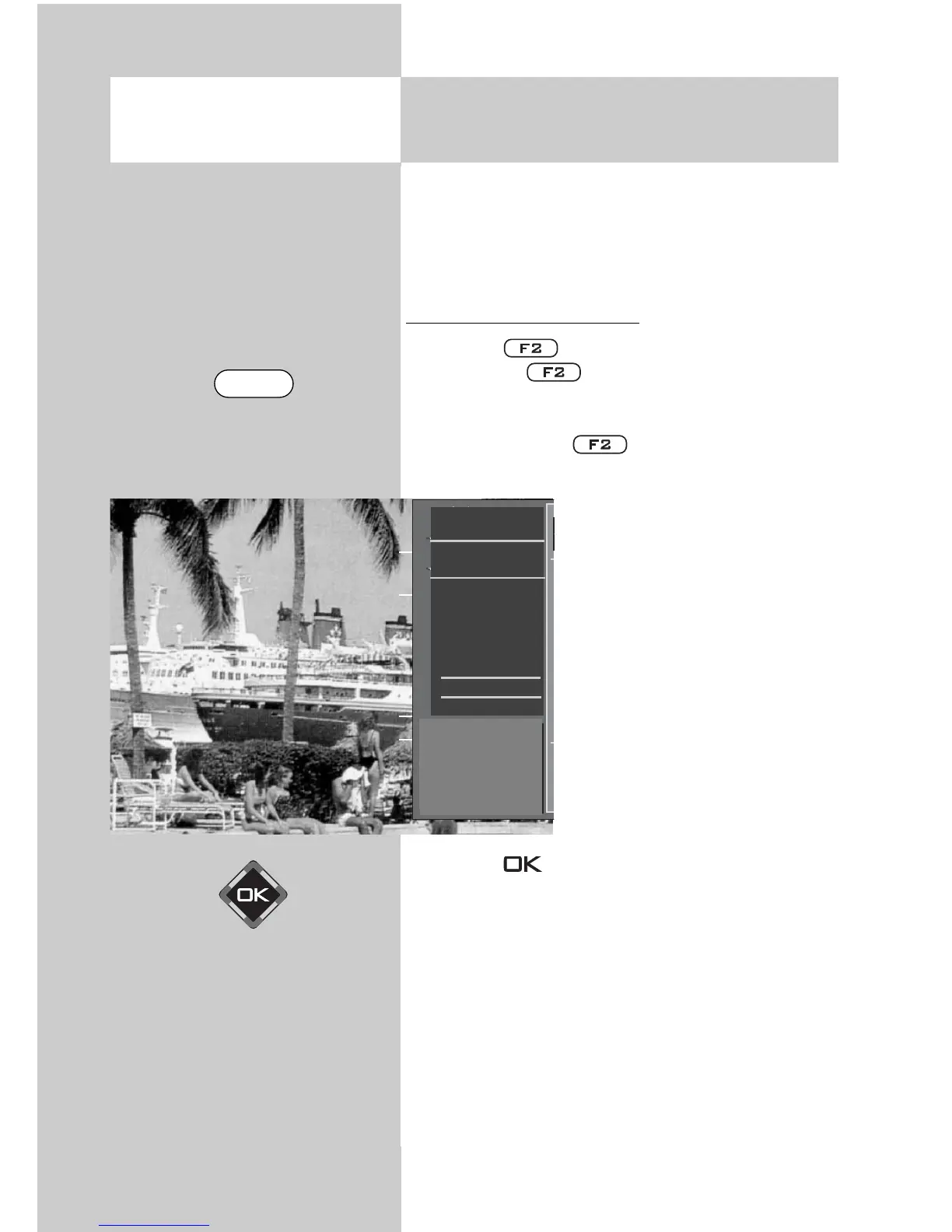
• Press numeric key to open
the timer menu window.
The timer menu window dis-
plays the program position,
the date and the EPG data
for the current program or for
the next two hours.
• If there is more than one AV
device connected to your TV
set, use the cursor control key
to select the proposed
recording device and use the
V-/V+ key to select the des-
ired device.
• Press the key to save the settings.
On the recording device (e.g. video recor-
der), select the AV program position and
start the recording by pressing the appro-
priate button (REC, OTR, etc.).
☞
16. Special Functions
Direct recording of a program



 To Next Page