67
make the program available for recording.
• Press the cursor control key and use the
numeric keys to enter the date, start time and
end time of the program you want to record..
If you inadvertently enter a wrong time,
you can delete it with the I key or
overwrite it with the numeric keys.
• Press the cursor control key and use the
V-/V+ key to select the recording device con-
nected to the TV set which is to be used for the
recording.
•
Press the key to save the programmed set-
tings. The settings are stored in the timer memo-
ry.
• Press the key to close the TV menu.
Clearing a timer:
• Press the key.
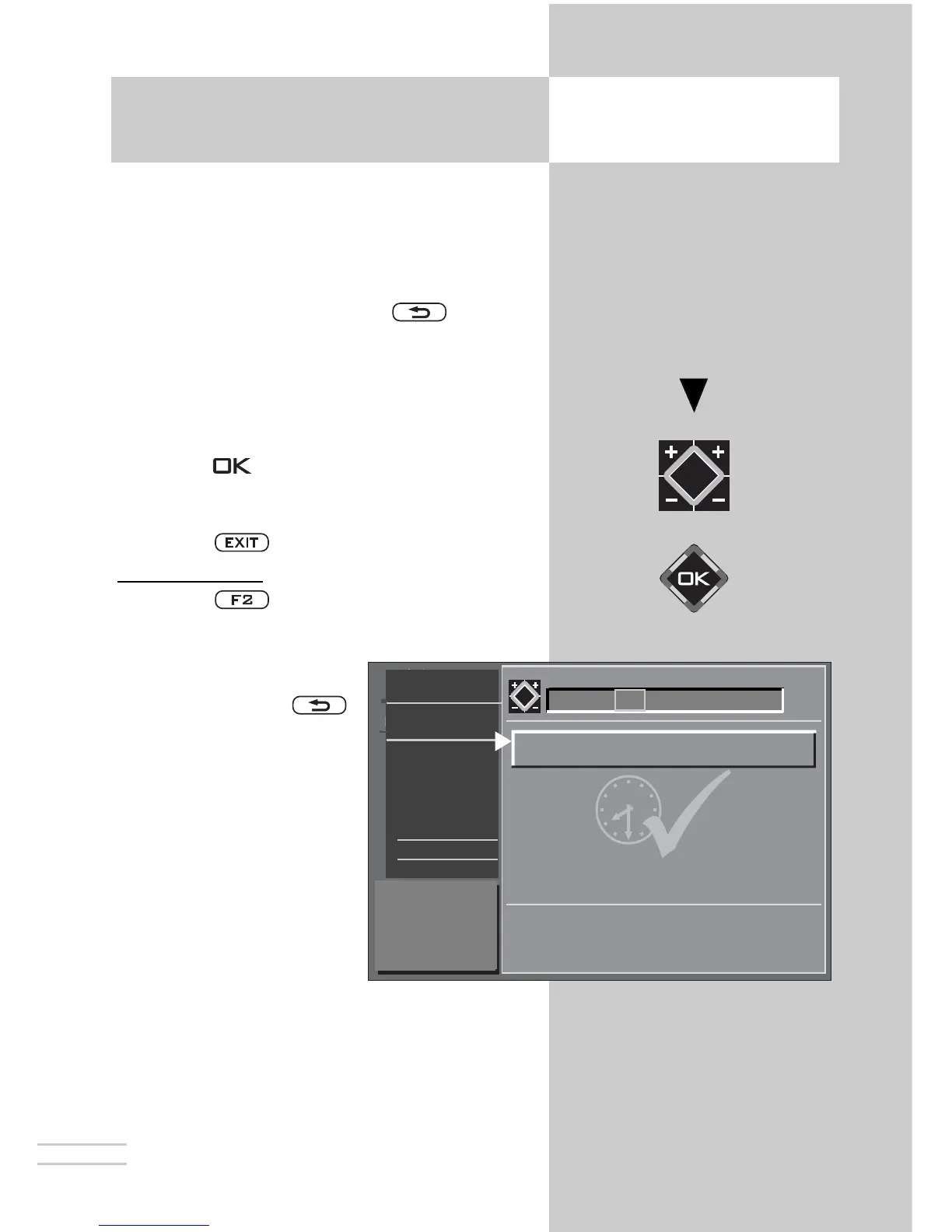
• Press numeric key to open the timer menu.
• Use the cursor control key
to select the timer you wish
to clear and press
to mark it for deletion. A
window is displayed on
the screen, asking whether
you really want to clear
this timer. Confirm the
intended action by pres-
sing the appropriate key.
☞
16. Special Functions
Recording a program with a timer
Opening the menu



 To Next Page