27
Some of the menu items are not available
in a 2 ** menu.
There may be a “noisy” picture, among other
things, when playing back from AV devices.
Noise reduction can be enabled to compensate
for a “noisy” picture.
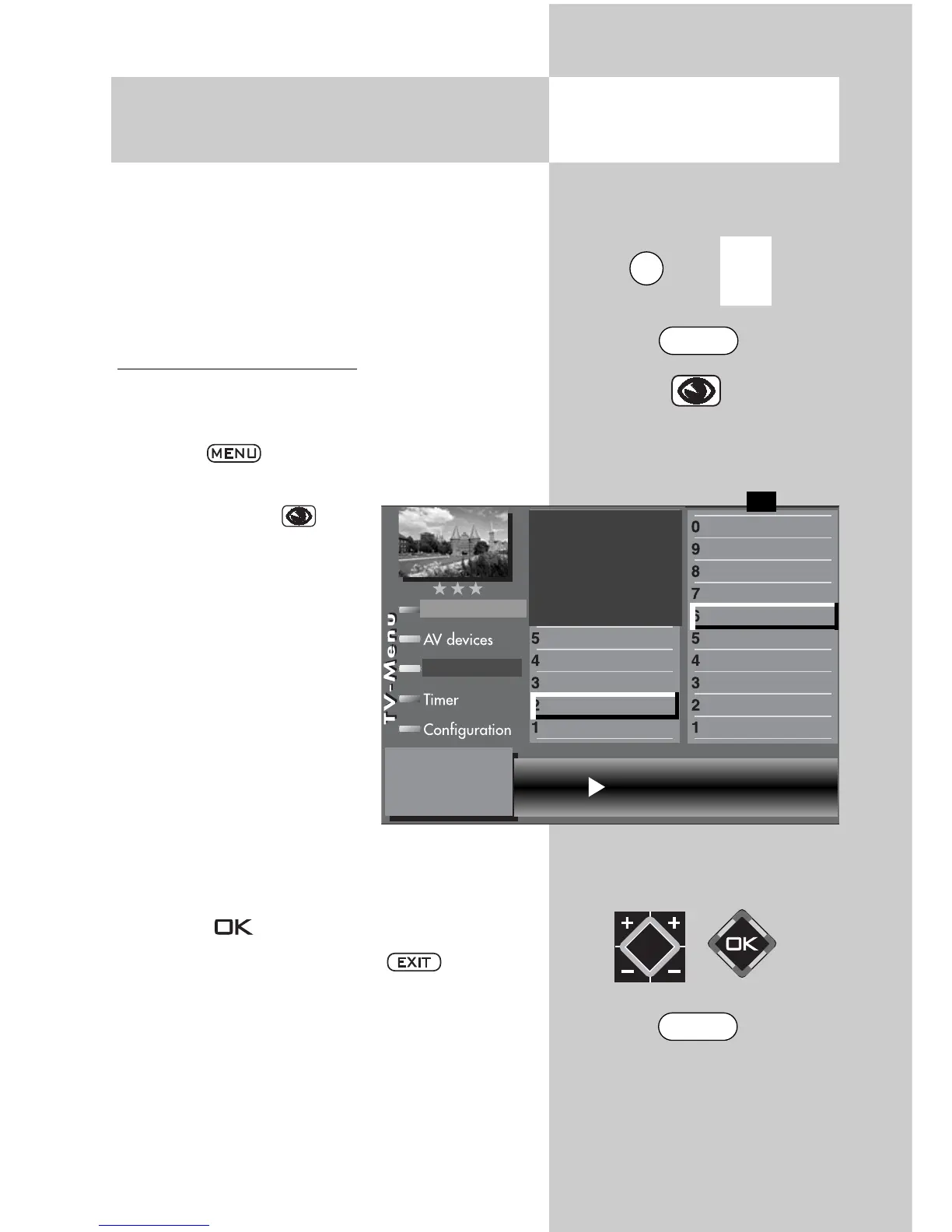
Setting the noise reduction:
•
Select the program position whose picture settings
you wish to change.
•
Press the key.
The TV menu appears on the screen.
•
Press the blue key
.
The
menu “Picture and sound“
and the menu item “Picture
settings, gen.“ is pre-selected.
• Use the corresponding
numeric button (in the
example
) to select the
menu item “Brightness”.
•
Use the corresponding nume-
ric buttons (in this example it
is
for noise reduction), to
select the individual menu
items.
•
In the setting window, change the setting with the V-/V+ but-
ton.
• Press the button to save the new settings.
• Clear the “TV menu” with the button.
☞
Opening the menu
10.5 AV Playback
Noise reduction
3) See glossary for an explanation.
7) Available only for analogue stations
Noise reduction strong
Picture format
Colour standard
3)7)
Colour offset
3)7)
Noise reduction
3)
MPEG noise reduction
Picture sharpness
Picture profile
Colour intensity
Contrast
Brightness
Picture profile adjustment
2)
Sound set,.prog.posn
Sound settings, gen.
Pict.set.,prog.posn.
Picture settings, gen.
Picture-Volume
F1
➔
Station table
EXIT
0/
AV
MENU



 To Next Page