23
10.1 AV Playback
VCR function
The menu item “VCR“ is not available in a
2 ** menu (see Chap. 27) .
Picture quality when playing back from tape devices
The VCR function ensures an optimum picture
quality when playing back recordings from tape
devices such as video cassette recorders or cam-
corders.
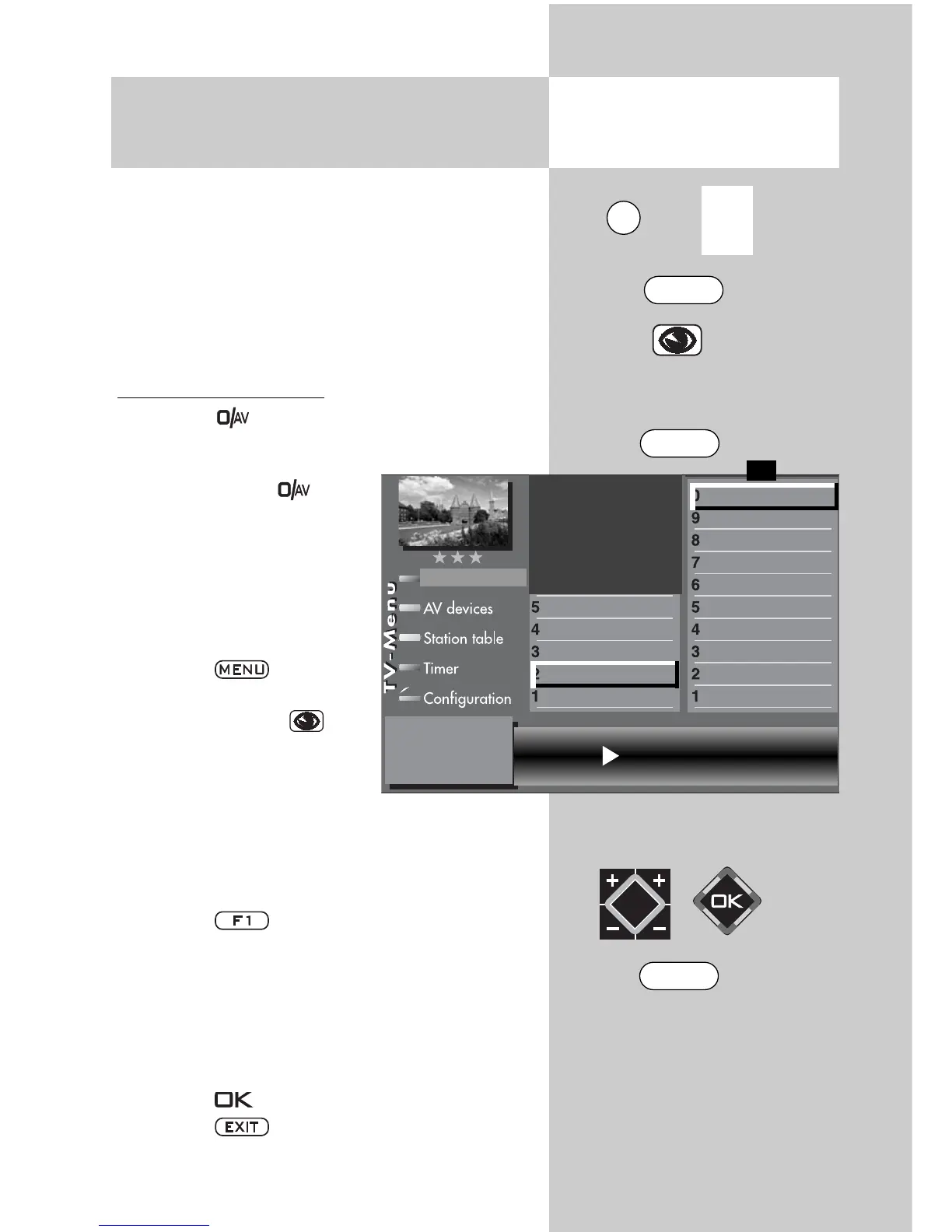
Setting the VCR function
• Press key briefly - the function programmed
for AV devices (see Chapter 17 “Programming
function buttons“) is execu-
ted. Press button for
approx. 3 seconds - the
max. possible selection is
displayed.
• Select the AV device that is
to provide the picture with
the numeric keys.
• Press the key to open
the TV menu.
• Press the blue key . The
menu “Picture and sound“
and the menu item “General
picture settings“ are pre-
selected.
• Use the corresponding numeric key (in the
example:
)
to select the menu item “Pict.set-
tings for Pr.“
• Press the key to display the entire selec-
tion.
• Use the corresponding numeric key (in the
example:
)
to select the menu item “VCR“.
• Use the V-/V+ key to select “Opt.1“. If this set-
ting does not produce a satisfactory result, you
can try using “Opt.2“.
• Press the key to save the new setting.
• Press the key to close the TV menu.
☞
Opening the menu
VCR settings Opt.1
VCR
3)
Picture format
Colour standard
3)7)
Colour offset
3)7)
Noise reduction
3)
MPEG noise reduction
Picture sharpness
Picture profile
Colour intensity
Contrast
Picture profile adjustment
Sound set,.prog.posn
Sound settings, gen.
Pict.set.,prog.posn.
Picture settings, gen.
Picture-Volume
F1
➔
The number of subjects and sections depends
on the selected scope of operation. Depending
on the configuration of the TV set, the various
menu items may be displayed in a different
order and numbered differently.
3) See glossary for an explanation.
7) Available only for analogue stations!
EXIT
0/
AV
MENU
F1



 To Next Page