53
Opening the menu14. Childlock
With the aid of the childlock function, you can
determine whether or not the TV set can be swit-
ched on and which stations may be selected at
which times. The childlock can be set such that:
a) it is always active,
b) one to six TV, radio or AV programs (Prog A ...
Prog F) are exempted from the locking function
(permitted programs), or
c) all programs, or programs which are not
locked, may be viewed during a permitted time
period (TV start – TV end).
The childlock must be saved once with a 4-digit
“code“ (password).
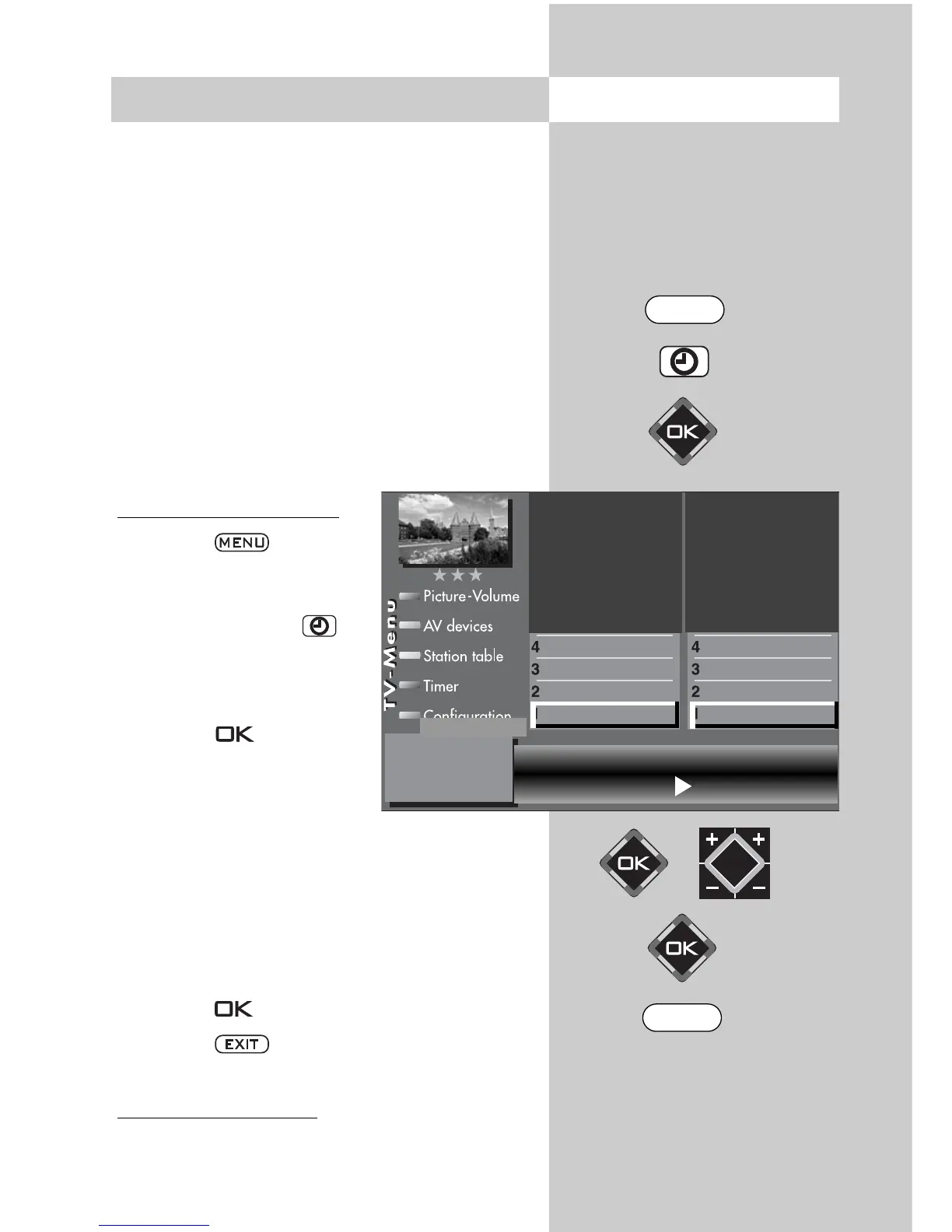
a) Activating the childlock
• Press the key.
The TV menu appears on
the screen.
• Press the green key to
open the menu “Timer“.
• Use the cursor control key
to select “Settings“ and
press the key.
• In the setting window, use
the cursor control key to
select the menu item “Acti-
vate“ and then use the
V-/V+ key to set the childlock to “Active“.
• Use the cursor control key to select “Code“
and enter your personal 4-digit code with the
numeric keys.
Make a note of this code!
• Press the key to save the new setting.
• Press the key to close the TV menu.
b) Per
mitted programs:
The number of subjects and sections depends
on the selected scope of operation. Depending
on the configuration of the TV set, the various
menu items may be displayed in a different
order and numbered differently.
Start viewing time --:-- End viewing time --:--
Code **** Activation on
Permitted AV prog.
Permitted radio prog.
Permitted TV prog.
Settings
Recording control
Timer setting
Timer control
Childlock
Timer settings
EXIT
MENU



 To Next Page