54
14. Childlock
Activate the childlock as described in step a).
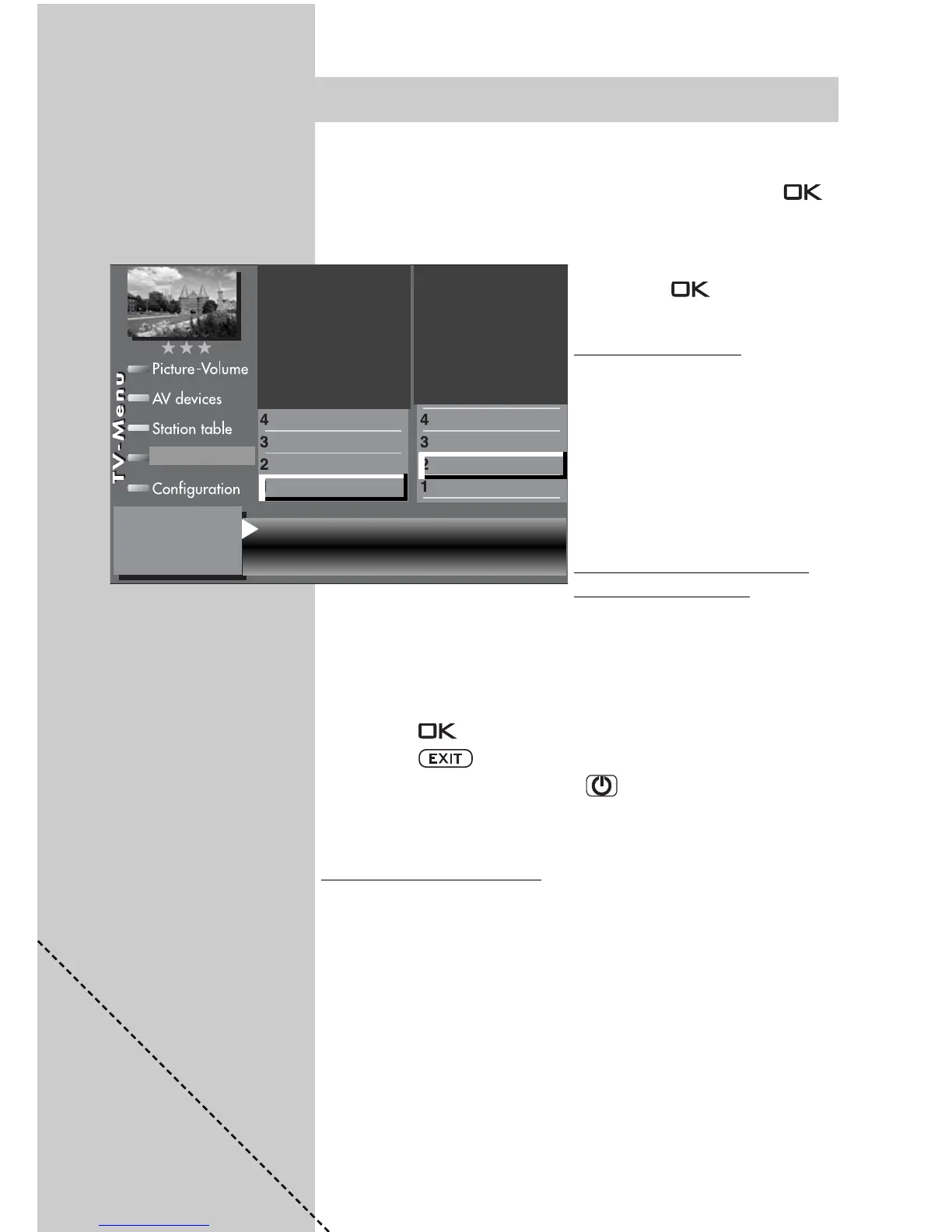
Use the corresponding numeric key to select the menu item
“Permitted xx progs.“ (xx = TV, radio or AV). Press the
key and, in the setting window, enter the program positions
with the numeric keys or use the V-/V+ key to select the des-
ired program positions.
• Press the key to save
the new settings.
c) TV star
t – TV end
Activate the childlock as des-
cribed in step a). In the setting
window, use the cursor control
key to select the start and end
times and enter the desired
times with the numeric keys.
Press the “OK“ key to save the
settings.
Protecting the childlock set
-
tings with your code
• Use the cursor control key to select “Code“ and enter your
personal code (password) with the numeric keys.
Make a note of this code, since the child lock can be
deactivated only if the correct code is entered !
• Press the key to save the settings.
• Press the key to close the TV menu.
• Switch off the TV set with the key.
The childlock is not fully activated until the TV set is
switched off.
Deactivating the childlock
If the childlock is active, a window requesting your personal
code is displayed each time the TV set is switched on. Ente-
ring the correct code enables the TV set and it can then be
used normally until it is switched off again. To cancel the
childlock function, proceed as described in step a), above,
and set the childlock to “Inactive“.
☞
☞
É
Factory setting
Code: 0000
➒
Prog A Kabel 1 Prog B -----
Prog C ----- Prog D -----
Prog E ----- Prog F -----
Permitted AV prog.
Permitted radio prog.
Permitted TV prog.
Settings
Recording control
Timer setting
Timer control
Childlock
Timer settings



 To Next Page