45
In the menu “Sound settings“, you can activate a
two-stage mute function.
When this function is active, the volume in TV
mode can be reduced in two stages with the mute
key .
Activating the mute function
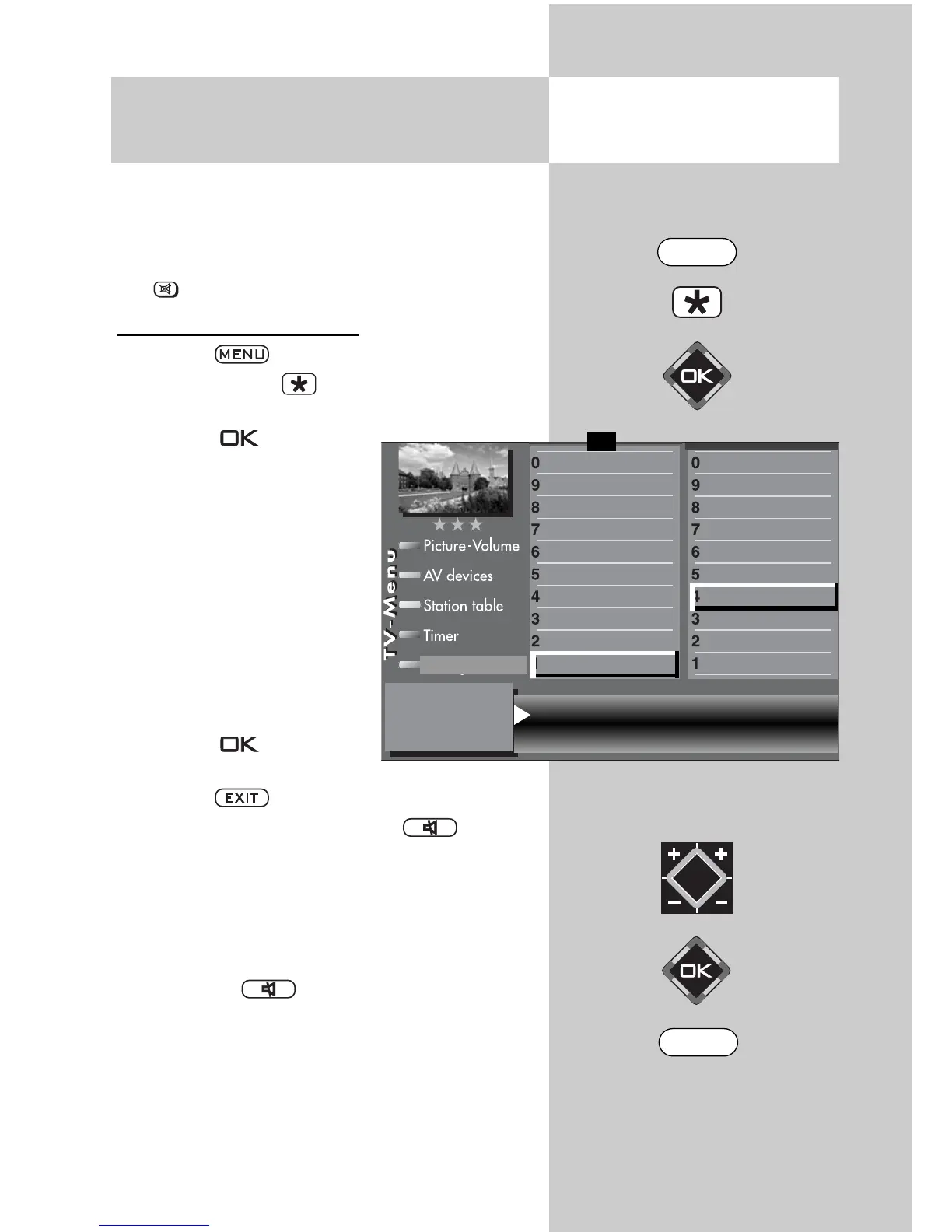
• Press the key to open the TV menu.
• Press the red key to open the “Configura-
tion“ menu.
• Press the key to move
to the right side of the
menu.
• Use the cursor control key
or the corresponding nume-
ric key (in the example: (
)
to select the menu item
“Sound settings“.
• In the setting window, use
the
V-/V+
key to set the
function “Mute (2-stage)“ to
“On“.
• Press the key to save
the setting.
• Press the key to close the TV menu.
In normal TV mode, the mute key is used
as follows:
• Press it once to reduce the volume by 12 scale
divisions.
• Press it again within five seconds to reduce the
volume to “00“.
• Pressing the key once again restores the
volume to its original level.
During films for the blind, the scenes are descri-
bed in the dialogue intervals. Under “Dual chan-
nel“, select “Audio 2“ if you want to receive films
for the blind (with audio descriptions).
12.3 Sound Settings
Mute Function
Opening the menu
2) Possible only on sets equipped with this
function.
Mute (two-stage) on Speakers on
Preset value Channel 1
Subtitle
Data Logic adjustment
CI dialogue via
EPG settings
Display configuration
2)
Operating
Sound settings
HiFi output
2)
Time shift
2)
Init. prog.position
Function for F2
Function for F1
EURO sockets
DVB-C
2)
DVB-T
2)
DVB-S
2)
Analog-TV
Country
Language
Operating
Configuration
F1
➔
EXIT
MENU



 To Next Page