80
18.3
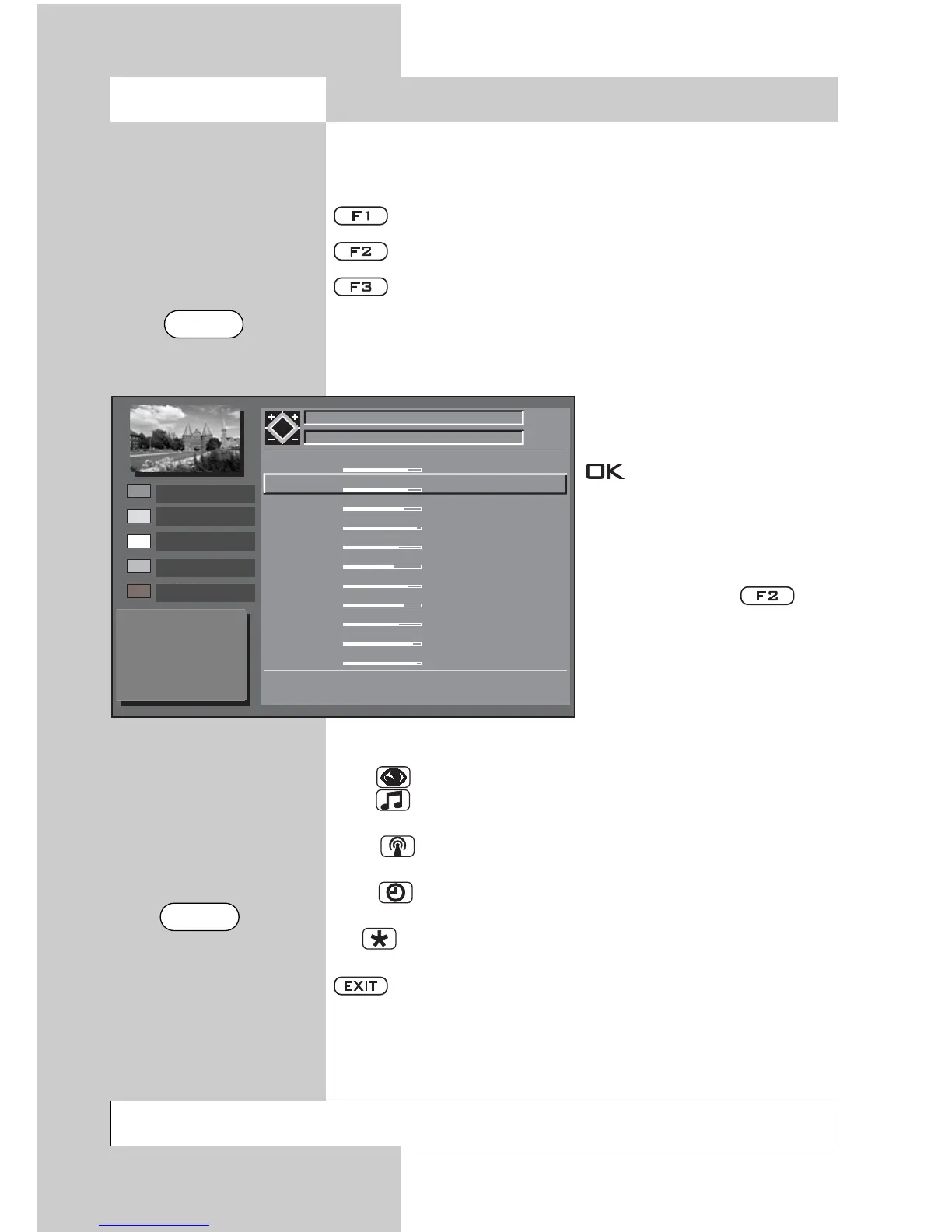
Using the EPG
When the complete data is available, the EPG TV guide
appears after pressing the “EPG” button and shows the
program that is currently running in that program position.
Sort the display by station list.
Sort a station by the timetable.
Sort all stations by time
The last display to be selected is retained after exi-
ting the EPG display
Select program.
Scroll page forwards -
backwards
Watch the selected pro-
gram set a reminder
+P/–P Scroll time of day for-
wards/backwards
After pressing the
button, the station can be
changed with the +P/-P but-
ton.
0-9 Enter a time. Programs
can be selected as of the
time entered.
blau : Program selection of all programs
gelb : User can set interests – or – program selection
in accordance with the set interests of the user
weiß : in F1 status, scroll time of day forwards,
In F2 status, scroll stations forwards.
grün : in F1 status, scroll time of day backwards,
In F2 status, scroll stations backwards.
rot : The selected program is ready to be recorded
(see pg. 89)
Back to TV picture.
V+ / V– Day of week forwards/backwards.
☞
Opening the menu
Not possible with a set top box
EPG
EXIT



 To Next Page