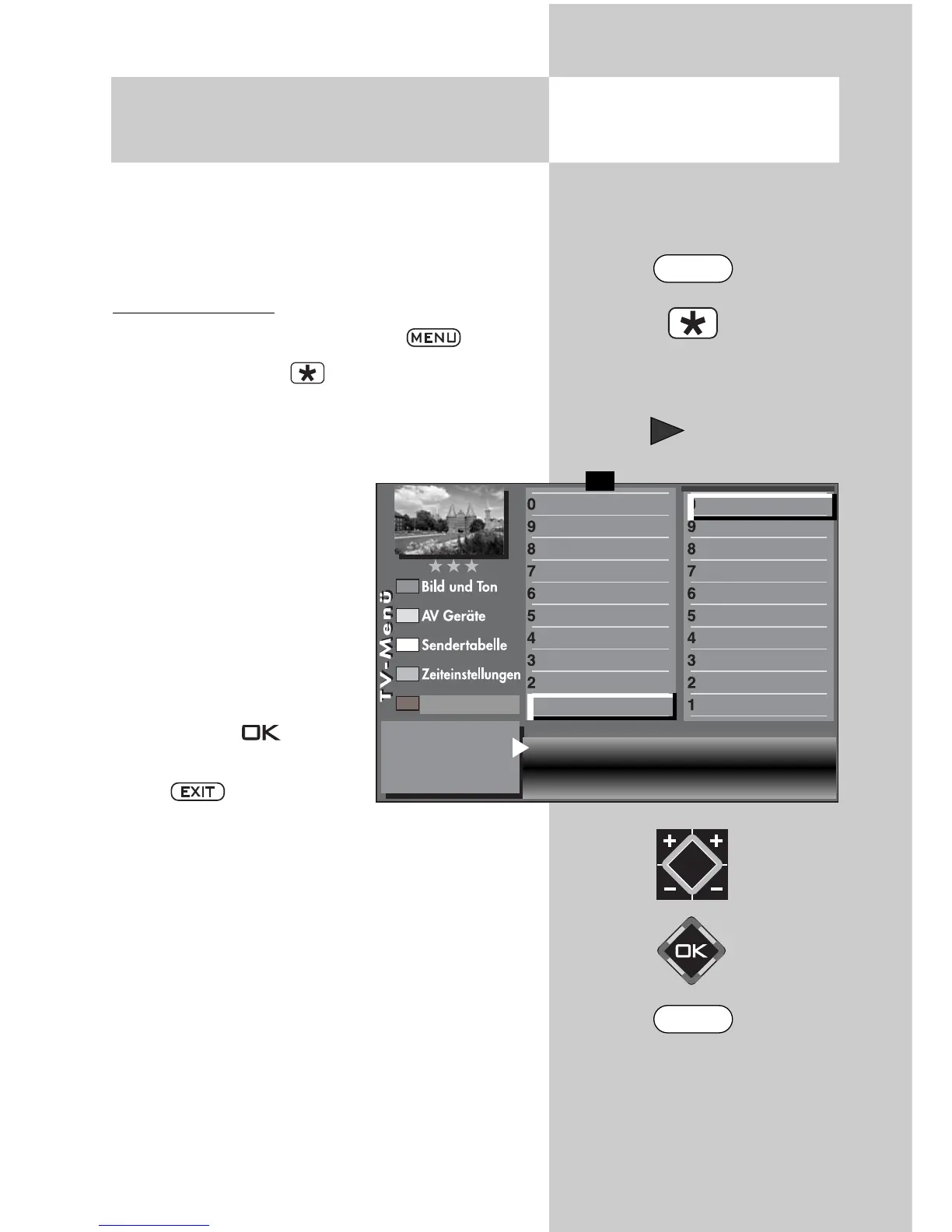
People with a hearing impairment can make use of
the subtitles function.
By default, the “Subtitles” function has to be activa-
ted first of all via the TV menu.
Activating subtitles
• Select the TV menu with the key.
.
• Use the red button to open the “Configura-
tion” menu.
• Use the cursor control key to switch to the
menu item “Initial program position“.
• Use the respective numeric
key to select the “Subtitles“
menu item.
• In the settings window, use
the
V-/V+
key to set the
“Subtitles“ function to “on“.
• If desired, a language can
be selected here.
• Save the changed setting
with the key. .
• Close “TV menu” with the
key. .
Displaying subtitles - see next page.
73
16. Special Functions
Select Subtitle
5)
Opening the menu
Subtitle on
Language select. 1
Deutsch
Language select. 2
English
Language select. 3
Français
Subtitle
Data Logic adjustment
CI dialogue via
EPG settings
Display configuration
2)
Operating
Sound settings
HiFi output
2)
Time shift
Init. prog.position
Function for F2
Function for F1
EURO sockets
DVB-C
2)
DVB-T
2)
DVB-S
2)
Analog-TV
Country
Language
Operating
F1
➔
2) Possible only on sets equipped with this
function.
Configuration
MENU
EXIT



 To Next Page