44
12.2 Sound Settings for Prog.
via the Station Table
Opening the menu
Some of the menu items are not available
in a 2 ** menu.
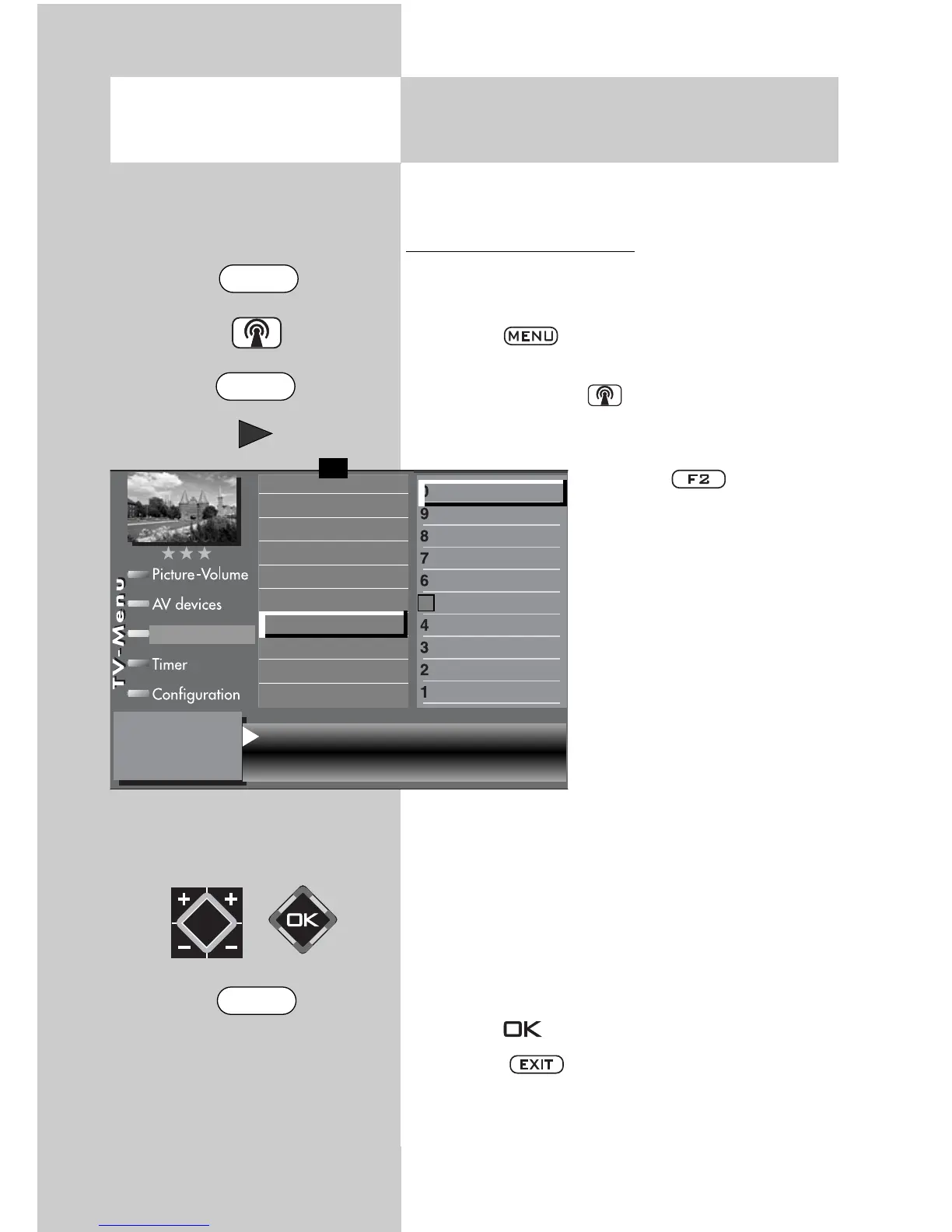
Making sound corrections:
• Select the program position whose sound set-
tings you wish to change.
• Press the key.
The TV menu appears on the screen.
• Press the white key . The station table is
displayed with the currently active program
position highlighted.
• Press the key to ena-
ble editing of the station
table.
• Use the cursor control key
to move to the subjects side.
• Use the corresponding
numeric keys (in this exam-
ple:
for sound correc-
tions) to select the desired
menu items.
• In the setting window, use
the cursor control key to
select the desired functions.
The use of the V-/V+ key to change the selected
setting. “gen.“ means here that the new setting
will overwrite the general sound settings (see
pages 26).
The individual settings made here, which
differ from the standard values, remain
saved.
• Press the key to save the new settings.
• Press the key to close the TV menu.
☞
☞
5) Available only for DVB stations!
7) Available only for analogue stations
Volume correction 0 Tone settings gen.
Sound corrections
Colour standard
7)
Picture quality
Picture correct.
Enter logo
Station contained in EPG
CA module
5)
Signal quality
5)
DVB-prog. info
5)
Frequency/channel
7)
0010 Hessen 3
0009 Südwest
0008 MDR
0007 PRO 7
0006 RTL 2
0005 RTL
0004 SAT 1
0003 Bayern 3
0002 ZDF
0001 ARD
Station table
✗
F1
➔
F2
EXIT
MENU



 To Next Page