43
12.1 Sound Settings for
Programs via TV Menu
Opening the menu
Some of the menu items are not available
in a 2 ** menu.
Tone setting
The tone setting can be set to “Normal“ or
“Speech“. The setting “Speech“ should be used
primarily for stations which broadcast mainly pro-
grams with a lot of speech, such as news stations.
The setting “Normal“ is better for music programs.
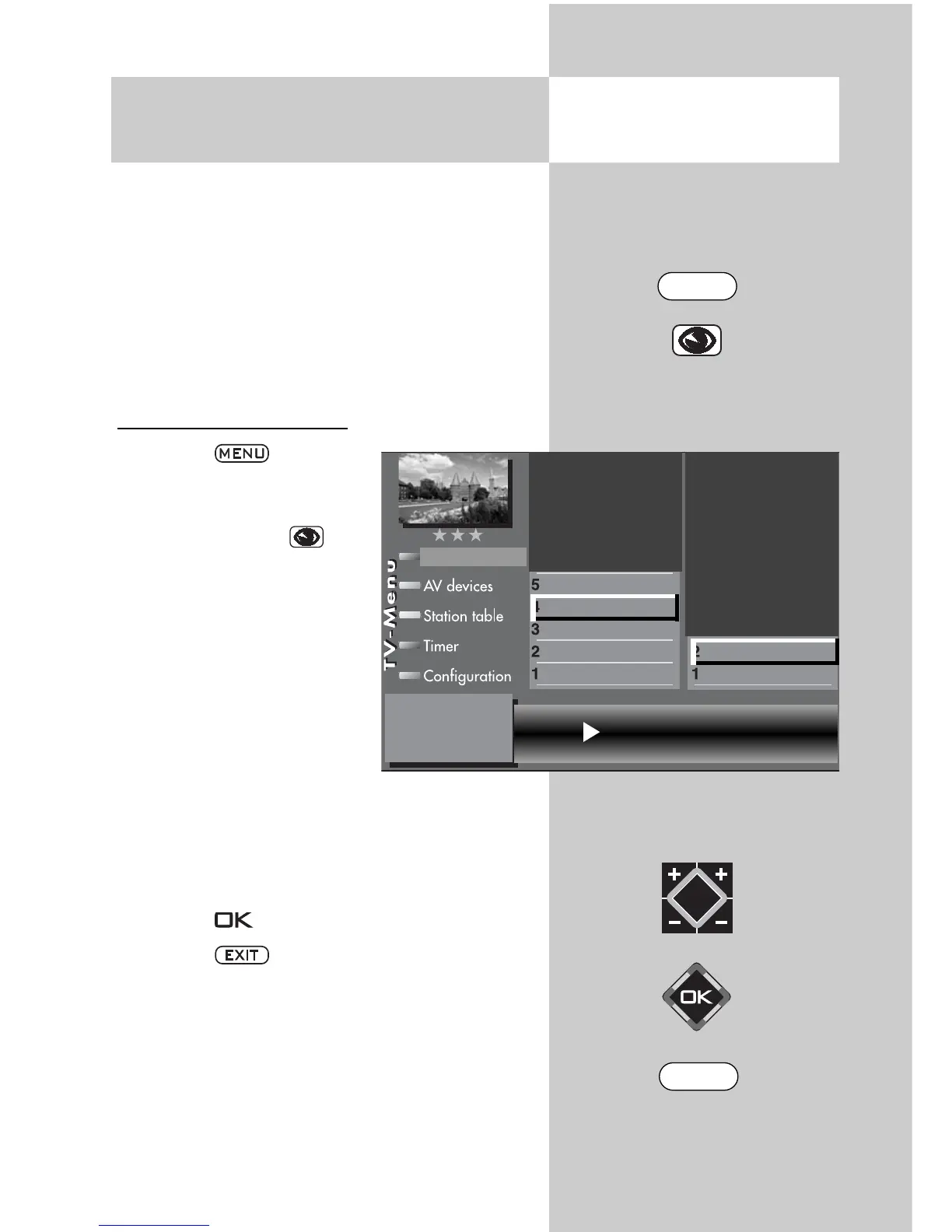
Adjusting the tone setting :
• Press the key.
The TV menu appears on
the screen.
• Press the blue key . The
menu
“Picture and sound“ and the
menu item “General picture
settings“ are pre-selected.
• Use the corresponding
numeric key (in the exam-
ple:
) to select
“Sound settings for Pr.“.
• Use the corresponding
numeric key (in the example: ) to select
“Tone settings“.
• In the setting window, use the V-/V+ key to
change the setting.
• Press the key to save the new settings.
• Press the key to close the TV menu.
Individual sound settings can also be made
in the station table.
☞
☞
Tone settings Speech
Tone settings
Volume correction
Picture-Volume
Picture profile adjustment
Sound set,.prog.posn
Sound settings, gen.
Pict.set.,prog.posn.
Picture settings, gen.
EXIT
MENU



 To Next Page