81
18.3
Using the EPG
Select, watch, remind program
A program can be selected in the TV guide with
the cursor control key.
• Press the button and
- watch the selected program if the program is
already running.
- or set a reminder for it, if the starting time is
still in the future. A green checkmark appears
behind the starting time.
• Press the button to show or hide the con-
tent description of the program. It is not possible
to display the content description for all pro-
grams.
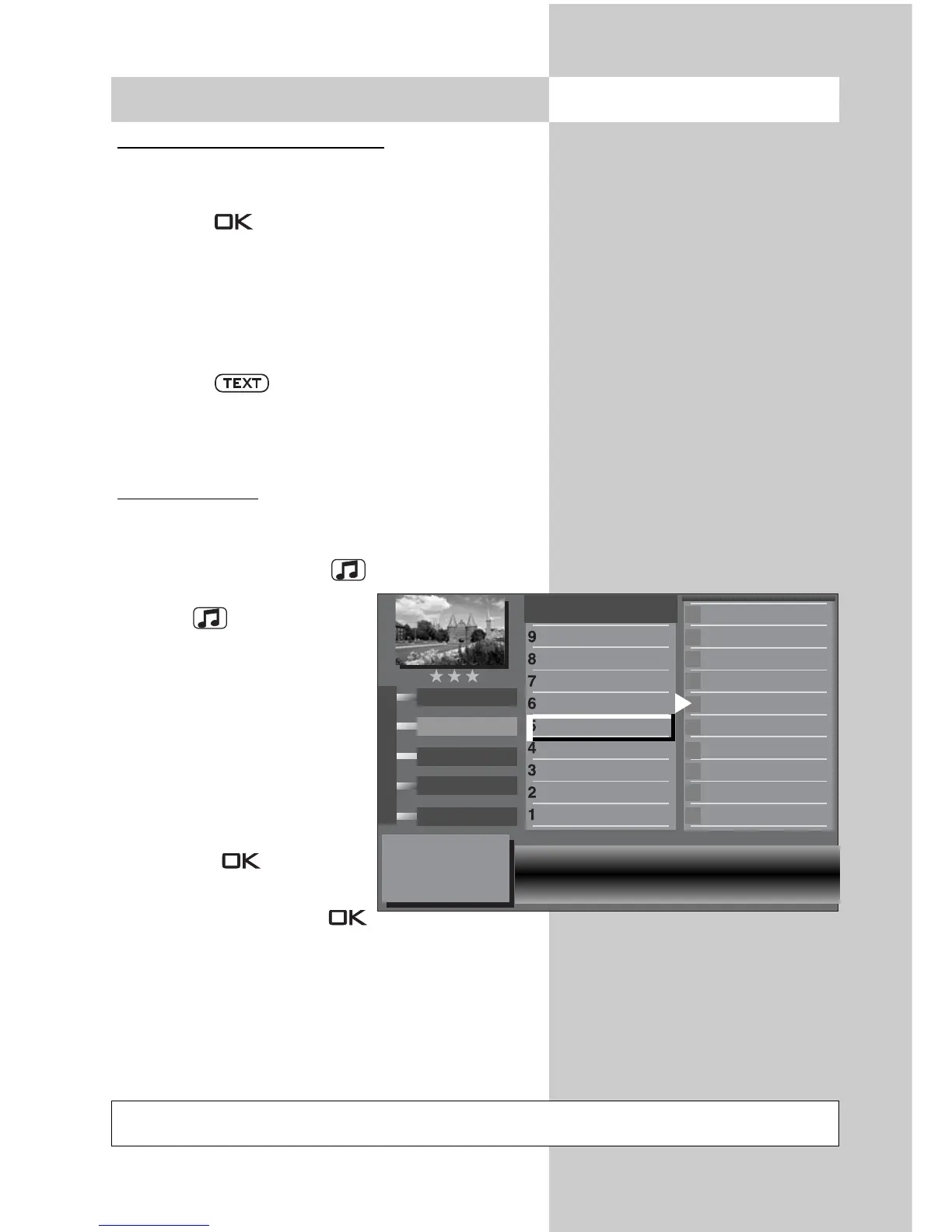
Interests settings
Areas of interest can be set in the EPG TV guide.
To do this:
• Press the yellow button or if you want to
change interests, press the
button twice
.
• use the cursor control key or
the assigned numeric key to
access one of the themes.
• Use the cursor control key
to change to the other
page.
• Use the cursor control key to
access the theme and mark
it with the button
(✗).
• The markings (✗) can be
deleted again with the
button.
Opening the menu
Not possible with a set top box
Interest
All programs
EPG
EPG
✗
✗
adult movie
serious/classical
romance
soap/melodrama
comedy
fantasy
adventure/western
detective/thriller
feature film, general
show all programs
fantasy
comedy
Arts/Culture
Music/Ballet/Dance
Education/Science
Children/School
Sport
Leisure
Shows
Current affairs
Feature film



 To Next Page